Before you start
DVD mode
First:
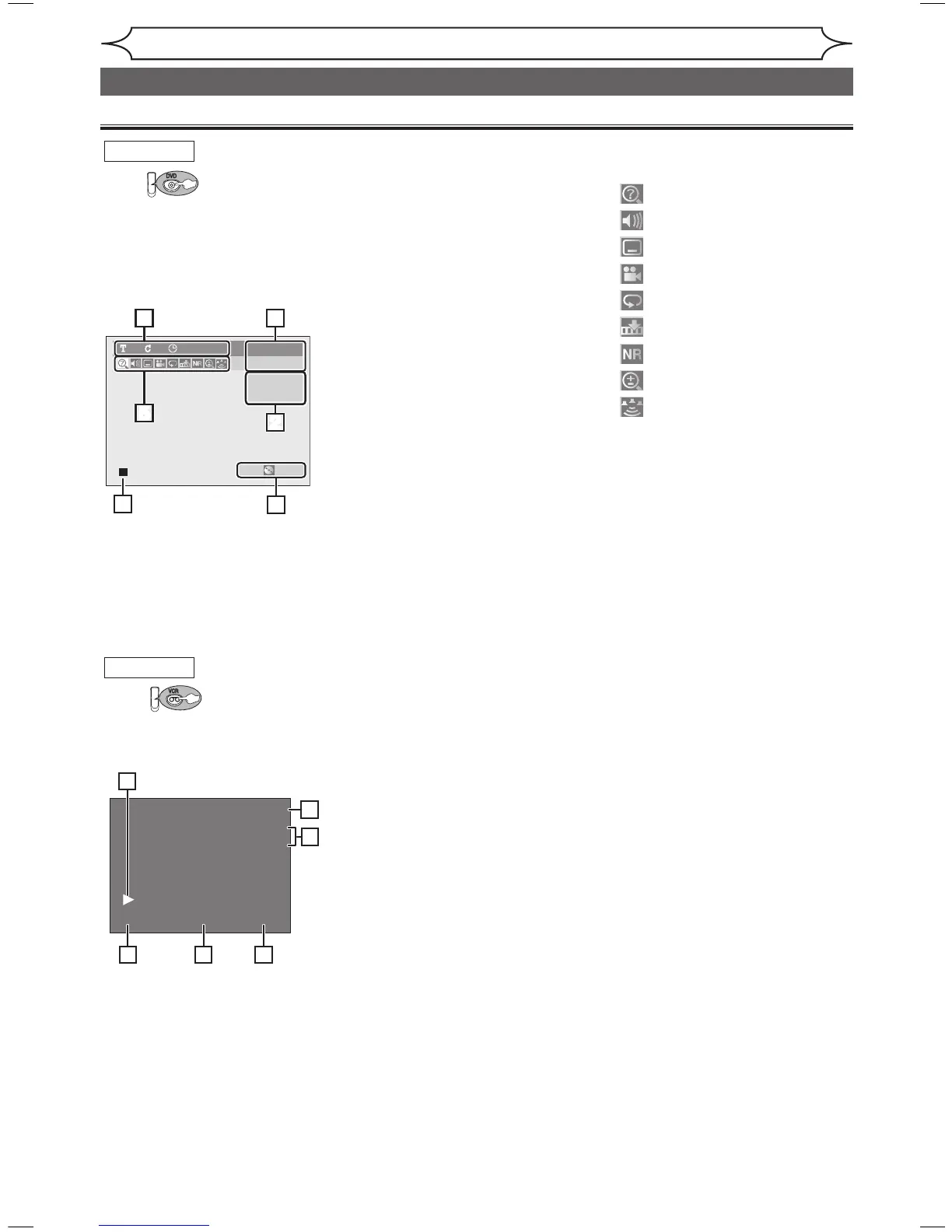
Press [DISPLAY] to call up the
Display menu. This menu will give
you the information on the disc.
Some operations are available
while disc is inserted in the unit.
1. Indicates a disc type and a
format mode.
Note: In some descriptions on
this manual, only one disc type
is indicated as an example.
2. Indicates a current channel
number and an audio status of
the program.
3. Indicates a recording mode and
possible recording time left.
4. Indicates a title number, chapter
number and the time elapsed of
disc play.
5. Each icon means:
6. Indicates current disc status.
VCR mode
First:
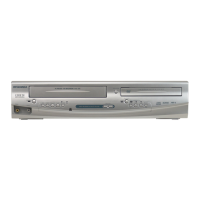
Press [DISPLAY] to display the
On Screen display.
1. Indicates current video status.
2. Indicates the current time.
3. Indicates a current channel
number and an audio status of
the program.
4. Indicates a recording or playing
speed.
5. Indicates a Tape Counter.
6. Audio status of the current
videotape.
Functional overview (cont’d)
Note:
• This is an example screen only for explanation. Displayed items will change depending on the actual mode.
• DISPLAY function is not available when the disc is not inserted.
Note:
• This is an example screen only for explanation. Displayed items will change depending on the actual mode.



 To Next Page