xxxx
Changing the Setup menu
Recording Playing discs EditingBefore you start Connections Getting started
Changing the
Setup menu VCR functions Others
Español
Language setting
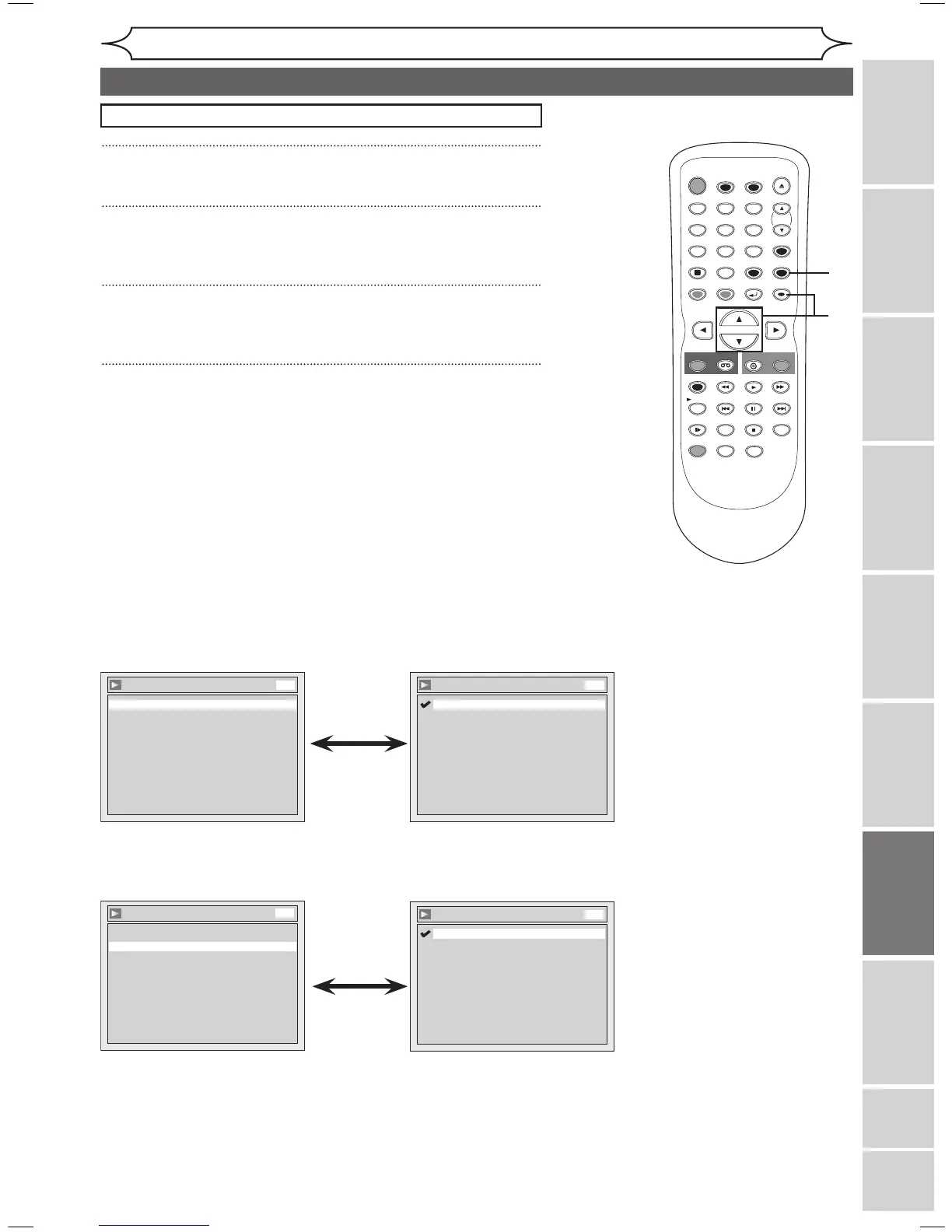
• Using [K / L], select a
language. Press [ENTER].
Your setting will be activated.
• When Original is selected,
the audio language will be the
disc’s default language.
• Using [K / L], select a
setting. Press [ENTER].
Your setting will be activated.
• When Original is selected,
the audio language will be the
disc’s default language.
Instructions continue on the next page.
Disc Menu Language (Default : English)
Set the language for Disc Menu.
Audio Language (Default : Original)
Set the Audio language.
1
Press [SETUP].
2
Using [K / L], select “Playback”. Press [ENTER].
Playback menu will appear.
3
Using [K / L], select “Language”. Press [ENTER].
Language menu will appear.
4
Using [K / L], select a desired item. Press [ENTER].
Press [STOP C] if you are playing a disc.



 To Next Page