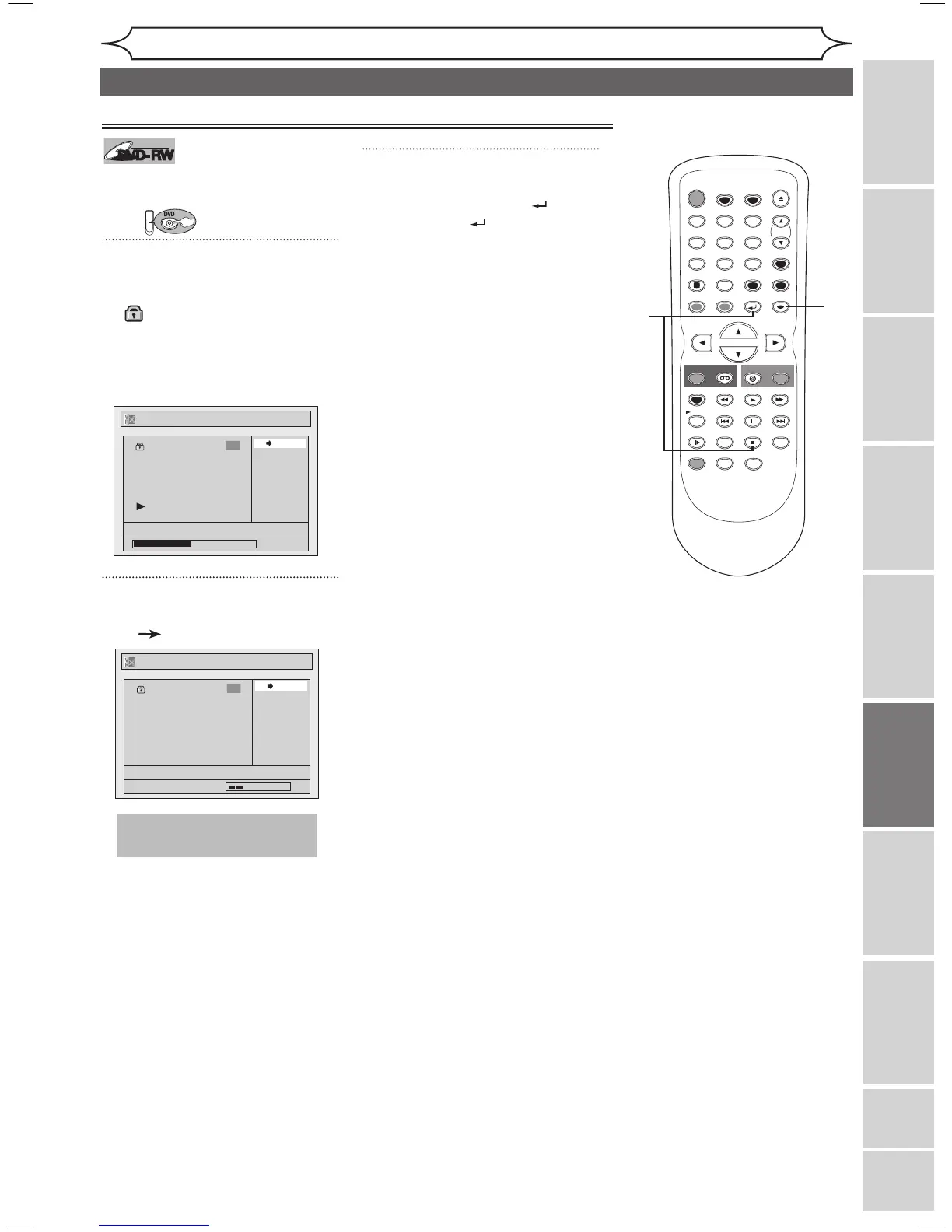
You can cancel the title-protecting
feature.
First:
1
Follow steps 1 to 3 on page 57 to
display the Original menu.
A “ ” icon is shown on the pro-
tected titles.
“Protect” is already highlighted.
Press [ENTER].
Option window will appear.
2
Confirm the indication
“ON OFF”. Press [ENTER].
The protect icon will disappear
from the title in the Original list.
3
After this operation is com-
pleted, press [RETURN ] and
then [RETURN ] or [STOP C]
to exit.
Data will be written onto the disc
momentarily.
xxxx
Editing
Recording Playing discs EditingBefore you start Connections Getting started
Changing the
Setup menu VCR functions Others
Español
Editing discs in VR mode (Original) (cont’d)



 To Next Page