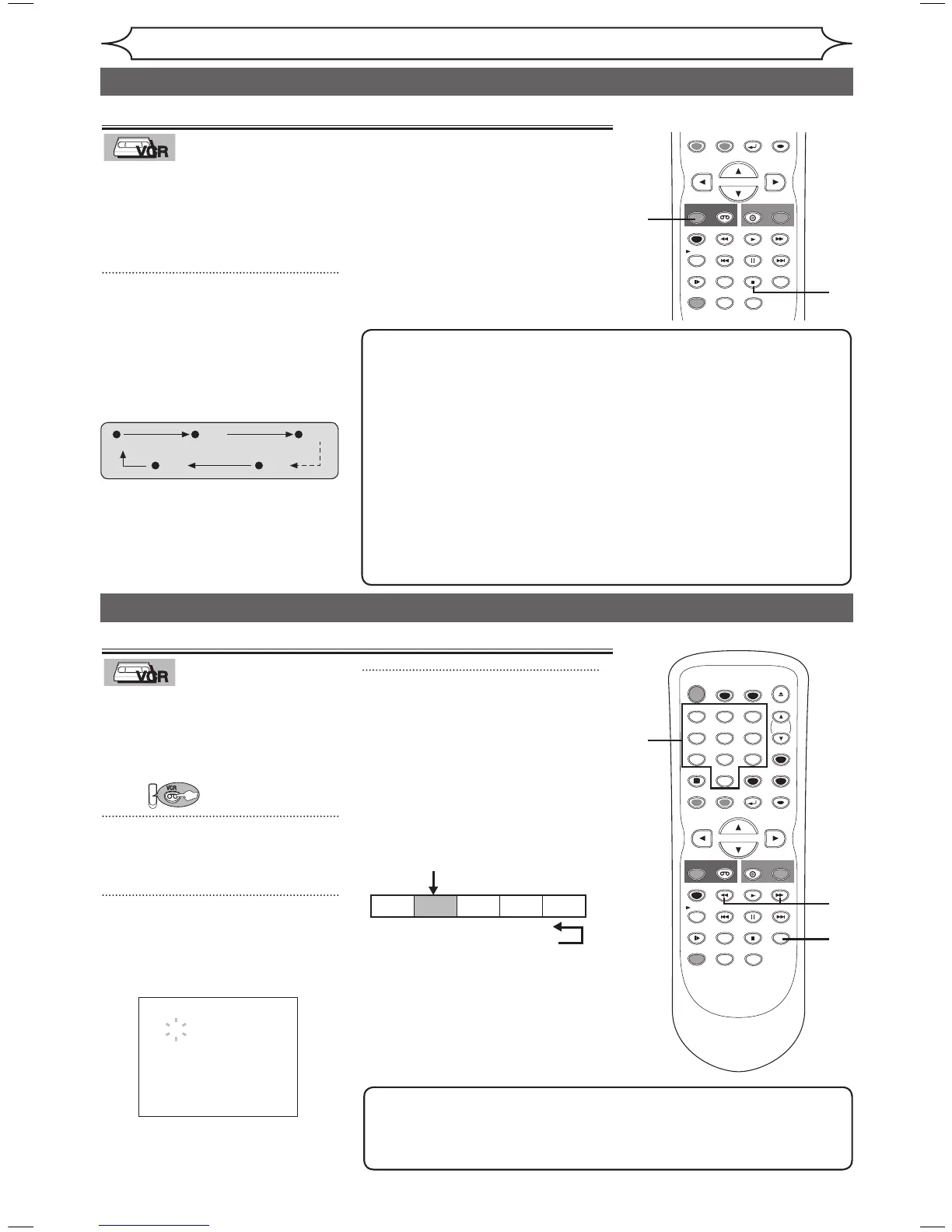
This feature allows you to set the
recording length simply by pressing
[REC/OTR] (VCR) on the remote
control or [VCR RECORD] on the
front panel of the unit.
1
During normal recording, press
[REC/OTR] to begin One-touch
Timer Recording.
You can select a fixed recording
time by pressing [REC/OTR] (VCR)
repeatedly.
When One-touch Timer
Recording is finished, the unit
will turn off automatically.
To change the recording length
during the One-touch Timer
Recording, press [REC/OTR] (VCR)
repeatedly until the desired length
appear.
To cancel the One-touch Timer
Recording within the specified
time, press [STOP C].
One-touch Timer Recording
Search
An index mark will be assigned at
the beginning of each recording
you make. You may skip to a
specific marked point by following
the steps below.
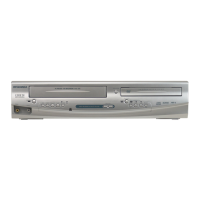
First:
1
Press [SEARCH] so that the
index search menu appears.
2
Using the Number buttons, enter
the number of recordings you
wish to skip within 30 seconds.
3
Press [E], [D] to start index
search.
If you want to go in the forward
direction, press [D].
If you want to go in the reverse
direction, press [E].
After index search, the VCR will
play the videotape automatically.
Index search
Note
• Every time a videotape is recorded, an index mark is written on the
videotape.
• You can make the index mark up to 20.
Note
• The remaining recording time
will appear on the display panel
during an One-touch Timer
Recording. Press [DISPLAY] to
see it on the TV screen.
• You cannot pause a One-
touch Timer Recording.
• If OTR is finished in VCR
during playback or REC mode
in DVD, the VCR will be in
STOP mode and the DVD
keeps the current mode.
• Unlike a Timer Recording,
you can perform the following
operations during a One-touch
Timer Recording.
- Turning the power off
- Using
[REC/OTR] (VCR) or
[STOP C].
• When OTR is finished and
the power is turned off, the
unit will switch to the standby
mode automatically if a
Timer Recording has been
programmed. Press [T-SET] to
cancel the standby mode for
using the unit continuously.



 To Next Page