Finalizing the discs (cont’d)
Recording
Recording Playing discs EditingBefore you start Connections Getting started
Changing the
Setup menu VCR functions Others
Español
Auto finalize
Note
• Auto Finalize function is not
available for discs recorded in
VR mode.
You can finalize discs
automatically using Auto
Finalize function. This function
automatically finalizes discs
after all Timer Recordings are
completed and when the disc
space runs out.
1
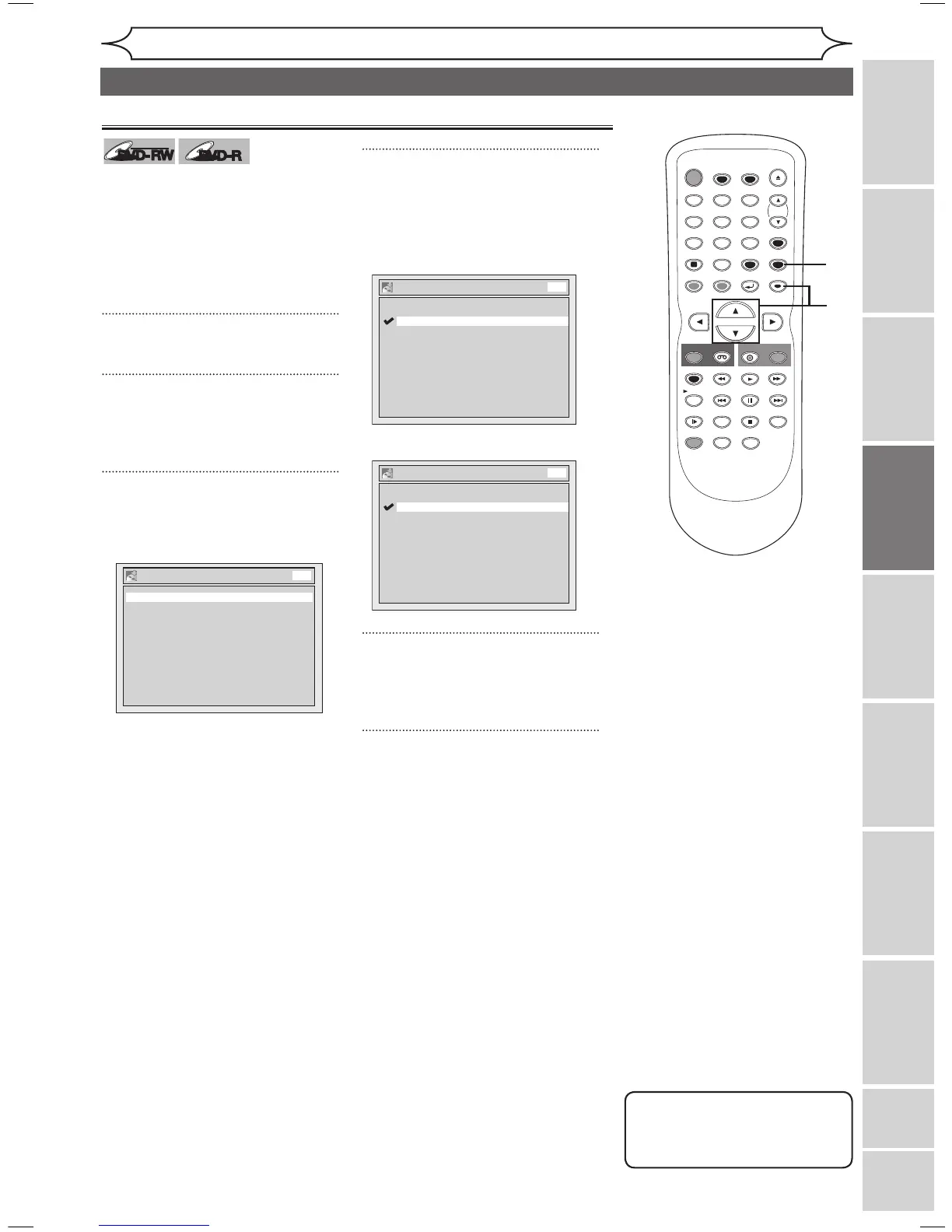
Press [SETUP].
2
Using [K / L], select
“Recording”. Press [ENTER].
Recording menu will appear.
3
Using [K / L], select “Auto
Finalize”. Press [ENTER].
Auto Finalize menu will appear.
4
Using [K / L], select “Disc Full”
or “End of Timer Rec”. Press
[ENTER].
Option window will appear.
<Example: Disc Full>
<Example: End of Timer Rec>
5
Using [K / L], select “ON”.
Press [ENTER].
Your setting will be activated.
6
Press [SETUP] to exit.



 To Next Page