1
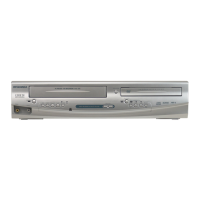
During playback, press
[DISPLAY].
The display menu will appear.
<DVD-Video>
<Audio CD>
2
and time count are not displayed.
3
Using [K / L] or the Number
buttons, enter a desired time to
search. Press [ENTER].
Time search will start.
xxxx
Playing discs
Search (cont’d)
Note
• Time search function is
available only within the same
track or title.
STOP
POWER
T-SET
TIMER PROG.
SKIP SKIP
OPEN/CLOSE
SPACE
1 2 3
4 5 6
7 8
0
9
CH
VIDEO/TV
SLOW
PAUSE
.@/:
ABC DEF
GHI JKL MNO
PQRS
REC/OTR
DISPLAY
TUV WXYZ
DVD
REC/OTR
REC SPEED
ZOOM
SEARCH
VCR
SETUP
CM SKIP
RETURN
MENU/LIST
TOP MENU
DUBBING
x1.3/0.8
CLEAR
ENTER
PLAY
AUDIO
STOP
POWER
T-SET
TIMER PROG.
SKIP SKIP
OPEN/CLOSE
SPACE
1 2 3
4 5 6
7 8
0
9
CH
VIDEO/TV
SLOW
PAUSE
.@/:
ABC DEF
GHI JKL MNO
PQRS
REC/OTR
DISPLAY
TUV WXYZ
DVD
REC/OTR
REC SPEED
ZOOM
SEARCH
VCR
SETUP
CM SKIP
RETURN
MENU/LIST
TOP MENU
DUBBING
x1.3/0.8
CLEAR
ENTER
PLAY
AUDIO
STOP
POWER
T-SET
TIMER PROG.
SKIP SKIP
OPEN/CLOSE
SPACE
1 2 3
4 5 6
7 8
0
9
CH
VIDEO/TV
SLOW
PAUSE
.@/:
ABC DEF
GHI JKL MNO
PQRS
REC/OTR
DISPLAY
TUV WXYZ
DVD
REC/OTR
REC SPEED
ZOOM
SEARCH
VCR
SETUP
CM SKIP
RETURN
MENU/LIST
TOP MENU
DUBBING
x1.3/0.8
CLEAR
ENTER
PLAY
AUDIO
1
2
3
Note
• During CD playback you can
enter a track number directly
using the Number buttons
for track search without
displaying the menu (except
during random and program
playback).
3
3
Track search
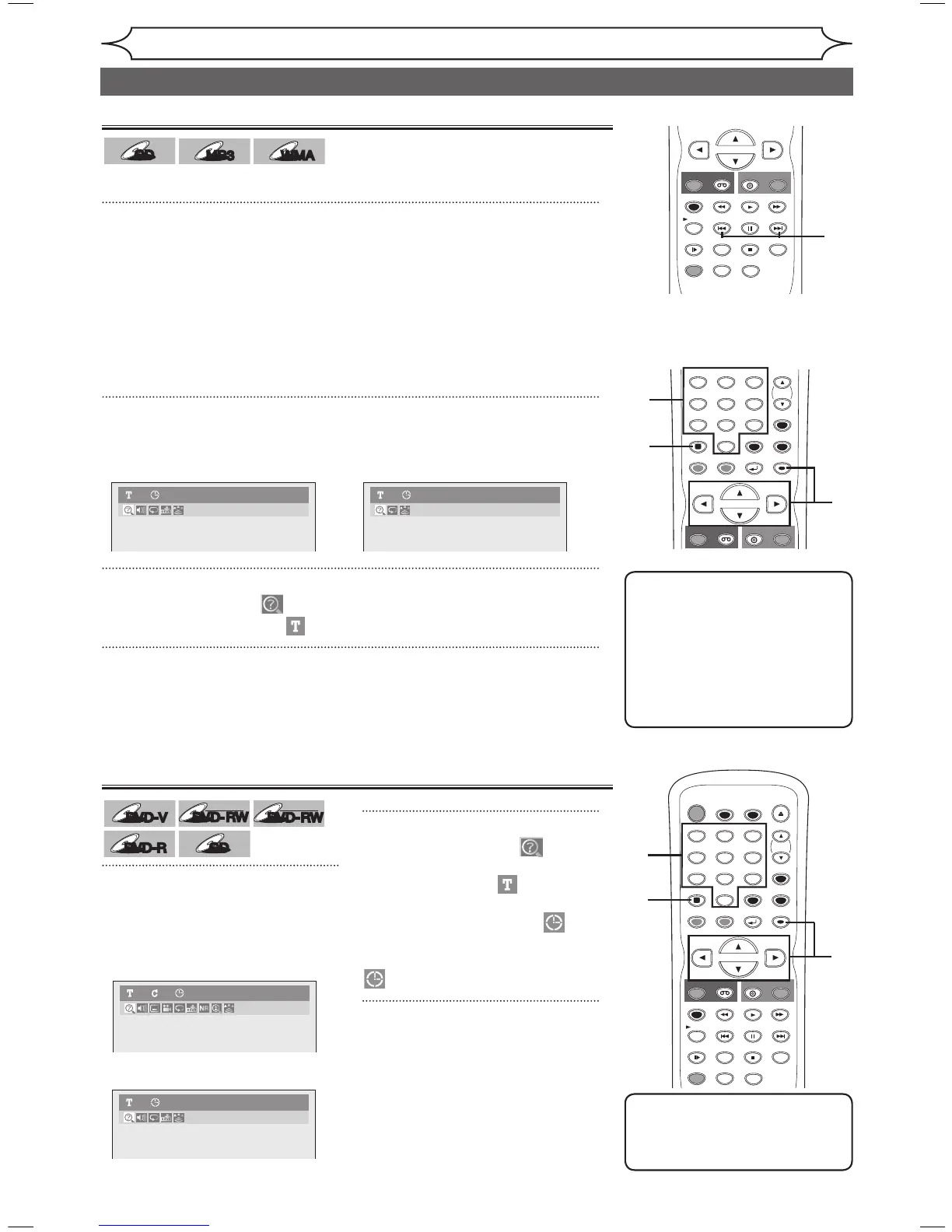
Using [SKIP H / G]
1
During playback, press [SKIP G] to skip the current track and
move to the next.
To go back to the beginning of the current track, press [SKIP H].
Press it repeatedly to go to the previous tracks.
Time search
Using [DISPLAY]
1
During playback, press [DISPLAY].
The Display menu will appear.
<Audio CD> <MP3 / WMA files>
2
3
Using [K / L] or the Number buttons, enter a desired track number
to search. Press [ENTER].
Track search will start.
Using [{ / B], select . Press
[ENTER].
The number next to will be
highlighted.
To move to the clock icon ,
press [B].
When time search is not available,
Using [{ / B], select . Press [ENTER].
The track number next to will be highlighted.
E9A10UD_DVR90VG.indd 48 2005/12/26 18:55:45



 To Next Page