You can copy a DVD disc to a
videotape or copy a videotape
to a DVD disc. This function
will be possible only if the DVD
disc or the videotape is not copy
protected.
Before starting this function, prepare
for the recording on the DVD-RW/
R disc or the videotape. Refer to
pages 29 and 75.
Make sure:
• Insert a recordable disc and a
videotape with a record tab.
Note for recording to a videotape:
• The videotape's record tab is
intact.
• The remaining time of the
videotape is long enough.
Note for recording to a disc:
• Make sure that the disc is
recordable. Refer to pages 25
and 26.
1
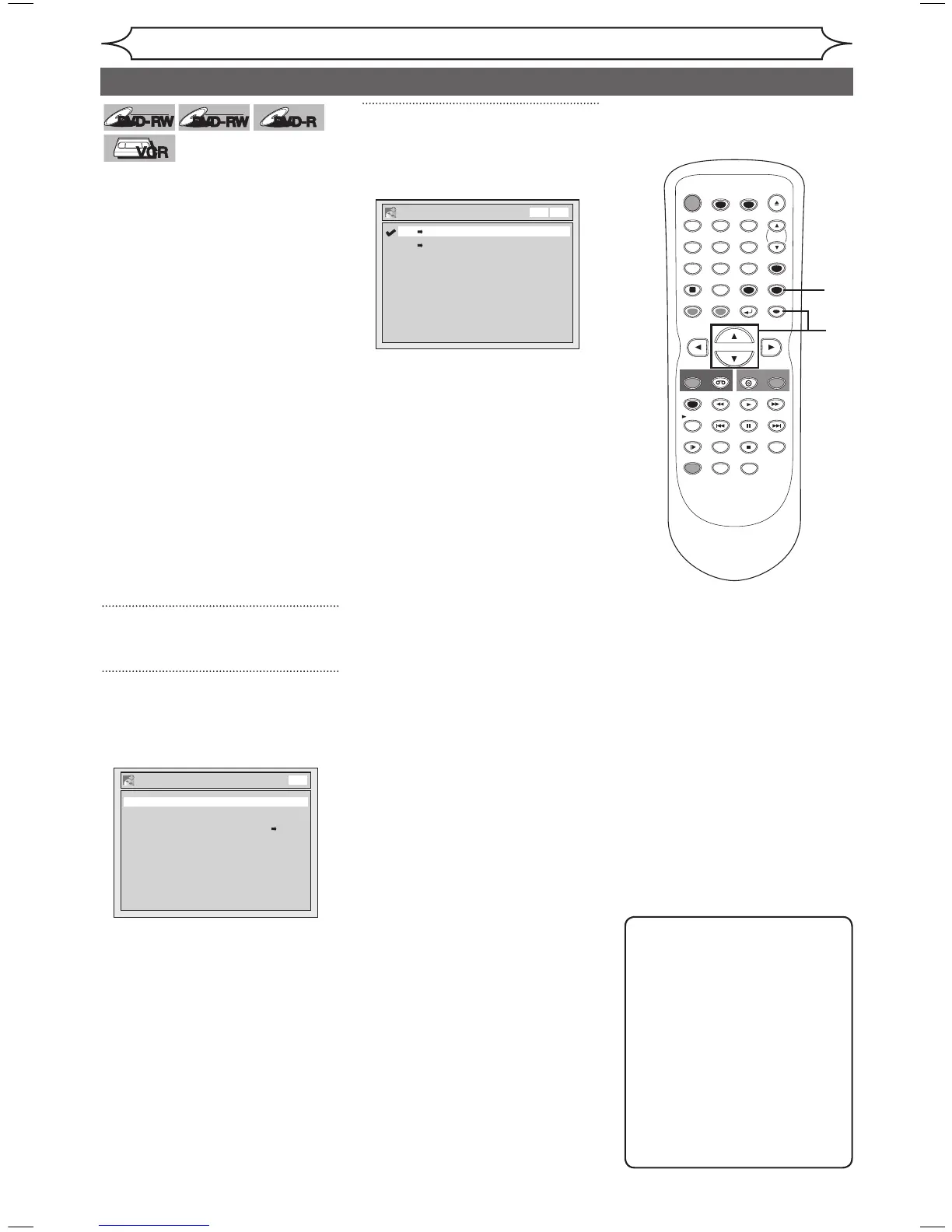
Press [SETUP].
2
Using [K / L], select
“Recording”. Press [ENTER].
Recording menu will appear.
3
Using [K / L], select “Dubbing
Mode”. Press [ENTER].
Option window will appear.
Note
For VCR to DVD duplication:
• After starting VCR to DVD
duplication, the picture may be
distorted because of the auto
tracking function.
This is not a malfunction.
Be advised to playback the
videotape until the picture is
stabilized, then set the starting
point which you wish to start
recording, and start VCR to
DVD duplication.



 To Next Page