Hint 1: Play the recorded contents
You can select the title you want to play from a
displayed menu, and immediately start to play.
Recorded contents are easily accessible, with
simple procedure of choosing a title on a chapter
in the menu screen.
What are titles and chapters?
The contents of DVD disc are generally
divided into titles. Titles may be further
divided into chapters.
Hint 2: Edit the recorded disc
You will find editing discs is easy. This unit offers convenient edit functions
which are possible only with DVD-RW/R discs.
Title list offers following editing functions.
• Putting names on titles
• Setting pictures for thumbnails
• Setting/clearing chapter markers
• Deleting titles or scenes
(Possible editing functions depend on the recording format and editing method.)
Original and Playlist (VR mode)
You can edit the recordings in Playlist without changing the original
recordings. Playlist does not take up much disc space.
What “Original” or “Playlist” is for?
Throughout this manual, you will find Original and Playlist to refer to the
original content and the edited version.
•
Original content refers to what’s originally recorded on the disc.
•
Playlist content refers to the edited version of the original content.
Finalizing a Disc
• You need to record in video mode and finalize the disc to play it back on
other players.
• Once you finalize a disc recorded in Video mode, you cannot record or edit
any information on the disc.
• Discs recorded in VR mode can still be edited after finalization.
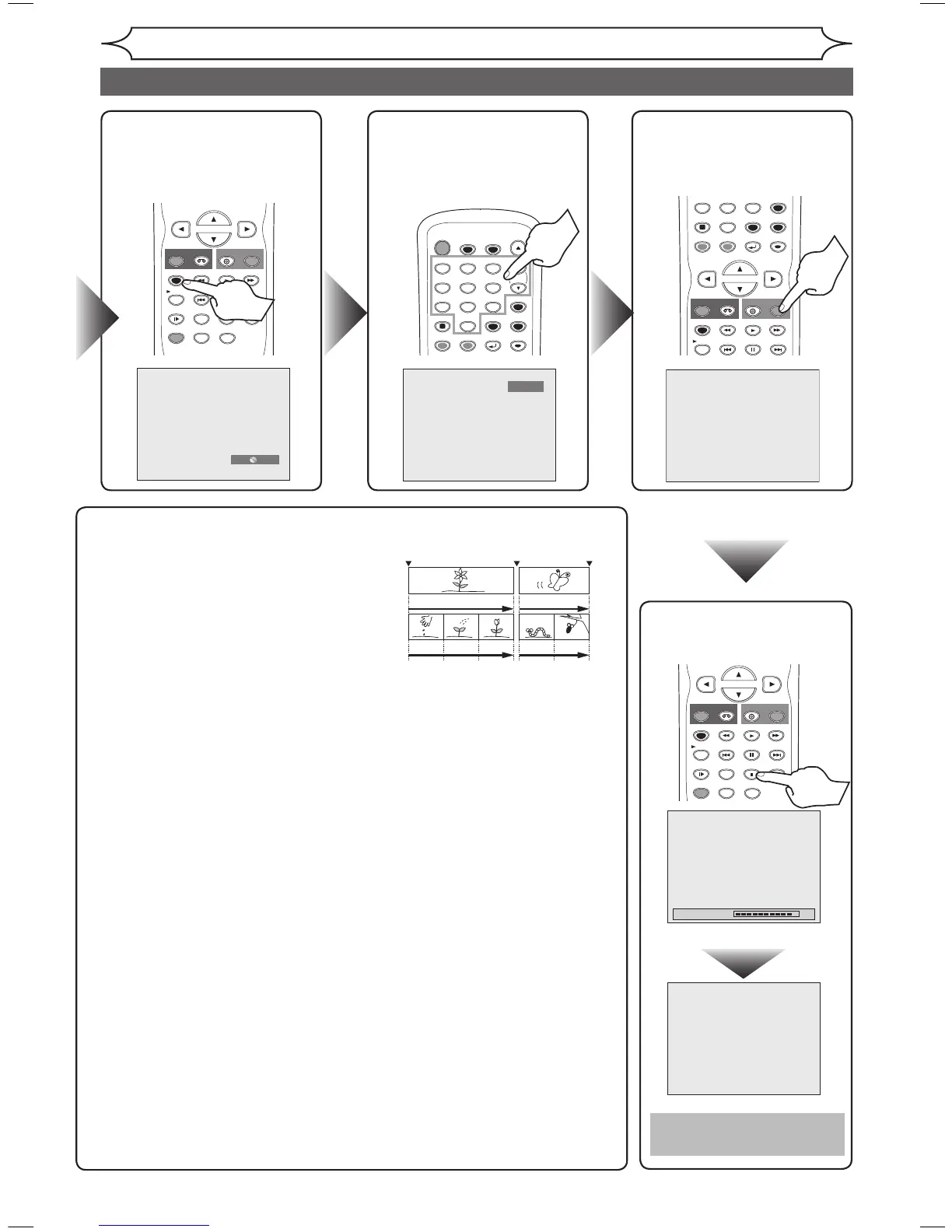
Step 6: Stop the
recording.
Step 3: Select the
recording
speed.
Step 5: Record
on DVD
disc.
Step 4: Select the
desired
channel.
Getting started
Easy DVD recording (cont’d)



 To Next Page