Getting Started 1-9
To charge the mobile computer Li-ion and backup batteries, use a cradle or a charge cable. The charge cable requires a Symbol
approved power supply.
• Cradles
Insert the mobile computer into a cradle. See Chapter 3, Accessories for accessory setup. The mobile computer starts to
charge automatically. The Charge LED lights to indicate the charge status. See Table 1-2 for charging indications.
•Cables
Connect a charge cable to the appropriate power source and connect the other end of the charge cable to the mobile
computer. See Chapter 3, Accessories for accessory setup. The mobile computer starts to charge automatically. The Charge
LED lights to indicate the charge status. See Table 1-2 for charging indications.
Starting the Mobile Computer
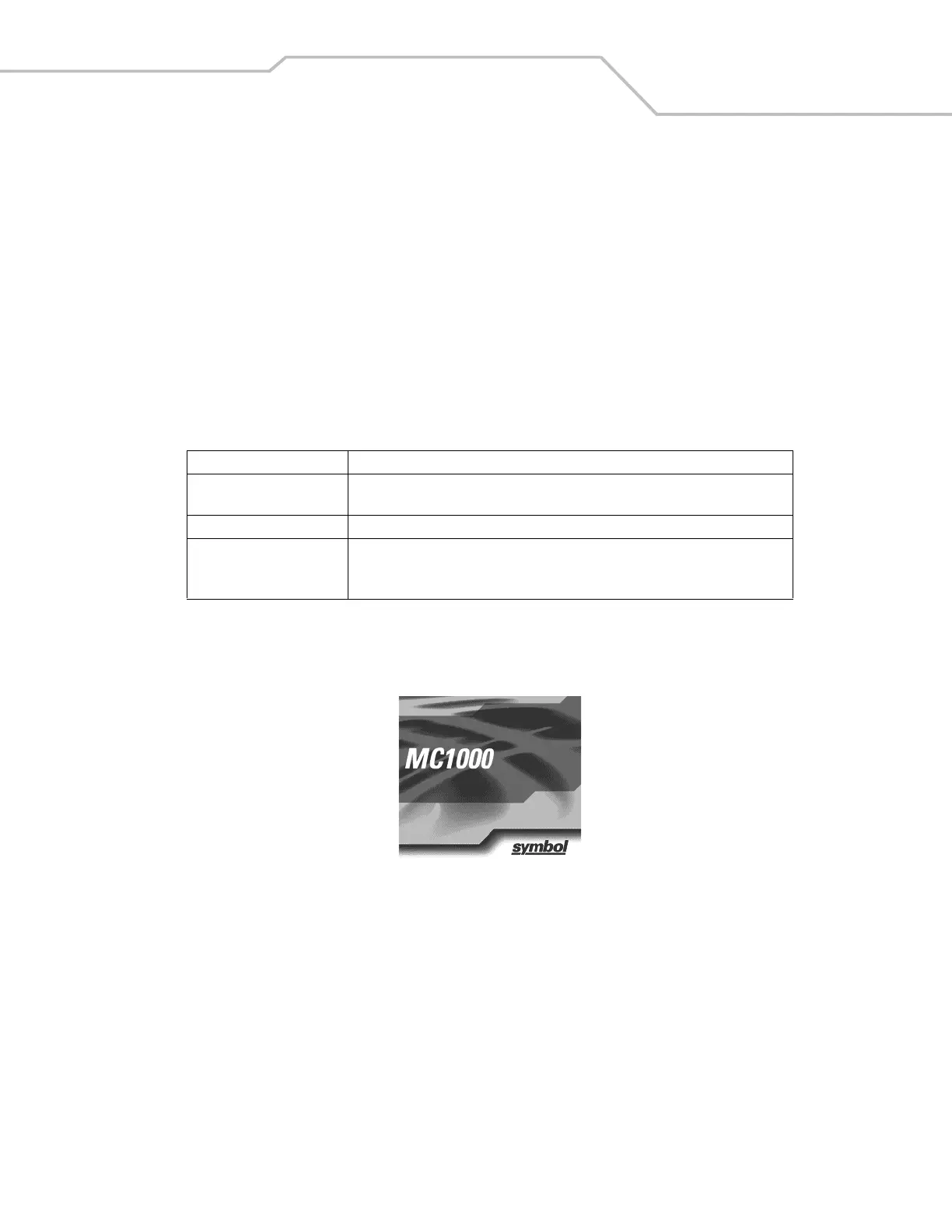
When the mobile computer is powered on for the first time, it initializes. The Symbol splash screen appears for a short period of time.
If the mobile computer does not power on, see Resetting the Mobile Computer on page 2-13.
Figure 1-5. Symbol Splash Screen
Waking the Mobile Computer
Use the wakeup condition settings to define what actions wake up the mobile computer. The settings are subject to change/update.
See Waking the Mobile Computer on page 2-14.
Table 1-2. Mobile Computer Charging LED Indicator
Status Indication
Off Mobile computer is not placed correctly in the cradle; charge cable is not connected
correctly; charger is not powered.
Slow Blinking Amber Mobile computer is charging.
Solid Amber Charging is complete.
Note: When the Li-ion battery is initially inserted in the mobile computer, the Charge
LED flashes once if the battery power is low or the battery is not fully inserted.



 To Next Page