MC1000 User Guide1-10
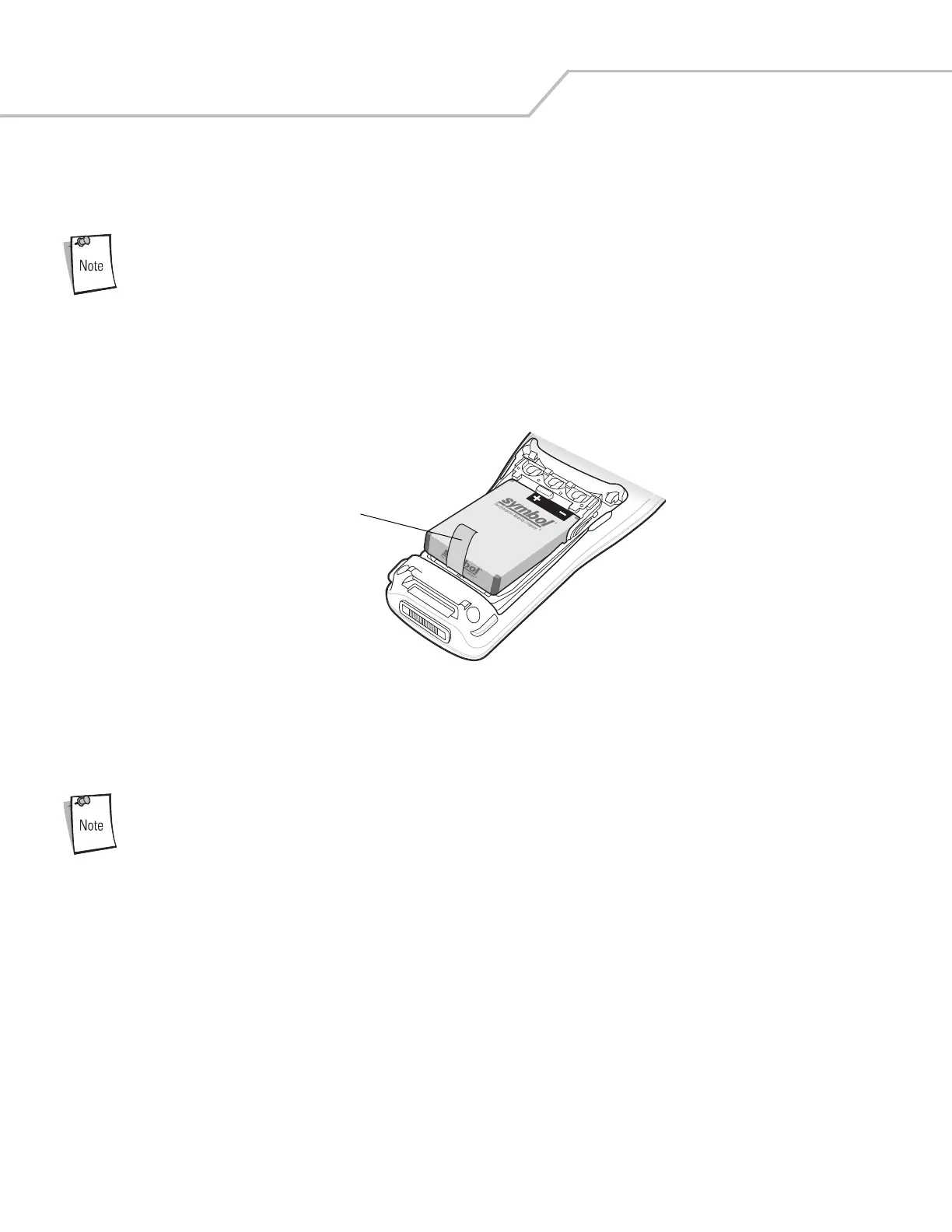
Li-ion Battery Removal
To remove the Li-ion battery:
Pulling back the left battery door latch places the mobile computer in suspend mode.
1. Press the red Power button to turn off the screen and place the mobile computer in suspend mode.
2. Pull back the two battery door latches.
3. Lift the battery door.
4. Pull the battery tab up to remove the battery.
Figure 1-6. Li-ion Battery Removal
AAA Batteries Removal
To remove the AAA batteries:
Pulling back the left battery door latch places the mobile computer in suspend mode.
1. Press the red Power button to turn off the screen and place the mobile computer in suspend mode.
2. Pull back the two battery door latches.
3. Lift the battery door.
Battery Tab



 To Next Page