MC1000 User Guide2-10
Entering Information
To enter information:
• Use the keypad.
• Scan bar code data into data fields.
• Use Microsoft
®
ActiveSync
®
to synchronize or copy information from the host computer to the mobile computer. For more
information on ActiveSync, refer to the MC1000 Integrator Guide.
Entering Information Using the Keypad
The alphanumeric keypads produce the 26-character alphabet (A-Z), numbers (0-9), function keys, and assorted characters. The
keypads’ default characters/functions are printed white, the alpha character/functions are printed orange, and the function character/
functions are printed blue. See Keypad on page 2-3 for keypad configurations.
Entering Data via the Bar Code Scanner
The integrated laser bar code scanner uses the Scan Wedge program to scan data into data fields in the same way data is entered
via the keypad.
To scan bar codes with the mobile computer:
1. Ensure that the mobile computer is loaded with a scanning application.
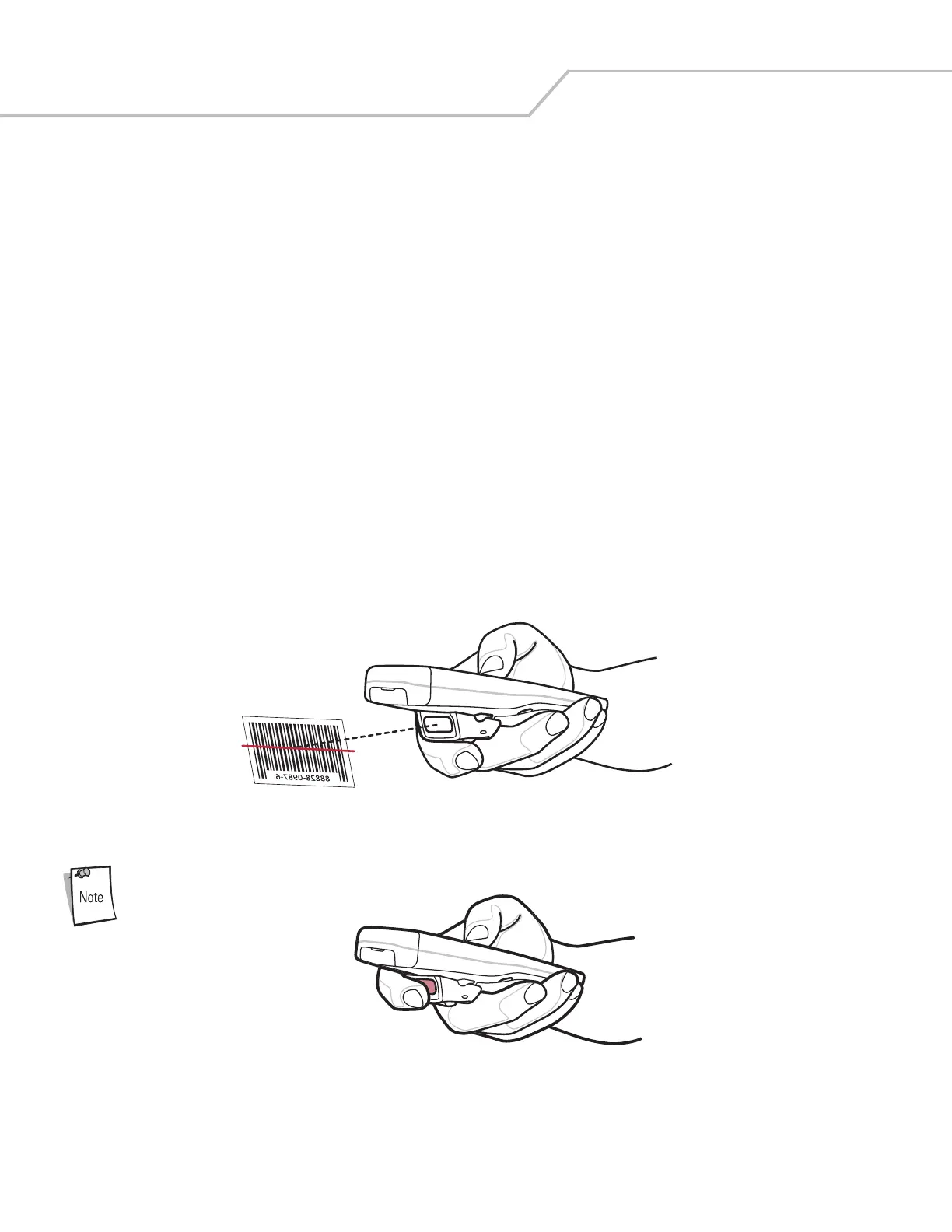
2. Aim the mobile computer at the bar code.
Figure 2-6. Scanning
Do not cover the scan window with your finger.
Figure 2-7. Obstructing Scan Window



 To Next Page