EasyManua.ls Logo

Symbol MC3000 - User Manual

Symbol MC3000
172 pages
Print Icon
To Next Page IconTo Next Page
Loading...
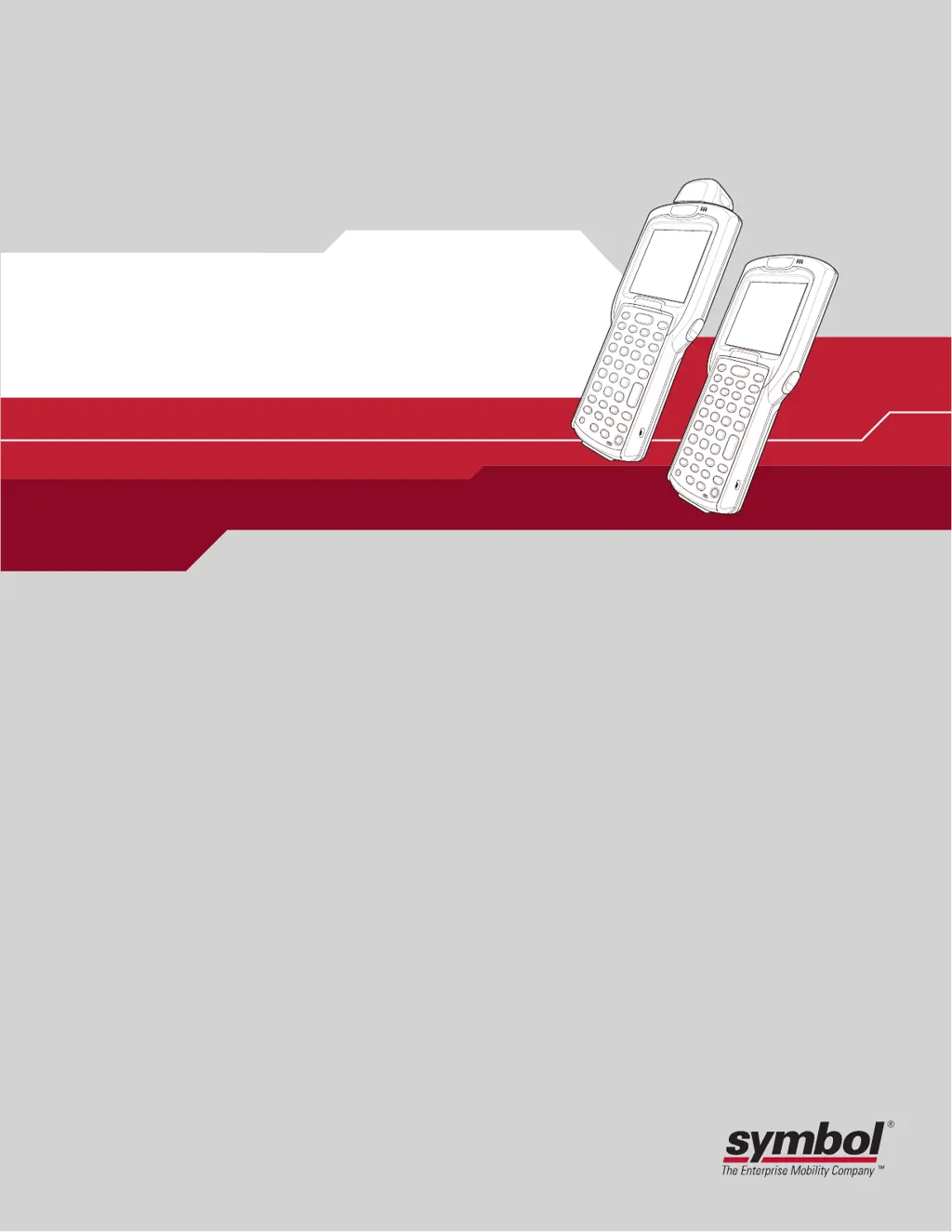
MC3000
Integrator Guide

Table of Contents

Other manuals for Symbol MC3000

Questions and Answers

Summary

About This Guide

Service Information

If an equipment problem occurs, contact the appropriate regional Symbol Support Center.

Symbol Support Center

For service information, warranty information or technical assistance contact or call the Symbol Support Center.

Chapter 1. Getting Started

Accessories

Table 1-1 lists the MC3000 accessories.

Install Main Battery

Procedure for installing the main battery into the mobile computer.

Battery Charging

Information on charging the main battery using cradles, cables, and chargers.

Chapter 2. Accessories

Single Slot Serial;USB Cradle

Describes how to set up and use the Single Slot Serial/USB cradle.

Chapter 3. ActiveSync

Installing ActiveSync

Instructions for downloading and installing ActiveSync on the host computer.

Setting Up an ActiveSync Connection on the Host Computer

Guide to establishing an ActiveSync connection on the host computer.

Setting up a Partnership

Procedure for setting up a synchronization partnership between devices.

Chapter 4. Software Installation on Development PC

Required System Configurations

Minimum host system requirements for SMDK and DCP.

Chapter 5. Software Installation on Mobile Computer

Copying Files

Steps for copying files to the mobile computer via ActiveSync.

Chapter 6. Creating;Loading Hex Images

Starting Terminal Configuration Manager

Steps to launch TCM and its interface components.

Defining Script Properties

Procedure for defining script properties like mobile computer type and memory configuration.

Creating the Script for the Hex Image

Details on creating scripts for building hex images.

Building the Image

Process of building the hex image defined by the script.

Sending the Hex Image

Instructions for downloading the hex file to the mobile computer.

Chapter 7. WLAN Configuration

Connect to a WLAN

Steps for connecting to an available wireless network.

Chapter 8. AirBEAM Smart

Configuring the AirBEAM Smart Client

Steps to configure AirBEAM Smart Client settings.

Chapter 9. Rapid Deployment Client

Scanning RD Bar Codes

Describes how the mobile computer scans bar codes for configuration and downloads.

Chapter 10. Maintenance & Troubleshooting

Maintaining the Mobile Computer

Tips for trouble-free service and proper care of the mobile computer.

Troubleshooting

Provides solutions for potential problems during mobile computer operation.

Mobile Computer

Troubleshooting guide for common mobile computer issues.

Appendix A. Technical Specifications

Mobile Computer Technical Specifications

Summarizes technical specifications and operating environment.

Summary

About This Guide

Service Information

If an equipment problem occurs, contact the appropriate regional Symbol Support Center.

Symbol Support Center

For service information, warranty information or technical assistance contact or call the Symbol Support Center.

Chapter 1. Getting Started

Accessories

Table 1-1 lists the MC3000 accessories.

Install Main Battery

Procedure for installing the main battery into the mobile computer.

Battery Charging

Information on charging the main battery using cradles, cables, and chargers.

Chapter 2. Accessories

Single Slot Serial;USB Cradle

Describes how to set up and use the Single Slot Serial/USB cradle.

Chapter 3. ActiveSync

Installing ActiveSync

Instructions for downloading and installing ActiveSync on the host computer.

Setting Up an ActiveSync Connection on the Host Computer

Guide to establishing an ActiveSync connection on the host computer.

Setting up a Partnership

Procedure for setting up a synchronization partnership between devices.

Chapter 4. Software Installation on Development PC

Required System Configurations

Minimum host system requirements for SMDK and DCP.

Chapter 5. Software Installation on Mobile Computer

Copying Files

Steps for copying files to the mobile computer via ActiveSync.

Chapter 6. Creating;Loading Hex Images

Starting Terminal Configuration Manager

Steps to launch TCM and its interface components.

Defining Script Properties

Procedure for defining script properties like mobile computer type and memory configuration.

Creating the Script for the Hex Image

Details on creating scripts for building hex images.

Building the Image

Process of building the hex image defined by the script.

Sending the Hex Image

Instructions for downloading the hex file to the mobile computer.

Chapter 7. WLAN Configuration

Connect to a WLAN

Steps for connecting to an available wireless network.

Chapter 8. AirBEAM Smart

Configuring the AirBEAM Smart Client

Steps to configure AirBEAM Smart Client settings.

Chapter 9. Rapid Deployment Client

Scanning RD Bar Codes

Describes how the mobile computer scans bar codes for configuration and downloads.

Chapter 10. Maintenance & Troubleshooting

Maintaining the Mobile Computer

Tips for trouble-free service and proper care of the mobile computer.

Troubleshooting

Provides solutions for potential problems during mobile computer operation.

Mobile Computer

Troubleshooting guide for common mobile computer issues.

Appendix A. Technical Specifications

Mobile Computer Technical Specifications

Summarizes technical specifications and operating environment.

Symbol MC3000 Specifications

General IconGeneral
BrandSymbol
ModelMC3000
CategoryHandhelds
LanguageEnglish

Related product manuals