AirBEAM Smart 8-7
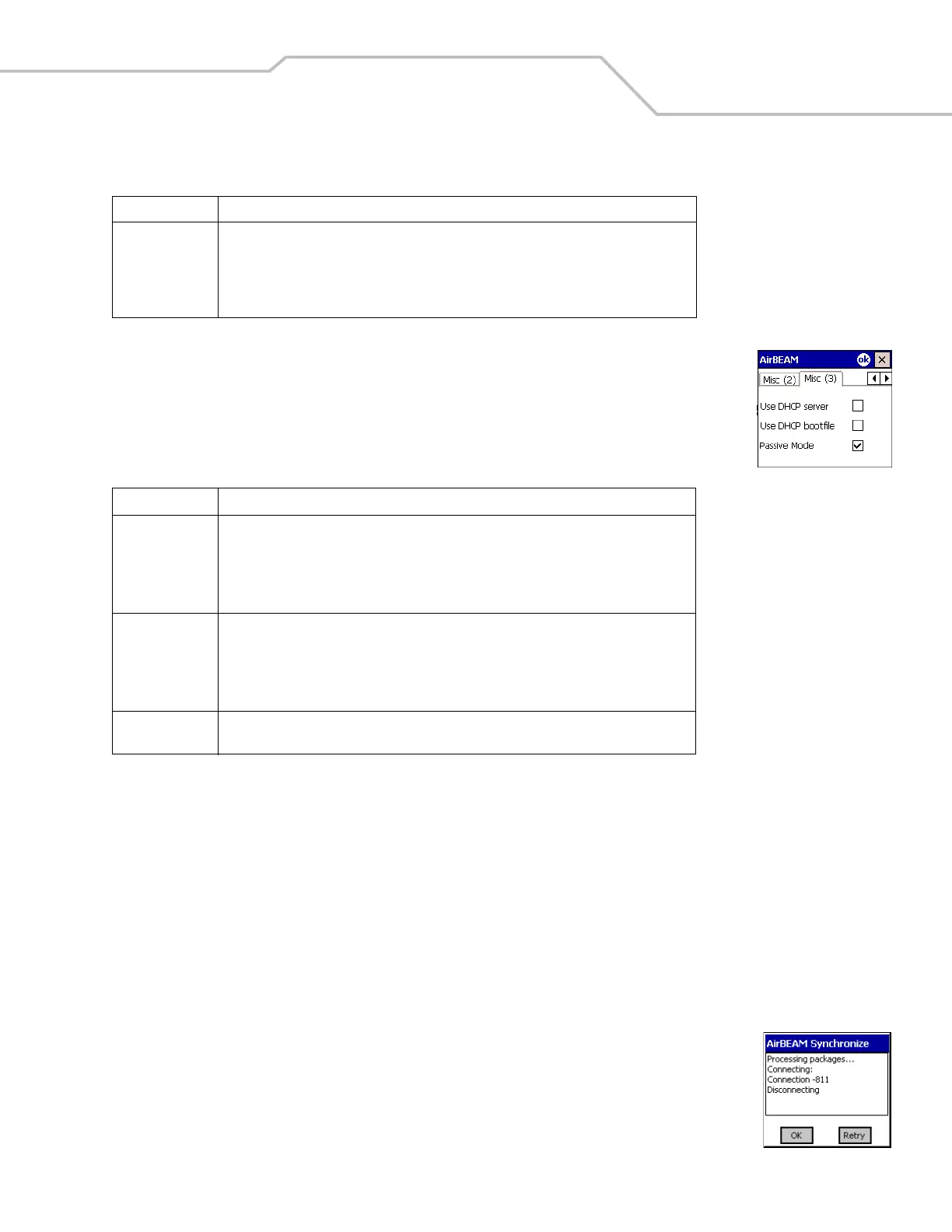
Misc(3) Tab
This tab is used to configure various miscellaneous features.
Synchronizing with the Server
When the synchronization process is initiated, the AirBEAM Smart Client attempts to open an FTP session using the AirBEAM Smart
Client configuration. Once connected, the client processes the specified packages. Packages are loaded only if the server version of
a given package is different from the version loaded on the client. Once the upload process is complete, the AirBEAM Smart Client
closes the FTP session with the server.
The AirBEAM Smart Client can launch an FTP session with the server either manually, when initiated by the user, or automatically.
Manual Synchronization
1. Configure the AirBEAM Smart Client. See Configuring the AirBEAM Smart Client on page 8-4.
2. From the main AirBEAM CE window, select File - Synchronize.
3. Once connected, the AirBEAM Synchronize window appears.
• The Status List displays status messages that indicate the progress of the synchronization
process.
• Tap OK to return to the Main Menu. This button remains inactive until the synchronization
process is complete.
• Tap Retry to restart the synchronization process. This button is activated only if there is an error
during the synchronization process.
Close Apps This checkbox specifies whether the AirBEAM Smart Client automatically attempts to close
non-system applications prior to resetting the mobile unit. If enabled the AirBEAM Smart
Client sends a WM_CLOSE message to all non-system applications before resetting the
mobile unit. This feature offers applications the opportunity to prepare (i.e. close open files)
for the pending reset.
Table 8-6. Misc (3) Tab
Field Description
Use DHCP server This checkbox control specifies whether the AirBEAM Smart Client uses the DHCP response
option 66 to specify the IP address of the FTP/TFTP server.
If enabled, special RF network registry settings are required to force the DHCP server to return
the "TFTP server name" field (option 66). The special RF network registry settings are included,
but commented out, in the radio network registry initialization files (essid_xxxx_yy.reg).
Use DHCP bootfile This check box control specifies whether the AirBEAM Smart Client uses the DHCP response
option 67 to specify the Package and Package 1 parameters.
If enabled, special RF network registry settings are required to force the DHCP server to return
the "Bootfile name" field (option 67). The special RF network registry settings are included, but
commented out, in the radio network registry initialization files (essid_xxxx_yy.reg).
Passive Mode
Use this checkbox to specify whether the Client uses passive mode FTP. This setting is ignored
if TFTP protocol is used.
Table 8-5. Misc (2) Tab (Continued)
Field Description



 To Next Page