MC3000 Integrator Guide2-18
Copy Files onto the SD Card
The SD card can be used to store files or programs used by the mobile computer. Files may be copied using an available file browser,
or using ActiveSync. InkWiz is a provided tool that is being used as an example of how to access data on the SD card.
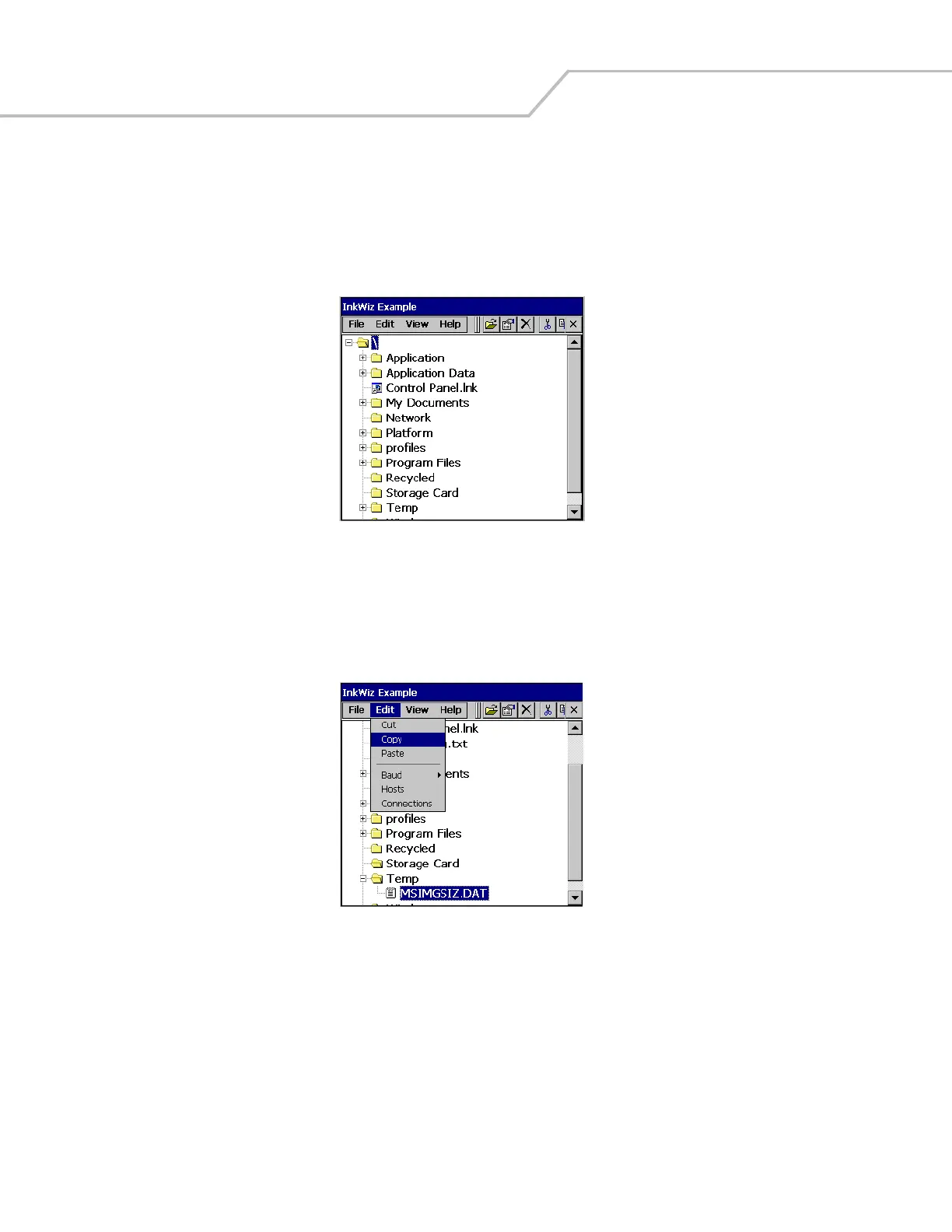
1. From the Series 3000 Demo window, double-tap the Files icon. The InkWiz Example window appears.
Figure 2-17. InkWiz Window
2. To copy a file to the SD card, select a file and tap the file to highlight. The MSIMGSIZ.DAT file in the Temp partition is being
used as an example.
3. Tap Edit - Copy to copy the file.
Figure 2-18. InkWiz, Copy File



 To Next Page