MC3000 Integrator Guide8-4
Configuring the AirBEAM Smart Client
1. Select Start - Programs - AirBEAM Client. The AirBEAM CE window appears.
2. Tap File - Configure. The AirBEAM configuration window appears.
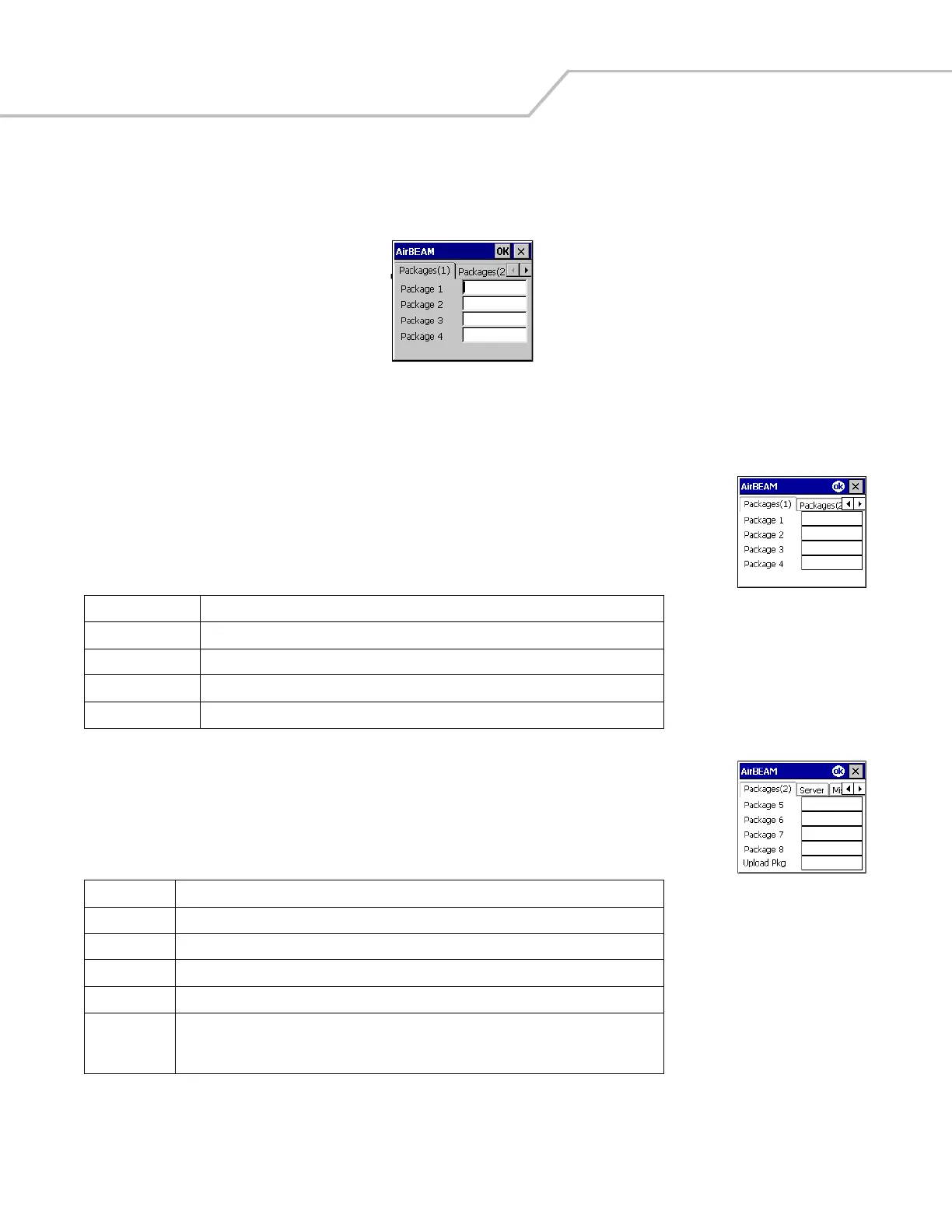
Figure 8-1. AirBEAM Smart Configuration Window
The configuration window is used to view and edit AirBEAM Smart Client configurations. This dialog box has six tabs that can be
modified - Packages(1), Packages(2), Server, Misc(1), Misc(2) and Misc(3).
Packages(1) Tab
This tab is used to specify the package name of the first four of eight packages that are to be loaded during
the AirBEAM Smart synchronization process. The specified package name must correspond to a package that
is available on the specified package server.
Packages(2) Tab
This tab is used to specify the package name of the last four of eight packages that are to be loaded during
the AirBEAM Smart synchronization process. The specified package name must correspond to a package that
is available on the specified package server.
Table 8-1. Package (1) Tab
Field Description
Package 1 Package name of the first of eight packages. This is an optional field.
Package 2 Package name of the second of eight packages. This is an optional field.
Package 3 Package name of the third of eight packages. This is an optional field.
Package 4 Package name of the fourth of eight packages. This is an optional field.
Table 8-2. Package (2) Tab
Field Description
Package 5 Package name of the fifth of eight packages. This is an optional field.
Package 6 Package name of the sixth of eight packages. This is an optional field.
Package 7 Package name of the seventh of eight packages. This is an optional field.
Package 8 Package name of the eighth of eight packages. This is an optional field.
Upload Pkg Package name of a package that is to be processed for “upload files” during the AirBEAM Smart
synchronization process. The specified package name must correspond to a package that is
available on the specified package server. This is an optional field.



 To Next Page