AirBEAM Smart 8-5
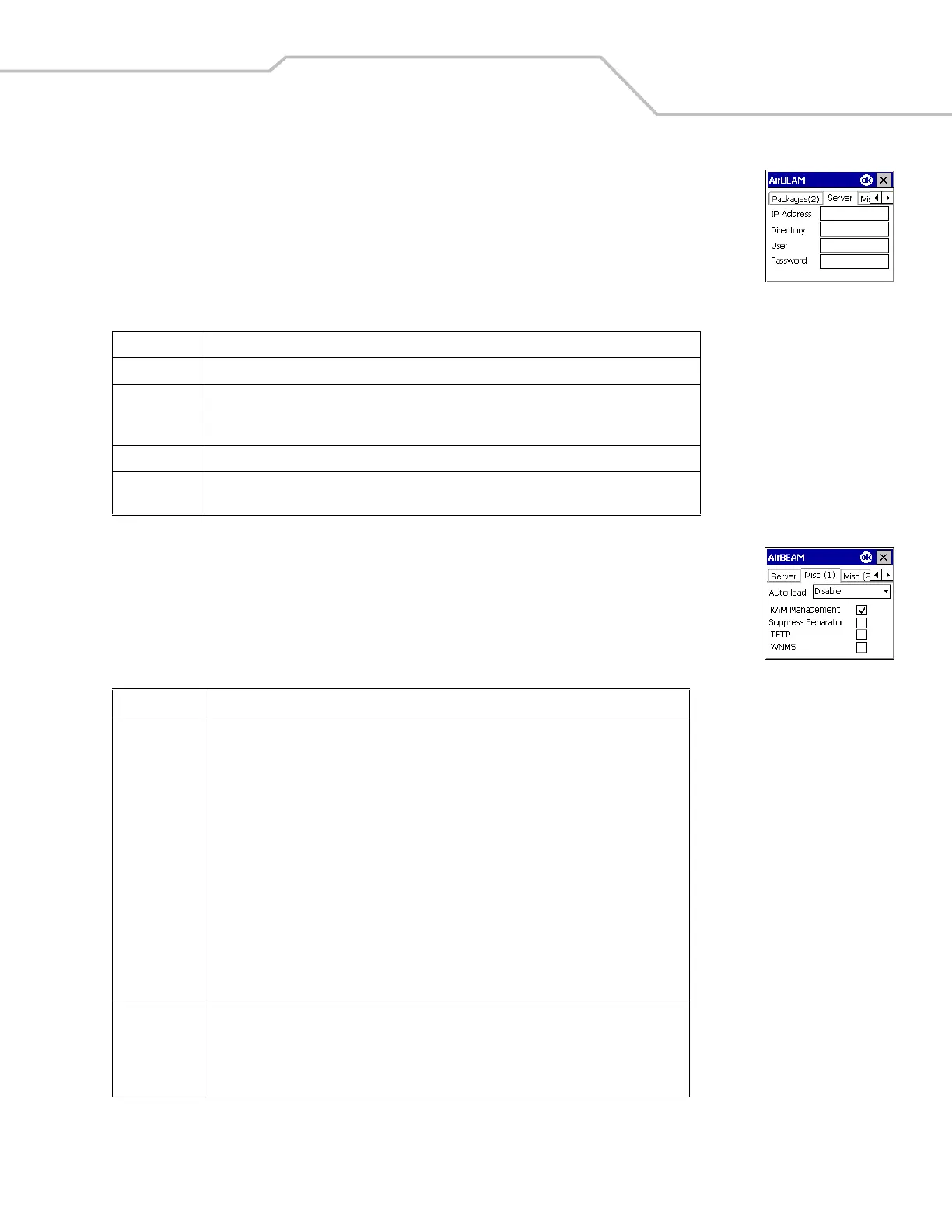
Server Tab
This tab is used to specify the configurations of the server to which the client connects during the package
synchronization process.
Misc(1) Tab
This tab is used to configure various miscellaneous features.
Table 8-3. Server Tab
Field Description
IP Address The IP Address of the server. It may be a host name or a dot notation format.
Directory The directory on the server that contains the AirBEAM Smart package definition files. All
AirBEAM Smart package definition files are retrieved from this directory during the package
synchronization process.
User The FTP user name that is used during the login phase of the package synchronization process.
Password The FTP password that corresponds to the FTP user specified in the User field. The specified
password is used during the login phase of the package synchronization process.
Table 8-4. Misc (1) Tab
Field Description
Auto-load This drop-down list is used to specify how the AirBEAM Smart Client is to be invoked
automatically when the client device is rebooted. The selections are:
Disable: the AirBEAM Smart Client is not invoked automatically during the boot
sequence.
Interactive: the AirBEAM Smart Client is invoked automatically during the boot sequence.
The package synchronization process is started automatically. The Synchronization
Dialog box appears and the user is required to press the OK button when the process is
complete.
Non-interactive: the AirBEAM Smart Client is invoked automatically during the boot
sequence. The package synchronization process is started automatically. The
Synchronization Dialog box is displayed, but the user is not required to tap OK when the
process is complete. The Synchronization Dialog box terminates automatically.
Background: the AirBEAM Smart Client is invoked automatically during the boot
sequence. The package synchronization process is started automatically. Nothing is
displayed while the synchronization process is occurring.
RAM
Management
This checkbox specifies whether the automatic RAM management is enabled during the
package synchronization process.
If enabled, RAM management logic is invoked when there is not enough free disk space to
download a package. The RAM management logic attempts to remove any discardable
AirBEAM Smart packages resident on the client.



 To Next Page