Accessories 2-13
Cables
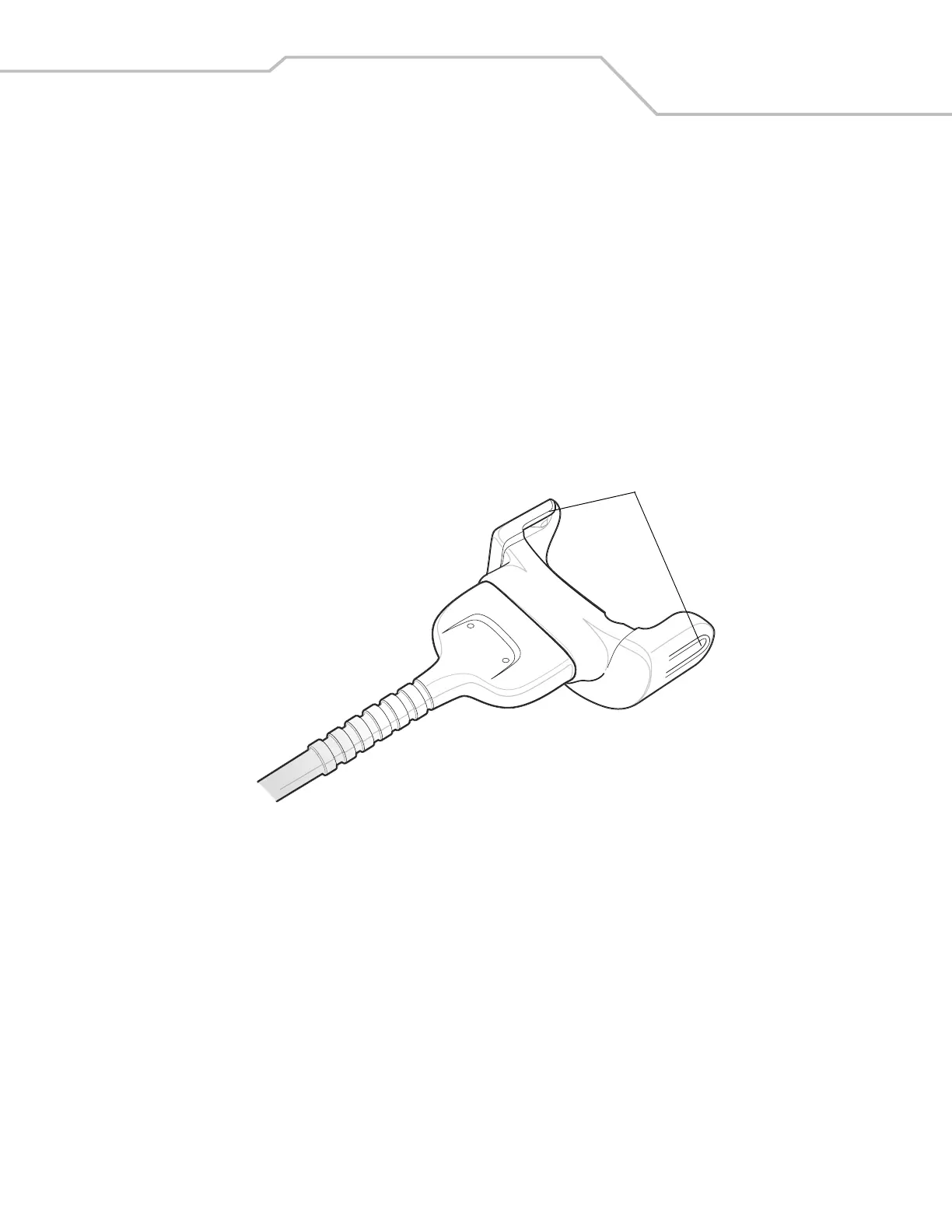
This section describes how to setup and use the cables. The cables are available with a variety of connection capabilities.
The following MC3000 Communication/Charge cables are available:
• Serial (RS232) Charge cable (9-pin D female with power input receptacle)
• USB Client Charge cable (standard-A connector and a barrel receptacle for power).
The following printer cables are available directly from the printer manufacturer:
• O’Neil Printer cable
• Zebra Printer cable.
The following printer cable is available from Symbol:
• Monarch Printer cable.
Figure 2-11. Cables (MC3000 Connector)
The MC3000 Communication/Charge cables:
• Provide the mobile computer with operating and charging power when used with the Symbol approved power supply.
• Synchronize information between the mobile computer and a host computer. With customized or third party software, it can
also synchronize the mobile computer with corporate databases.
• Provide serial connection through the serial pass-through port for communication with a serial device, such as a host
computer. For communication setup procedures, see Serial Communication Setup on page 2-26.
• Provide USB connection through the USB pass-through port for communication with a USB device, such as a host computer.
For communication setup procedures, see USB Connection Setup on page 2-28.
Dedicated printer cables, provide communication with a dedicated printer.
Snaps



 To Next Page