Getting Started 1-11
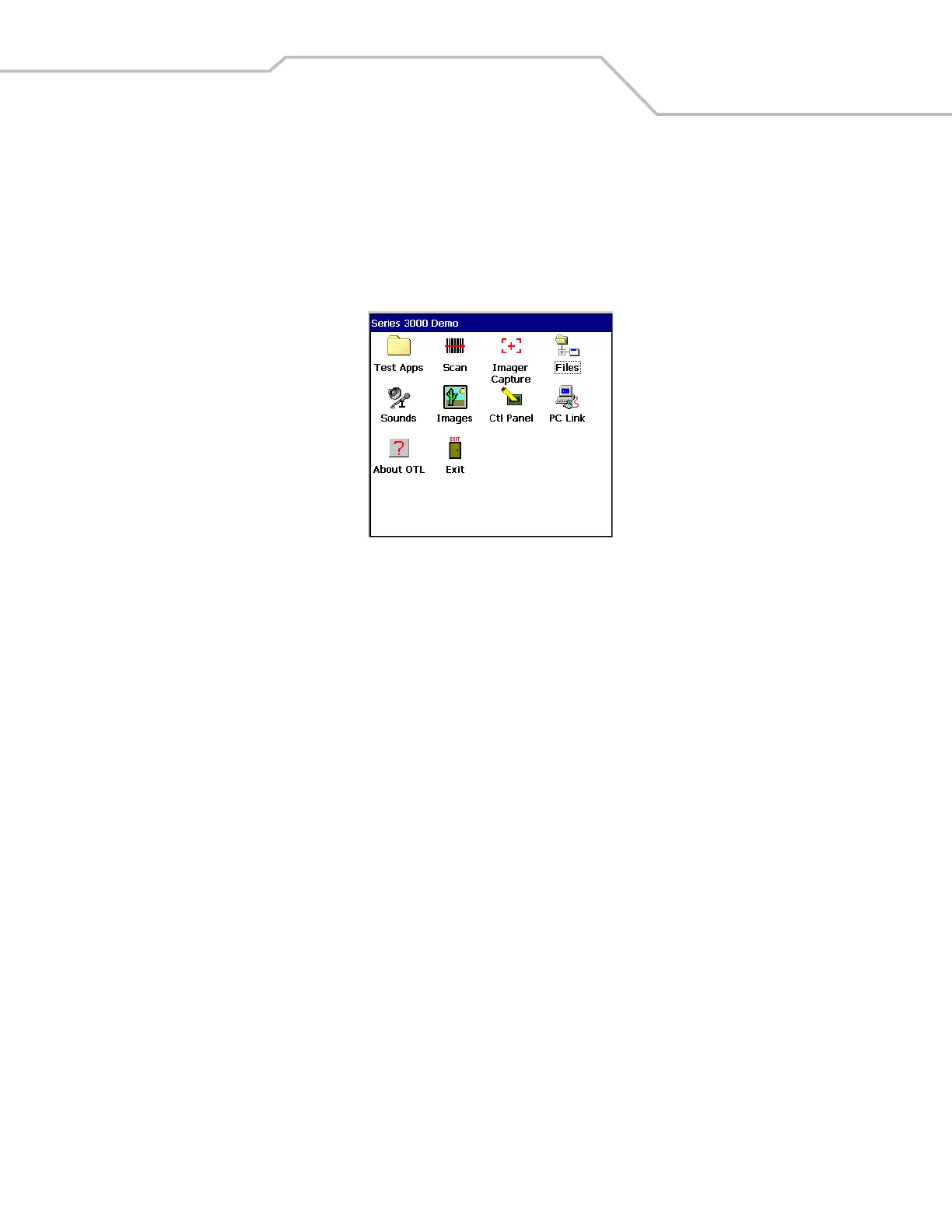
Series 3000 Demo Window
The Series 3000 Demo window is the factory default menu. On initial power up (or on a warm or cold boot) the Series 3000 Demo
window appears. These sample/demo applications are intended to be used by application developers as application development
examples. These applications were not developed to support end users. Refer to the Symbol Application Guide for information about
the Series 3000 Demo window applications.
Figure 1-7. Series 3000 Demo Window



 To Next Page