MC1000 User Guide2-6
2. Press A to activate the alpha mode.
3. Use the scroll keys to move to the first item.
4. Press F- CTRL - scroll key to move within the list. The item name is outlined.
5. Repeat step 3 to move to the desired item.
6. Press SPACE to highlight the item.
7. Repeat steps 3 through 5 until all items are selected.
8. Perform the desired function.
Adjusting the Beeper Volume
To adjust the beeper volume:
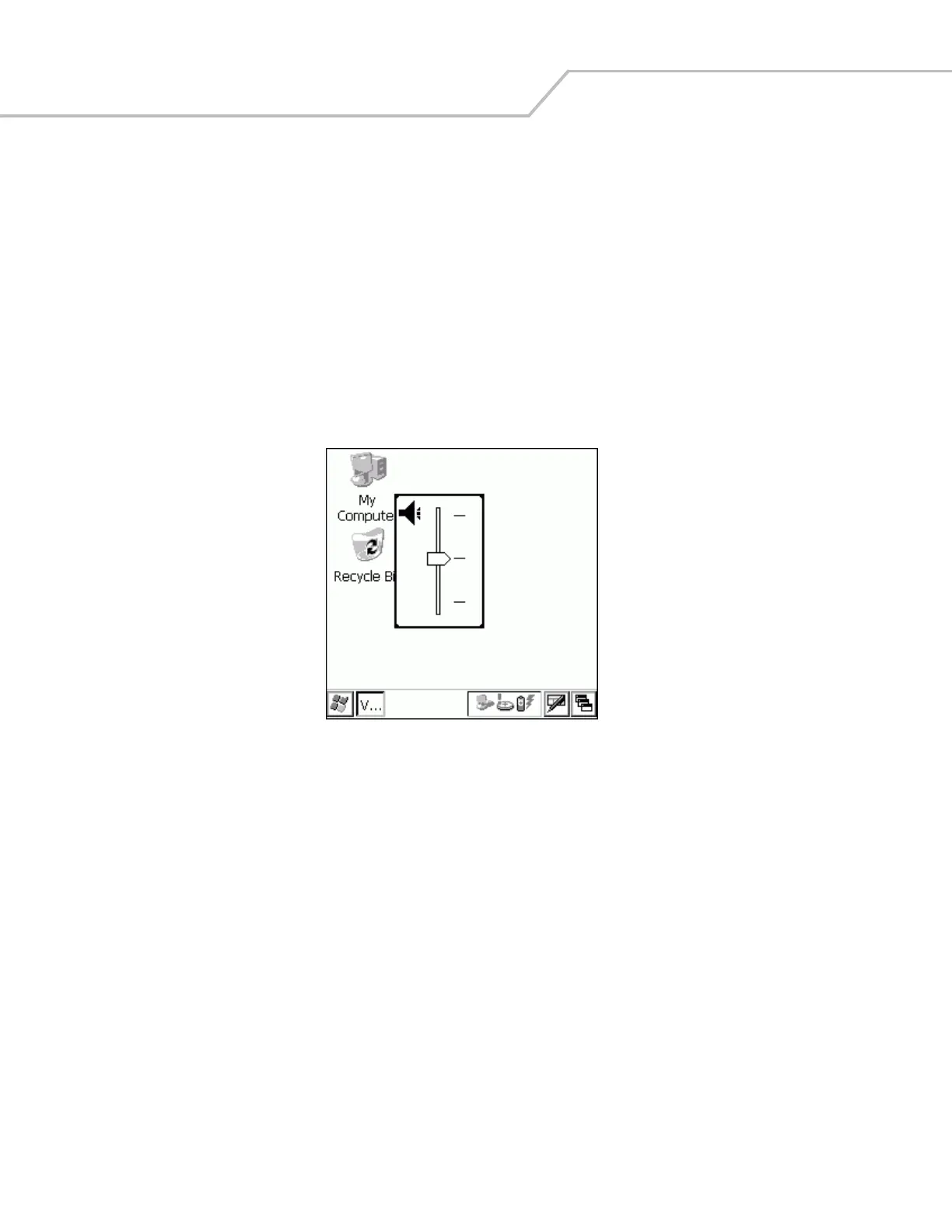
1. Press F - DEL. The volume control box appears.
Figure 2-2. Volume Control Box
2. Use the scroll up or scroll down keys to adjust the volume.
3. After three seconds of inactivity, the settings are saved and the box disappears.



 To Next Page