Operating the MC1000 2-11
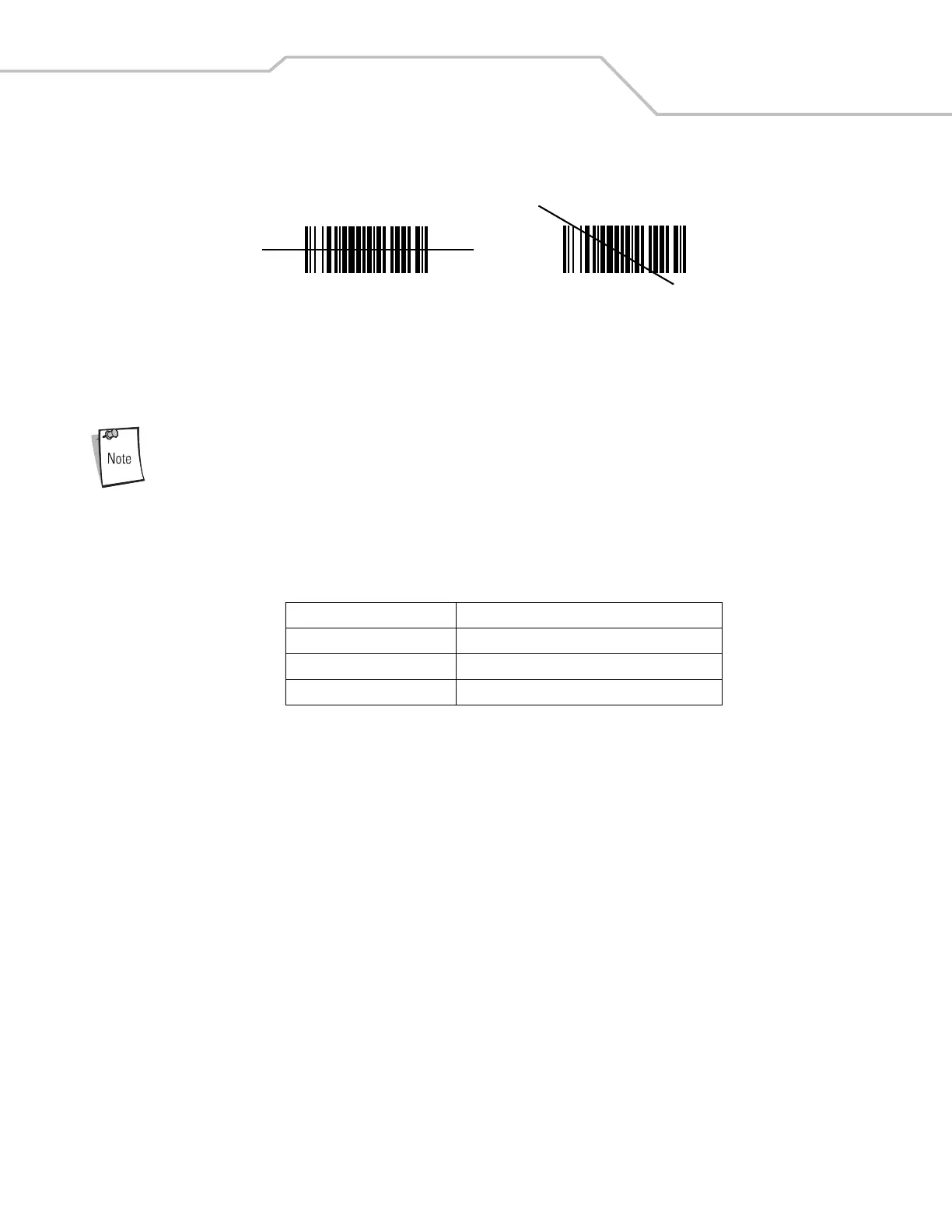
3. Press the scan button. Ensure the red scan beam covers the entire bar code. The Scan LED illuminates red to indicate that
the laser is on. The Scan LED illuminates green and a beep sounds to indicate a successful decode.
Figure 2-8. Laser Aiming
Optimal scanning distance varies with bar code density and scanner optics.
• Hold the scanner farther away for larger symbols.
• Move the scanner closer for symbols with bars that are close together.
Scanning procedures depend on the application and mobile computer configuration. An application may use
different scanning procedures from the one above.
Scan Indicator LED
Table 2-4 lists the Scan LED indicator status.
Scanning Considerations
Scanning is a simple matter of aim, scan and decode. However, to optimize scanning performance consider the range and the
scanning angle:
• Range
Any scanning device decodes well over a particular working range — minimum and maximum distances from the bar code.
This range varies according to bar code density and scanning device optics.
Scanning within range brings quick and constant decodes; scanning too close or too far away prevents decodes. Move the
scanner closer and further away to find the right working range for the bar codes being scanned. However, the situation is
complicated by the availability of various integrated scanning modules. The best way to specify the appropriate working
range per bar code density is through a chart called a decode zone for each scan module. A decode zone simply plots working
range as a function of minimum element widths of bar code symbols.
• Angle
Scanning angle is important for promoting quick decodes. When laser beams reflect directly back into the scanner from the
bar code, this specular reflection can “blind” the scanner.
To avoid this, scan the bar code so that the beam does not bounce directly back. But don’t scan at too sharp an angle; the
scanner needs to collect scattered reflections from the scan to make a successful decode. Practice quickly shows what
tolerances to work within.
Table 2-4. Scan LED Indicator
LED Status Indication
Off Not scanning.
Solid Red Laser enabled, scanning in process.
Solid Green Successful decode.
Wrong
Right



 To Next Page