Operating the MC1000 2-3
Introduction
This chapter provides basic instructions for using and navigating the mobile computer.
Power Button
Press the red Power button to toggle the mobile computer between suspend and resume states. The display is off in suspend state
and it is on in resume state.
Keypad
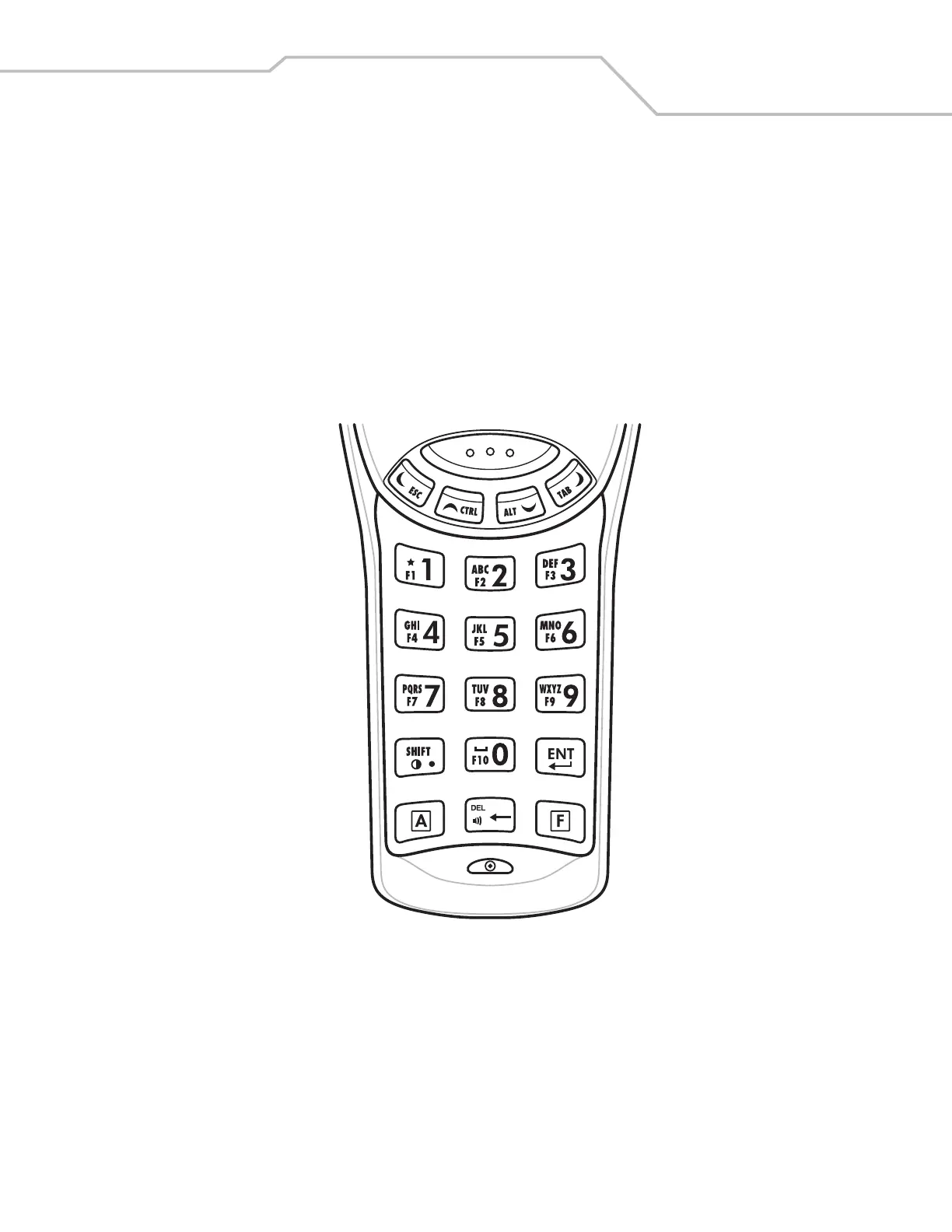
The keypad contains a Power button, application keys, scroll keys, and function keys. The keypad is color-coded to indicate the
alternate function keys (blue and orange). Note that an application can change the keypad functions so the mobile computer’s keypad
may not function exactly as described. See Table 2-1 on page 2-4 for key and button descriptions.
Figure 2-1. MC1000 Keypad



 To Next Page