Operating the MC1000 2-15
File System Directory Structure
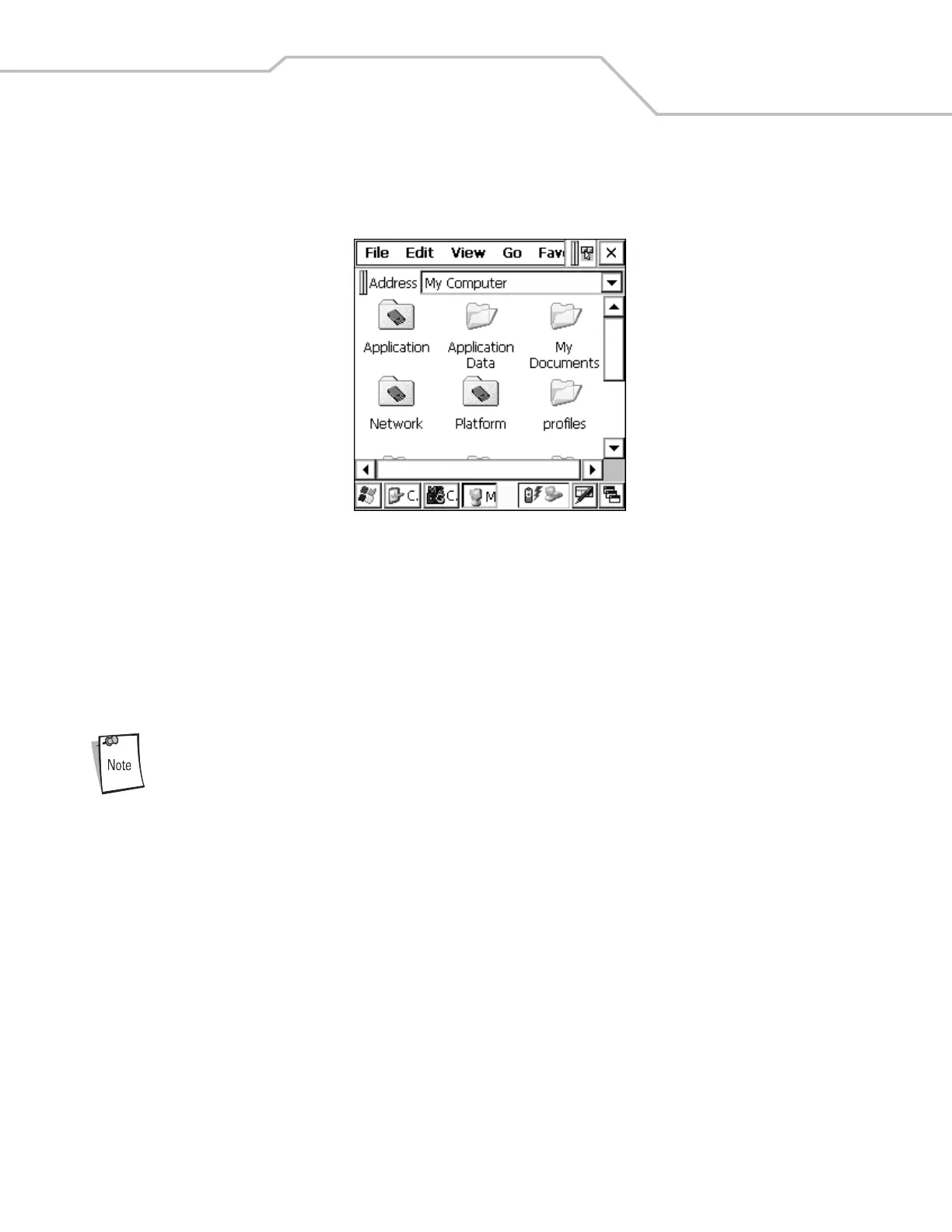
The mobile computer directory structure displays all of the file folders, see Figure 2-10. The pre-installed folders are in flash file
system memory and optional removable storage devices (SD cards).
Figure 2-10. Mobile Computer Directory Structure
• Application and Platform folders are located in flash file system memory.
• The Windows, Program Files, profiles, and My Documents folders are composite, RAM-based folders generated from ROM
(many of these files are marked read only).
• The Network folder is a link to file systems mapped using the network redirector. The files do not physically reside on the
mobile computer.
• The Temp and Recycled folders typically contain RAM based files.
All files copied to the RAM-based folders are lost after a cold boot.



 To Next Page