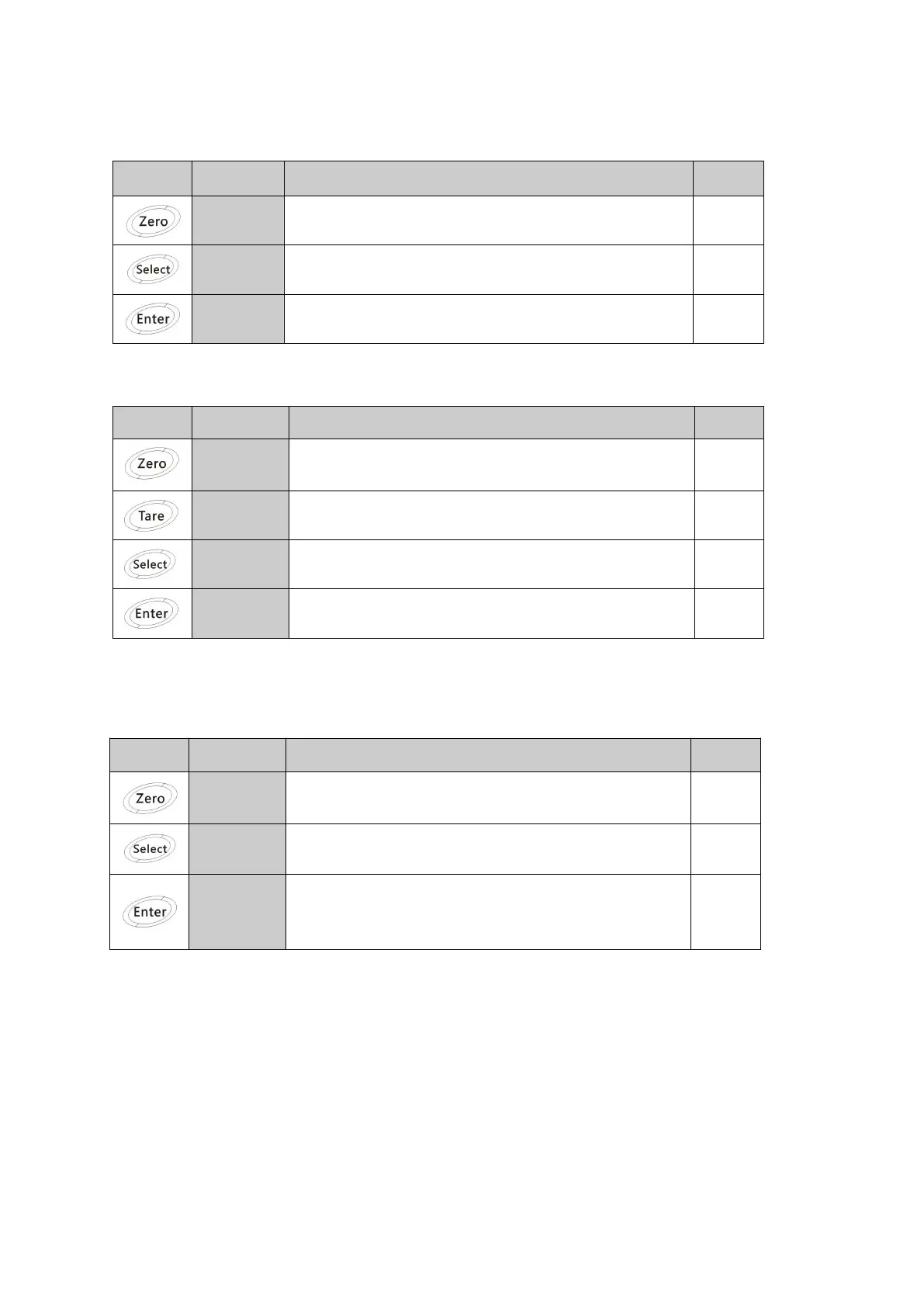
Keypad operation in menu mode
The upper window displays menu index.
Return to upper level or exit menu mode if in top
menu.
press “select” to change to every menu
Press this key to edit the parameter or enter into
submenu.
Keypad operation in data edit mode
In data edit mode the first left digit in lower window blink to indicate the value is editable.
Give up all data, and return
Change the twinkling digit from 0 to 9
Cycle Shift next left digit
Accept the data and return
Keypad operation when setting submenu
Operating as following steps, the upper window displays menu name, lower window displays
Return to upper level or exit menu mode if in top
menu.
Press this key to scroll to next menu in the same
level cyclically.
Press to enter into submenu, execute displayed
command, or make menu enter into data edit
mode. (Digit twinkled).


 To Next Page