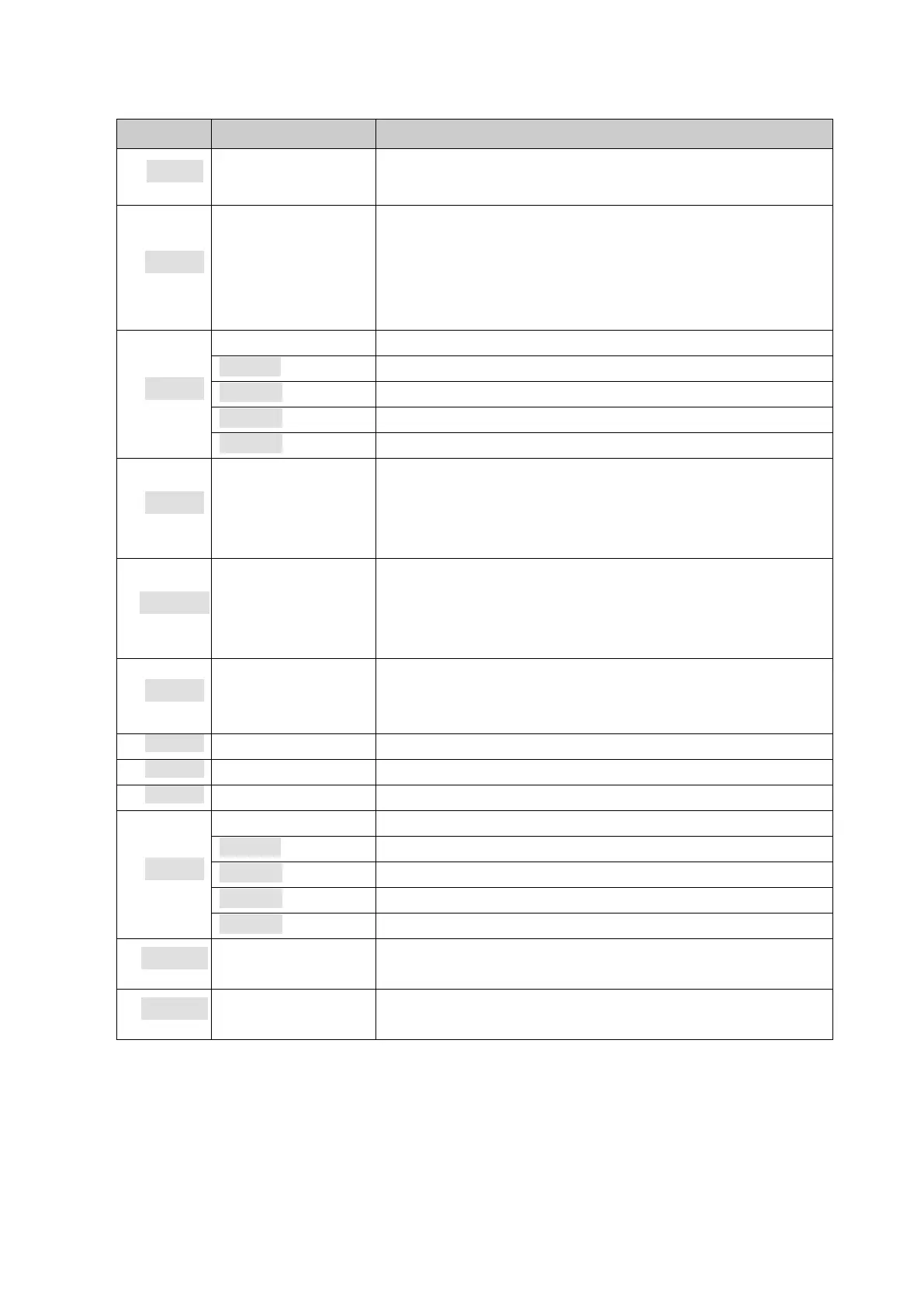
12. Batching function parameter (F6)
0.0% ~ 9.9%F.S. When Dump less than setting weight,
terminal delays specifiled time
(
F6.3.4 Dump delays
)
then close Dump valve.
Auto spill
correction
frequency
Due to the material feed rate always changing with the
material level, to get constant final feeding weight the
terminal continuously moniter the tolerance trend and
correct spill value to change final cutoff time. User can set
the adjust frequency to get moderate adjust result.
Starting delay time =(0.0~9.9 s)
Comparison inhabit time =(0.0~9.9s)
Delay checking time =(0.0~9.9s)
Dump and close delay time =(0.0~9.9s)
Target tolerance
checking interval
Range 0~99. Set the value as 0 to disable tolerance check.
On each checking interval, if any material final feeding
weight out of tolerance, the TOL outport will output for
0.5 second.
0.0% ~ 9.9% of each material target. If actual feeding
weight exceeds this tolerance renge of current material
target the TOL outport will output for 0.5 second and the
batching process suspended.
Range: 0~99.
0 = auto tare disabled.
1 ~99 = auto tare intervals
0:automatic 1:semi-automatic (BC360.C1 only have 0)
0
:
automatic 1
:
semi-automatic
1/2/3/4 1~4 material optional(BC360.C1 only have 1)
1
:
single speed feeding 2
:
dual speeds feeding
Batch continue on
power up
0: disable. The batch process is aborted on power up;
1: enable. The batch process can continue on power up
0: mixed batching
1: cycle batching
Notes: time parameter diagram during batching.
Starting delay time(SDT)
SDT for each batching process
。
When closing Dump door, due to mechanical action,
weight hopper vibrate, make weight data changing, so it need SDT. Indicator receive start signal,
delay(0~9.9)s, then start batching, that time can be set at F6.3.1。
Comparison inhabit time
(
CIT
)


 To Next Page