机床产品/Machine Tool Products
–
22/220 Series Controller Application Manual
Software Installation、Data Backup/Restore–76
•
a.
i.
ii.
iii.
b.
•
•
13.2 Drive Restoration Notifications
When restoring Drive Parameters, the controller will make the following four checks (only for serial servo
drives, not pulse control drives)
For Syntec drives, if the authority parameter (FN-00/FN-31) is set to;
Lv0, the controller will run the restoration after changing the parameter to Lv1 automatically.
Then turn the authority parameter back to Lv0, after completed.
Not Lv.0, then it depends on the authority parameter setting.
The actions above are valid from versions 10.116.36V, 10.116.50, 10.117.50.
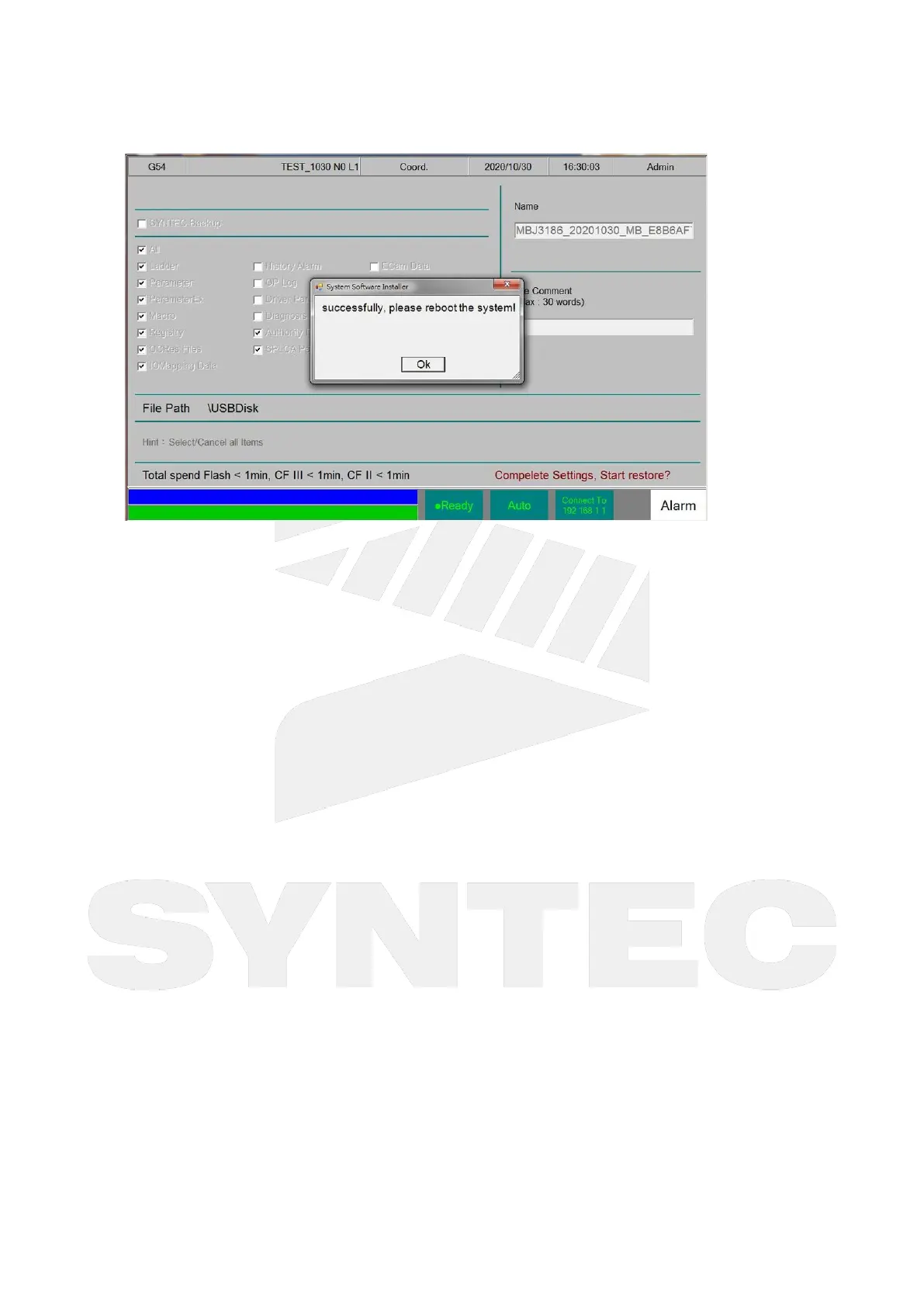
If the controller is in Not Ready state, a notice window will pop out and suspend the restoration.
(function added after versions 10.116.26B, 10.116.36K, 10.116.43,10.117.43 and later)
SB: When the backup file of Serial Parameters is included in the files, hint message will pop up
and the restoration will be suspended if the controller is not in Not Ready state. Please switch
to Not Ready state and retry.
MB:When the backup file of Serial Parameters is selected, hint message will pop up and the
restoration will be suspended if the controller is not in Not Ready state. Please switch to Not


 To Next Page
 Loading...