User guide Advanced menu
93
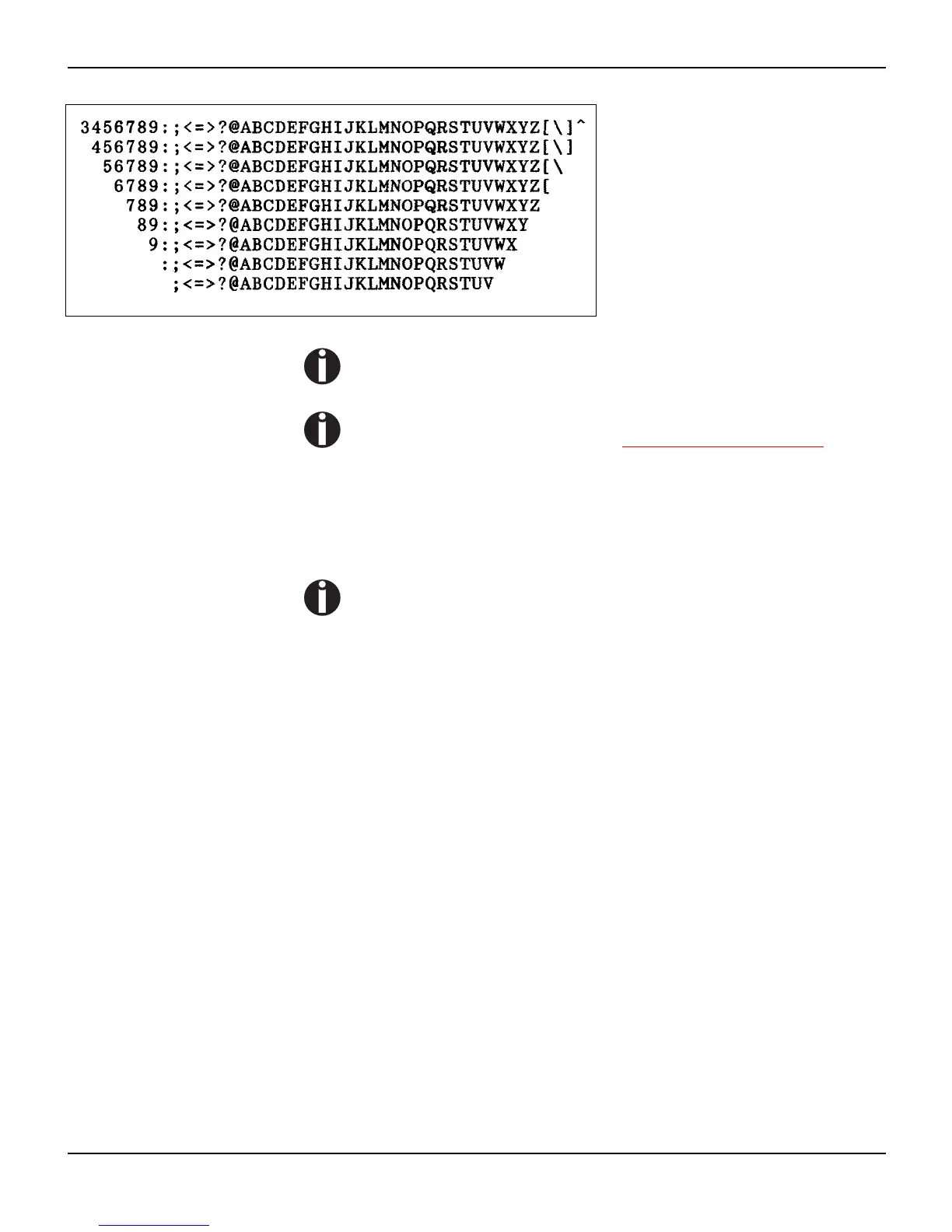
Example of an ASCII test printout
If you selected a proportional font (PS font) , the printed length
of the lines varies.
This test can also be used to determine and set the optimal
printhead gap (see the section Setting the print head gap
(page 45).
Exiting Rolling ASCII test mode The self-Rolling ASCII test mode test mode can only be terminated
by switching off your printer. For this operation the printer must be
Offline.
If you want to stop the test printout before switching off the
printer, press the key Online.














 To Next Page