User guide The Menu
87
Form feed mode (FFmode) Specifies whether a form feed is to be performed when the paper
reaches the top print line.
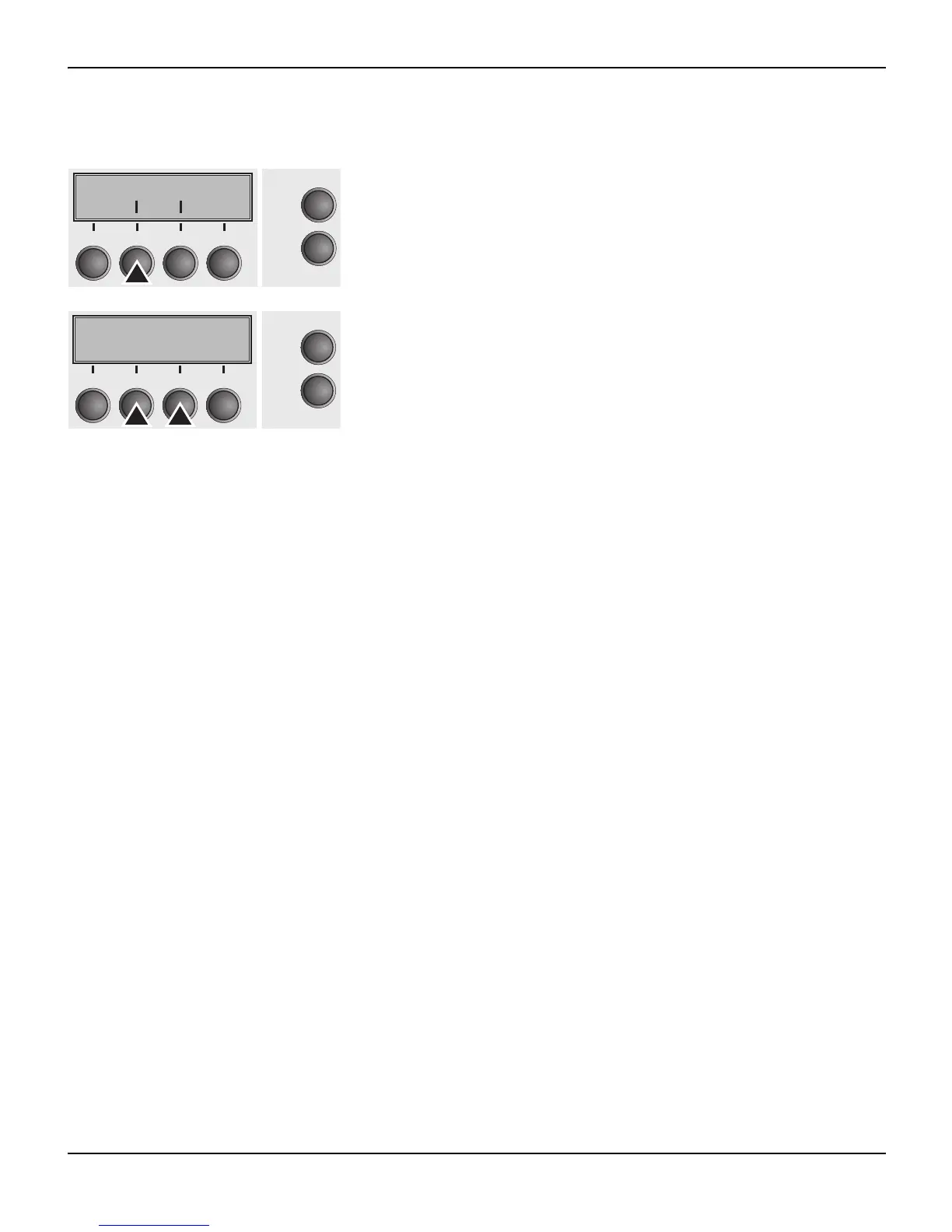
Press FFmode (2) key.
Use the < (2) or > (3) key to select the desired setting.
Setting Options: On/Off
Default Setting: Off
FFmode = On: If the paper is positioned in the first printing line
(TOF), form feeds will be ignored.
FFmode = Off: Form feed will be performed in all cases.
Confirm the setting by pressing the Set key (1).
FFmode PapOpt
Online
Setup
21
3
4
Back Next
FFmode=Off *
Online
Setup
Set < > Exit
21
3
4














 To Next Page