2T model User guide
50
Loading paper into the
rear tractor
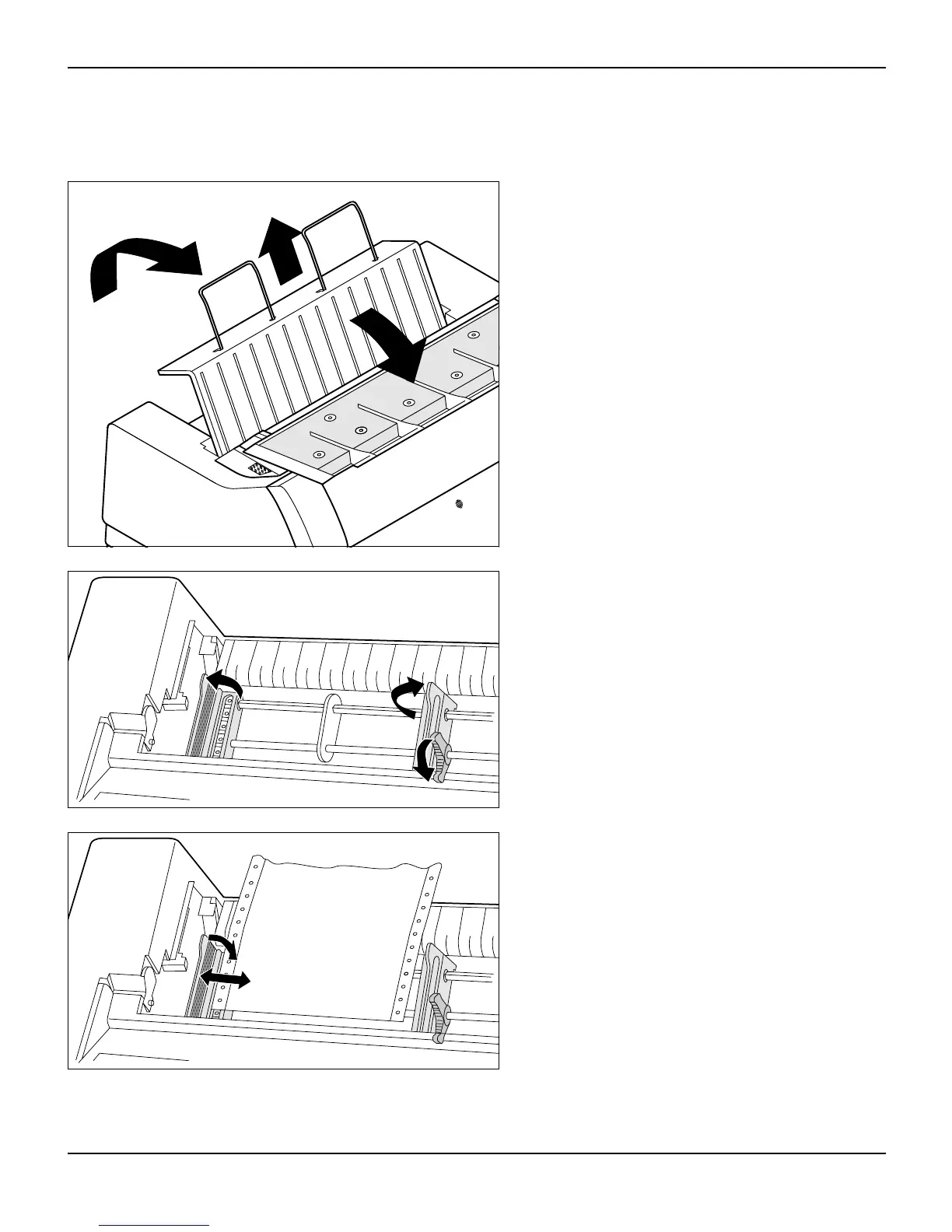
To place fanfold paper into the rear tractor, proceed as follows.
Swing the noise absorbing element towards the
front, raise the rear cover vertically and remove
it.
Open both the right-hand and left-hand tractor
flaps.
Release the coloured latch lever of the left-
hand tractor and align the tractor in such a way
that the first printing position on the paper mat-
ches the X mark on the printer housing.
Then fix the coloured lever again. Insert fanfold
paper into the left-hand tractor.














 To Next Page