User guide Advanced menu
107
You can now either cancel the print job or load suitable paper. In the
latter case, the printer will resume the print job upon pressing the
Online key.
If you press the Online key without having changed the paper,
another line is printed until reaching the measured paper-end
position.
The sensor interprets dark areas with a width of 13 mm or
more as the right-hand paper edge.
If the sensor does not detect any black area, the maximum
possible printing width is used as the printable area.
If there is a sensor malfunction (e.g. because of dirt, a defect
or misinterpretation of the paper width) it is necessary to
deactivate the APW function (APW=Off), since otherwise the
printout will be too narrow or there will be no printout at all. In
this case contact your service technician.
Confirm the setting by pressing the Set (1) key. Change to the next
parameter group with the Next key (4).
Automatic detection of the
top paper margin (AED)
This menu option only appears, if a cut device is installed. It corrects
possible inaccuracies of the paper positioning at the tear edge if the
paper path is changed after a cutting action.
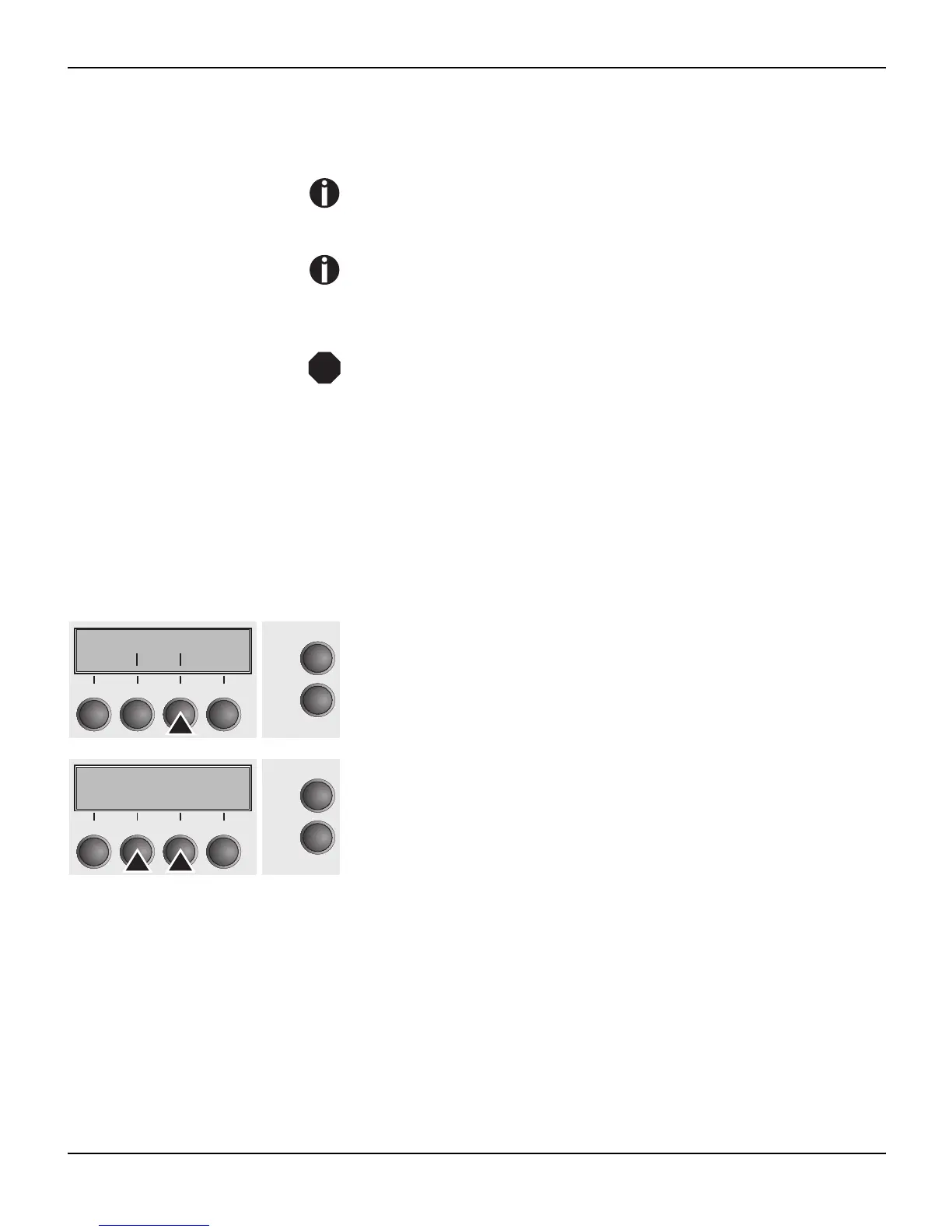
Select the AED (3) menu.
Setting options: On/Off
Default setting: Off
Confirm the setting by pressing the Set (1) key.
STOP
APW AED
Back Next
Online
Setup
21
3
4
AED=Off *
Online
Setup
Set < > Exit
21
3
4














 To Next Page