The Menu User guide
88
Setting and activating
options (PapOpt)
For setting the optional automatic sheet feeders (ASFs) and optional
tractors; see Paperway
(page 5). Also regulates the activation of
ASFs and/or optional tractors.
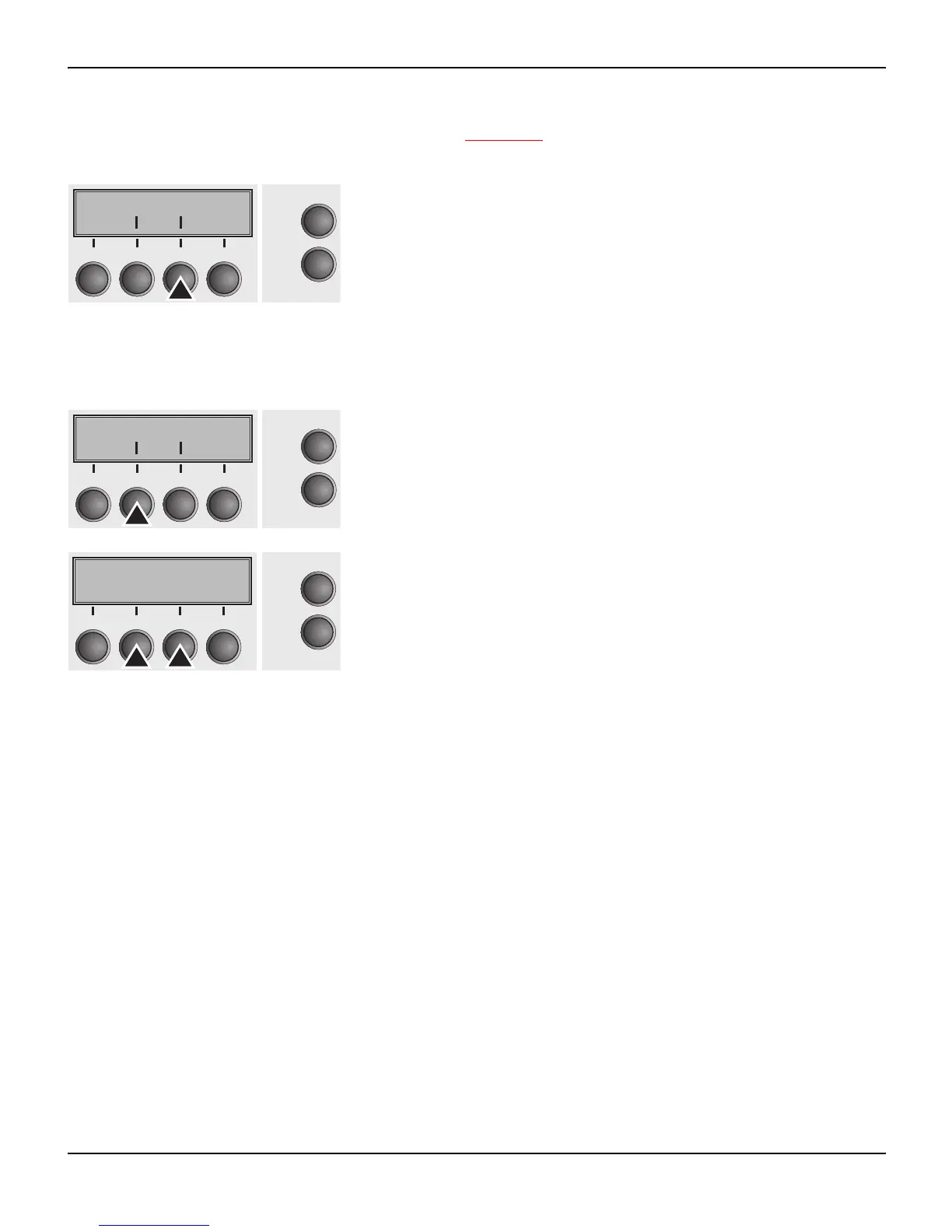
Press PapOpt (3) key.
Activation of tractors (AutoTra) This parameter only appears if at least one optional tractor is in-
stalled. It regulates the activation of tractors when there is no more
paper left in one of them.
Press AutoTra (2) key.
Use the < (2) or > (3) key to select the desired setting.
Setting Options: Off/T1=T2/T1=T2=T3
Default Setting: Off
If an optional tractor is not installed, Off is displayed (factory de-
fault). If an optional tractor is installed and the Off parameter is acti-
vated, only the selected tractor is supported (either via the menu or
an ESC sequence). If the selected tractor is out of paper, printing
stops.
If an optional tractor is installed and you select T1=T2 (standard
printer) or T1=T2=T3 (2T model), the printer will load paper from the
other tractor if the selected one is empty. For the 2T model, the se-
lection priority is T2–T3–T1, i.e. if the selected T2 is out of paper, the
printer will first try to load paper from T3, then from T1. If the selected
T3 is empty, the printer will first address T1, then T2. If T1 is selected
and empty, first T2, then T3 will be addressed.
Confirm the setting by pressing the Set key (1).
FFmode PapOpt
Online
Setup
21
3
4
Back Next
AutoTra AutoASF
Online
Setup
21
3
4
Back Next
AutoTra=Off *
Online
Setup
Set < > Exit
21
3
4














 To Next Page