The Menu User guide
70
Signal feedback (Remote) Signal feedback; On = RDY/BUSY available, Off = No RDY/BUSY
control.
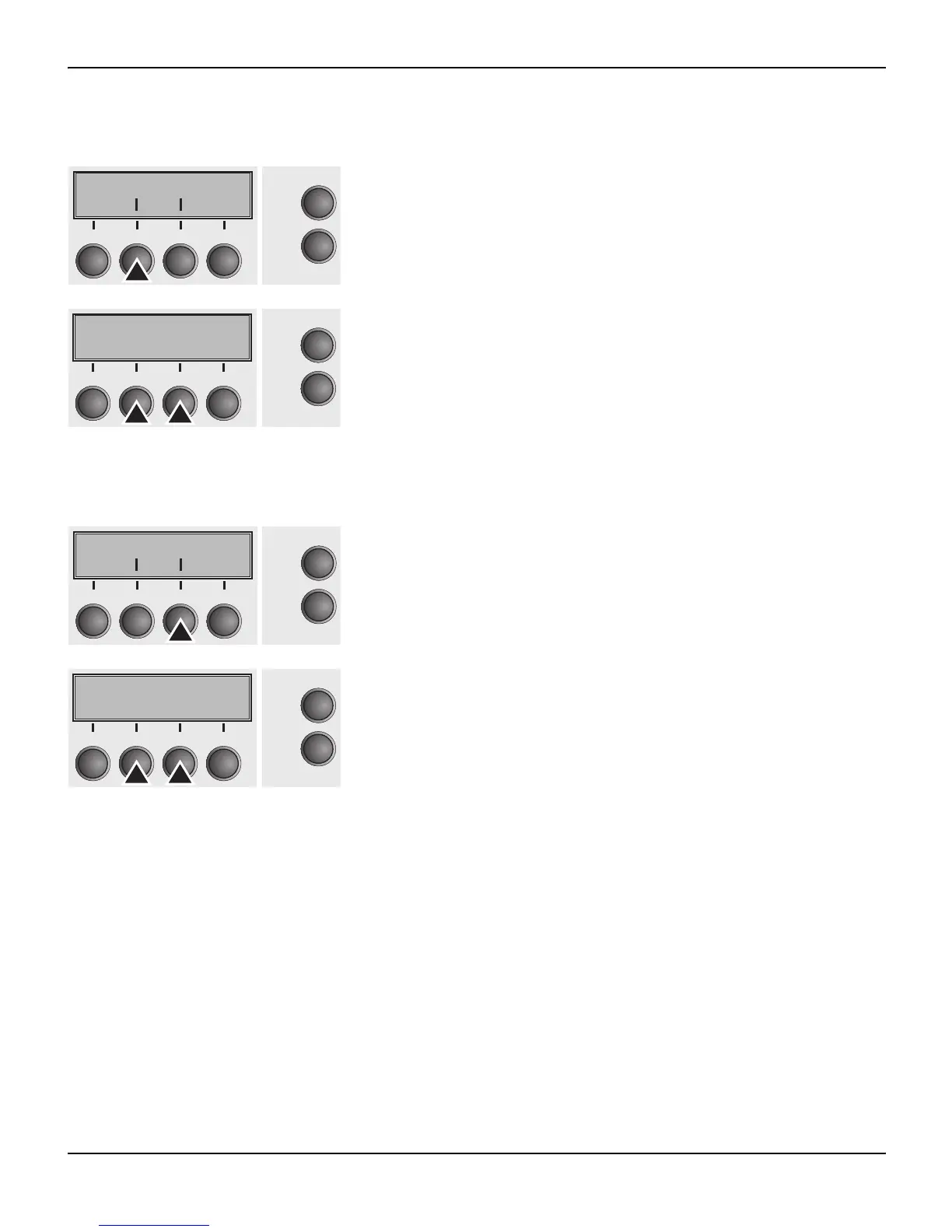
Press Remote (2) key.
Use the < (2) or > (3) key to select the desired setting.
Setting Options: On/Off
Default Setting: Off
Confirm the setting by pressing the Set key (1).
Transparence (Handthr) Affects the transparence of control sequences and block acknowl-
edgement, depending on the selected protocol.
Press Handthr (3) key.
Use the < (2) or > (3) key to select the desired setting.
Setting Options: On/Off
Default Setting: Off
Confirm the setting by pressing the Set key (1). Press the Next key
(4) to leave the parameter subgroup Special.
Remote Handthr
Online
Setup
21
3
4
Back Next
Remote=Off *
Online
Setup
Set < > Exit
21
3
4
Remote Handthr
Online
Setup
21
3
4
Back Next
Handthr=Off *
Online
Setup
Set < > Exit
21
3
4














 To Next Page