Installation User guide
10
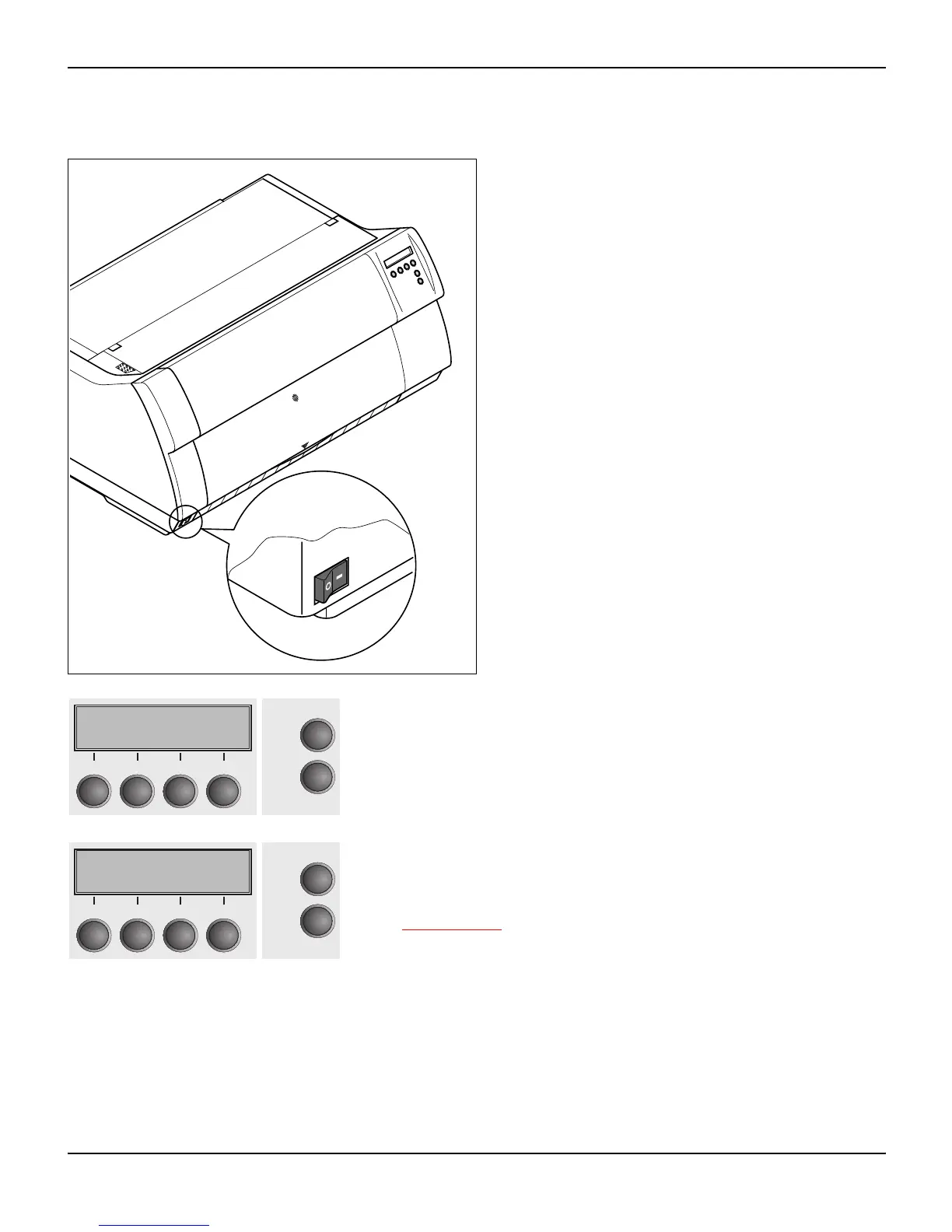
Switching on the printer
The power switch for switching on the printer is lo-
cated at the bottom left at the front of the printer
when viewed from the front.
After switching on, the printer passes through a memory test during
the initialization phase. In the display appears temporary the mes-
sage "SDRAMTEST XXXXX XX ok".
If the memory test is successful finished, the firmware number ap-
pears in the display.
After finishing the initialization the printer switches to online mode
(see Online mode
, page 31).
SDRAMTEST
20000 55AA ok
Online
Setup
21
3
4
48979A 01
Initializing ...
Online
Setup
21
3
4














 To Next Page