User guide Installation
7
Installation
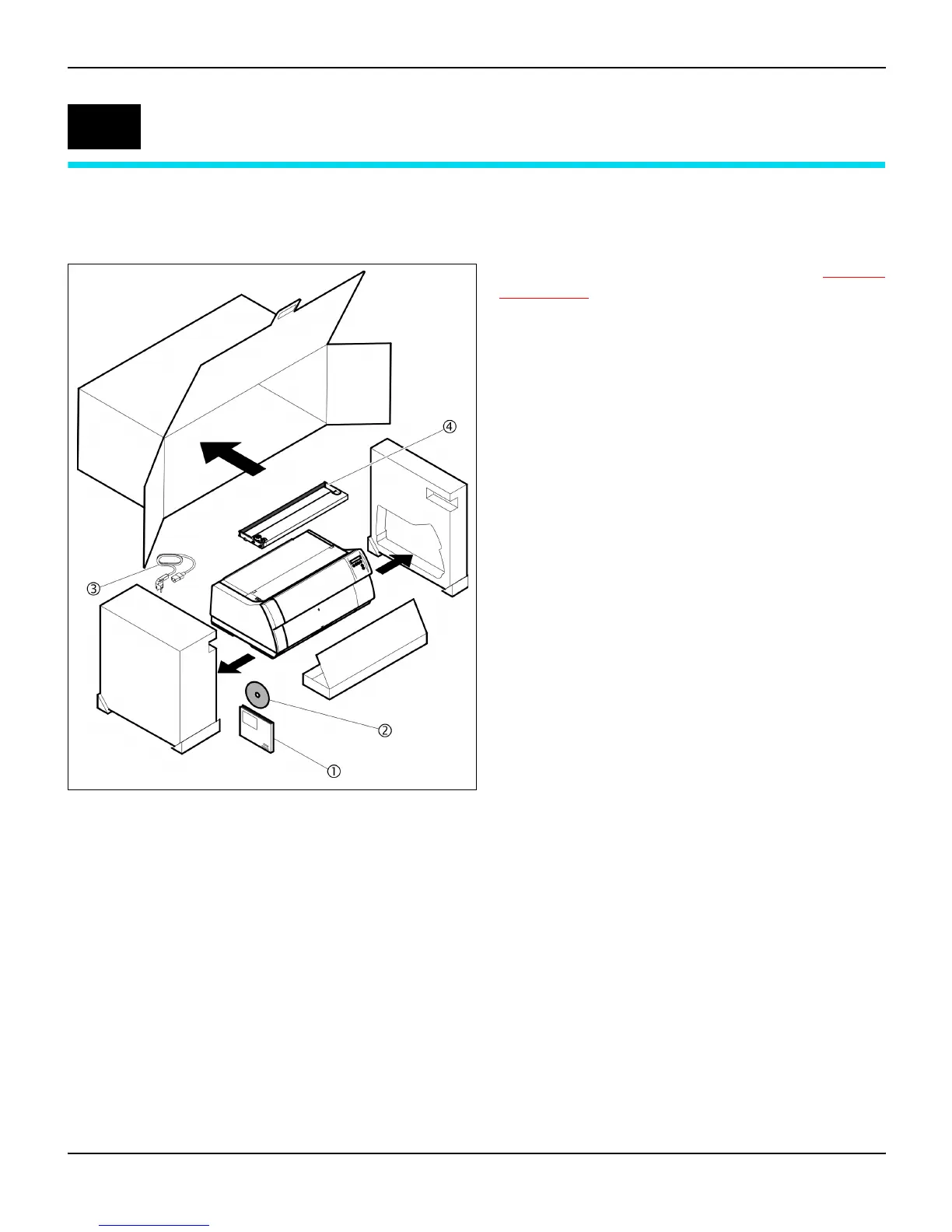
Unpacking the printer
Place your printer on a solid surface (see Placing
your printer, page 8).
Make sure that the “Up” symbols point in the cor-
rect direction.
Open the packaging, take out the accessory cas-
sette and unpack it. Pull the printer out of the card-
board box towards you and remove the remaining
packaging material.
Check the printer for any visible transport damage
and completeness. Apart from this CD-ROM (c)
the Quick start guide (d), the power cable (e) and
the ribbon (
f) must be included.
If you find any transport damage or if any accesso-
ries are missing, please contact your dealer.
2














 To Next Page