User guide Advanced menu
105
Settings for paper with dark
back (Pap.back)
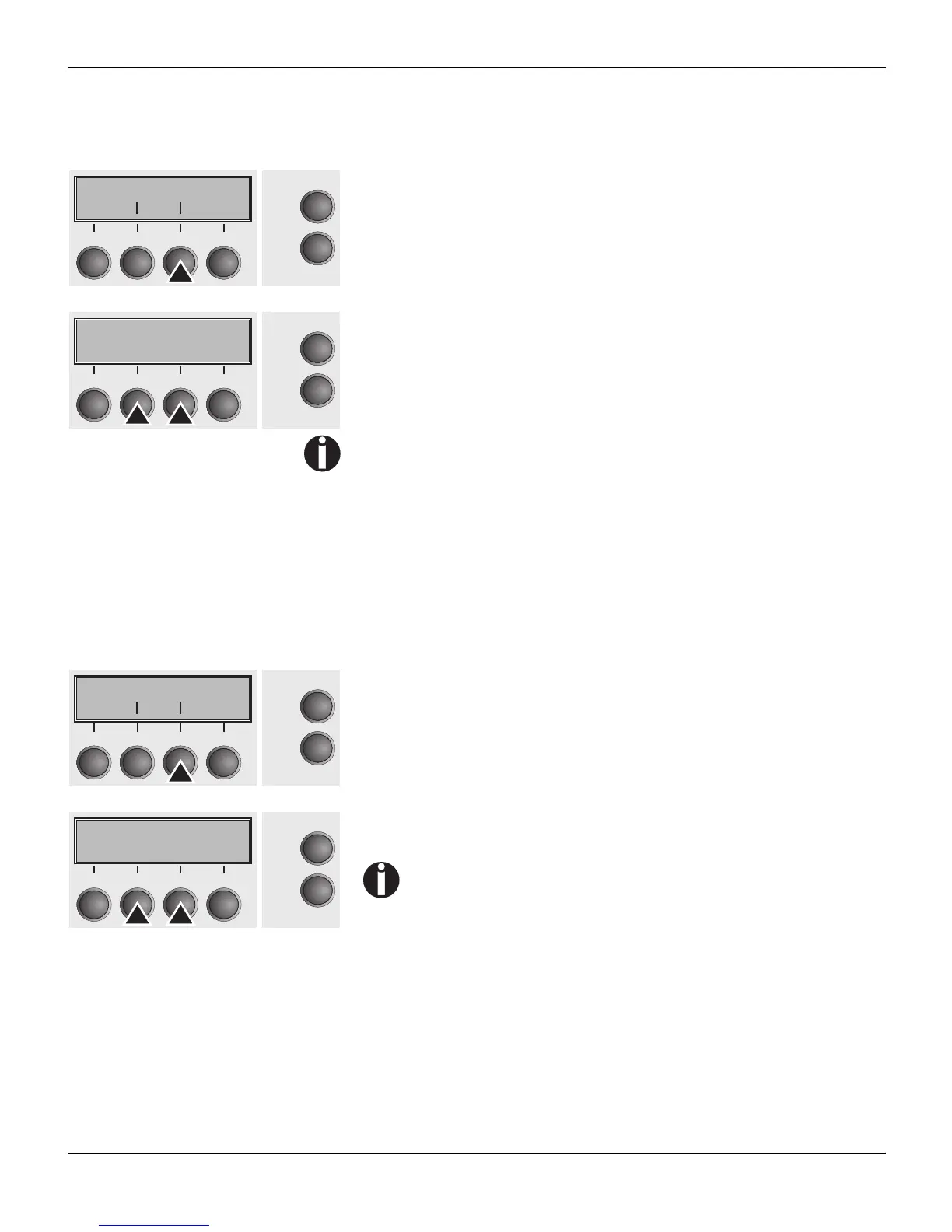
Select the Pap.back (3) menu.
Setting options: normal/dark
Default setting: normal
Pap.back = normal is the standard for normal paper.
Pap.back = dark can be set to process paper with a grey back.
Paper with a completely black back side cannot be used if the
ink is carbon-based. However, the printer can handle aniline-
based black paper (undefined colors).
Confirm the setting by pressing the Set (1) key. Change to the next
parameter group with the Next key (4).
Setting for printing copy
paper (HvyForm)
If you set HvyForm = ON, the printer prints the same line twice at
double strike. This setting ensures that copy paper produces opti-
mum results.
Select the HvyForm menu (3).
Setting options: On/Off
Default setting: Off
With the Copy Draft, NLQ and LQ print qualities, the line
is printed twice, however, at single strike.
Compmod Pap.back
Back Next
Online
Setup
21
3
4
Pap.back=normal*
Set < > Exit
Online
Setup
21
3
4
HvyForm
Online
Setup
Back Next
21
3
4
HvyForm=Off *
Set < > Exit
Online
Setup
21
3
4














 To Next Page