The Menu User guide
82
First printing position (FormAdj) Sets the first print position of a form in n/72 inch, separately adjust-
able for each paper path.
The settings made here reduce the height of the printable area.
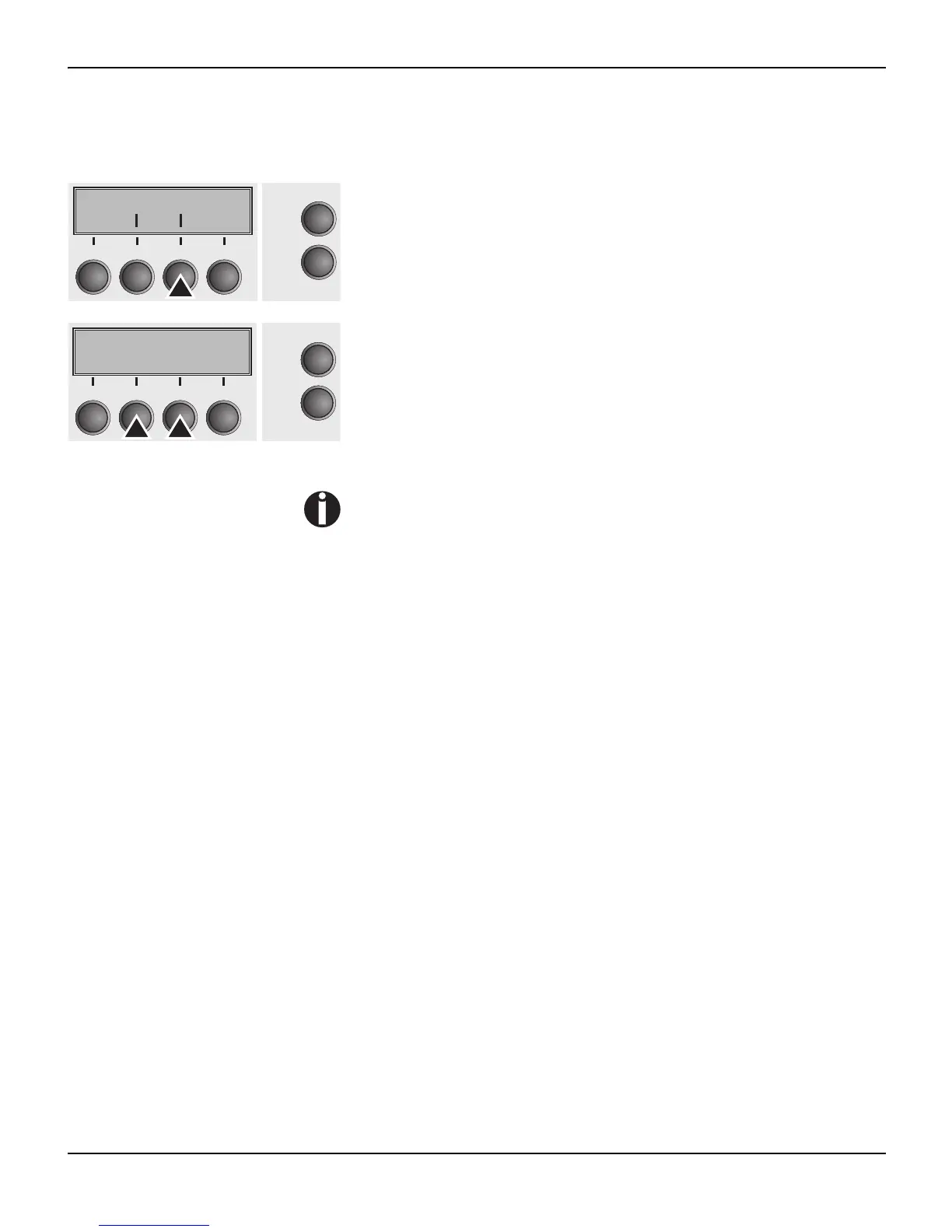
Press FormAdj (3) key.
Use the < (2) or > (3) key to select the desired setting.
Setting Options: 0/72" bis 220/72"
Default Setting: 12/72"
Confirm the setting by pressing the Set key (1). Press the Next key
(4) to access the next group of parameters.
An alternative notation for FormAdj is TOF (Top Of Form).
Forml FormAdj
Online
Setup
21
3
4
Back Next
FormAdj= 12/72 *
"
Online
Setup
Set < > Exit
21
3
4














 To Next Page