User guide Advanced menu
103
Bidirectional parallel interface (CX-bid)
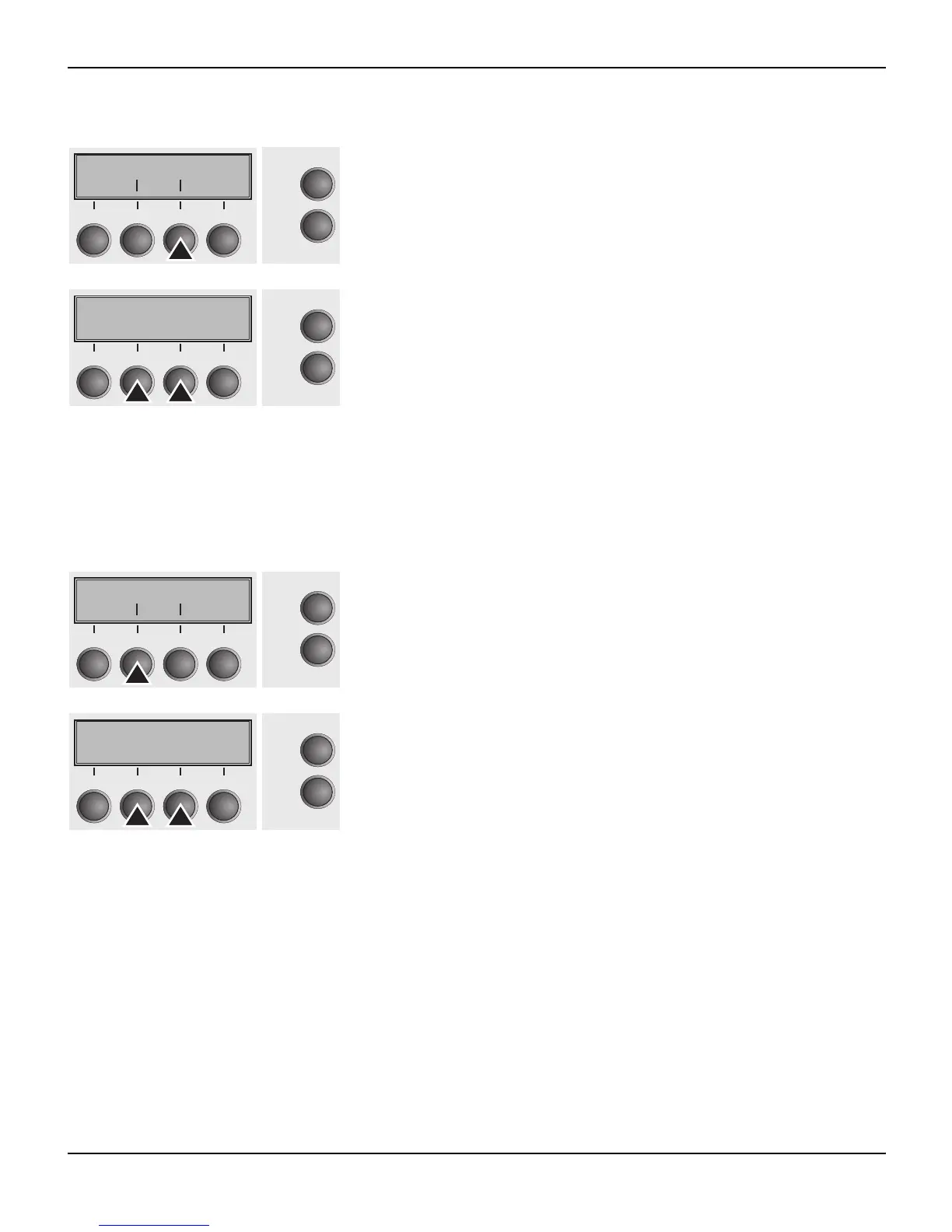
Select the CX-bid menu (3).
Setting options: On/Off
Default setting: On
CX-bid = ON sets the parallel interface of the printer to bidirectional
mode (IEEE 1284, Nibble mode), e.g. for Windows Plug & Play.
CX-bid = OFF sets the interface to compatibility mode in order to en-
sure reliable operation with special external boxes.
Confirm the setting by pressing the Set (1) key. Change to the next
parameter group with the Next key (4).
Line wrap (Wrap)
Select the Wrap menu (2).
Setting options: On/Off
Default setting: On
Wrap = On: If more characters than can be printed are transmitted
per line, the characters which cannot be printed on this line are print-
ed at the beginning of next line.
Wrap = Off: If more characters than can be printed are transmitted
per line, the characters which cannot be printed on this line are cut
off.
Confirm the setting by pressing the Set (1) key.
Paphand CX-bid
Online
Setup
Back Next
21
3
4
CX-bid=On *
Online
Setup
Set < > Exit
21
3
4
Wrap Sound
Online
Setup
Back Next
21
3
4
Wrap=On *
Online
Setup
Set < > Exit
21
3
4














 To Next Page