User guide The Menu
75
IP address administration
(IP Get M)
Selects the way of administrating the IP address.
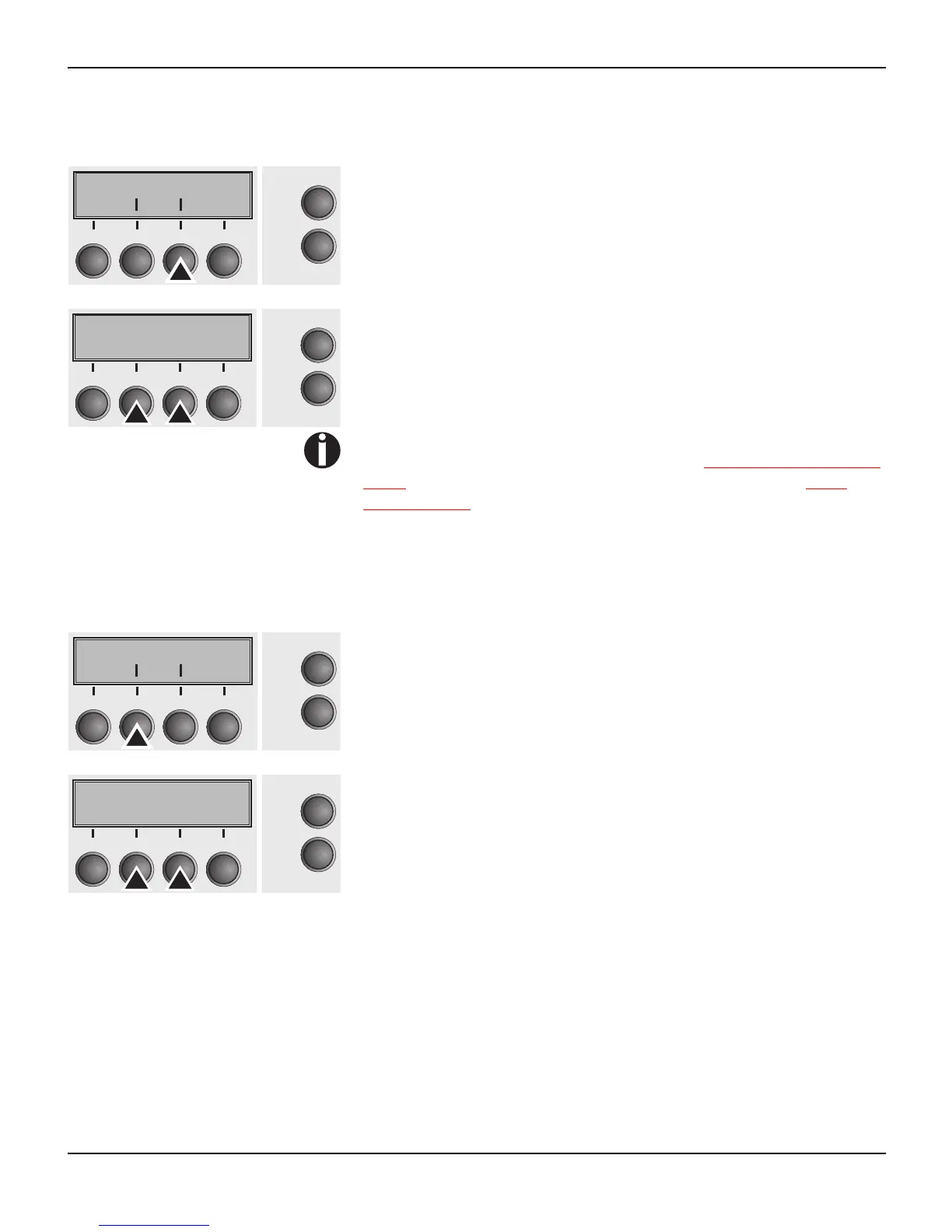
Press IP Get M (3) key.
Use the < (2) or > (3) key to select the desired setting.
Setting Options: Static, DHCP, BOOTP
Default Setting: Static
Confirm the setting by pressing the Set key (1).
The setting Static is the precondition that the values entered in
the parameter IP Addr become valid (see Setting IP address (IP
Addr) (page 73). For further informations, refer to the Web
Panel Manual on the Online-CD-ROM.
Press the Next key (4) to access the next group of parameters.
Banner page (Banner) Specifies whether a banner page is to be printed out, when using the
LPD/LPR protocol.
Press Banner (2) key.
Use the < (2) or > (3) key to select the desired setting.
Setting Options: Yes/No
Default Setting: No
Yes: When using the LPD/LPR protocol a banner page will be prin-
ted out in front of every print job, containing the file name and the
print queue name. The width of the banner page is 8".
Confirm the setting by pressing the Set key (1).
Press the Next key (4) to leave the parameter group Interf.. Press
the Next key (4) again to access the next group of parameters.
Subnet IP Get M
Online
Setup
Back Next
21
3
4
IP Get M=Static*
Online
Setup
Set < > Exit
21
3
4
Banner
Online
Setup
Back Next
21
3
4
Banner=No *
Online
Setup
Set < > Exit
21
3
4














 To Next Page