User guide Advanced menu
97
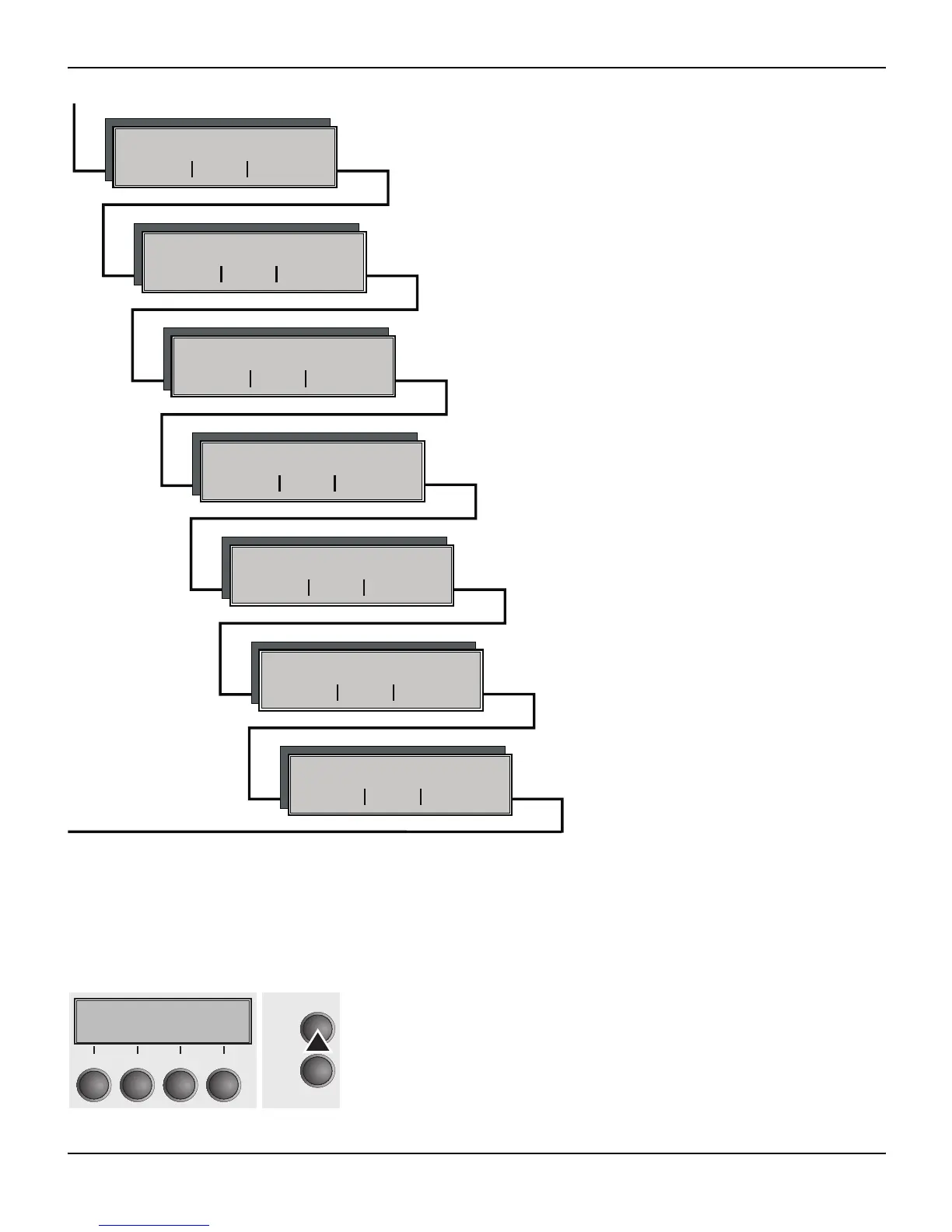
Enter Extended menu mode by pressing the key Online while
switching on the printer.
The display shows Test mode for approx. 1 second and then auto-
matically changes to display ASCII 80 ASCII 136.
Forml AGA
Back Next
H-Dump PMS
Back Next
Paphand CX-bid
Back Next
Single Pap.back
Back Next
Wrap Sound
Back Next
APW AED
HvyForm
Back Next
Back Next
W Activate/deactivate manual single sheet feeder Setting
for printing on paper with dark back
W Interface test and activating the paper motion sensor
W Setting default form length and the Automatic Gap Adjustment for
the print head
W Setting line wrap and sound when paper empty
W To print copy paper
W Automatic paper width detection and precise
positioning of the paper at the tear edge after
cutting action and subsequent change of the
paper path
W Settings to facilitate handling paper of poor quality and the par-
allel interface
Testmode
Initializing ...
Online
Setup
21
3
4














 To Next Page