Paper handling User guide
40
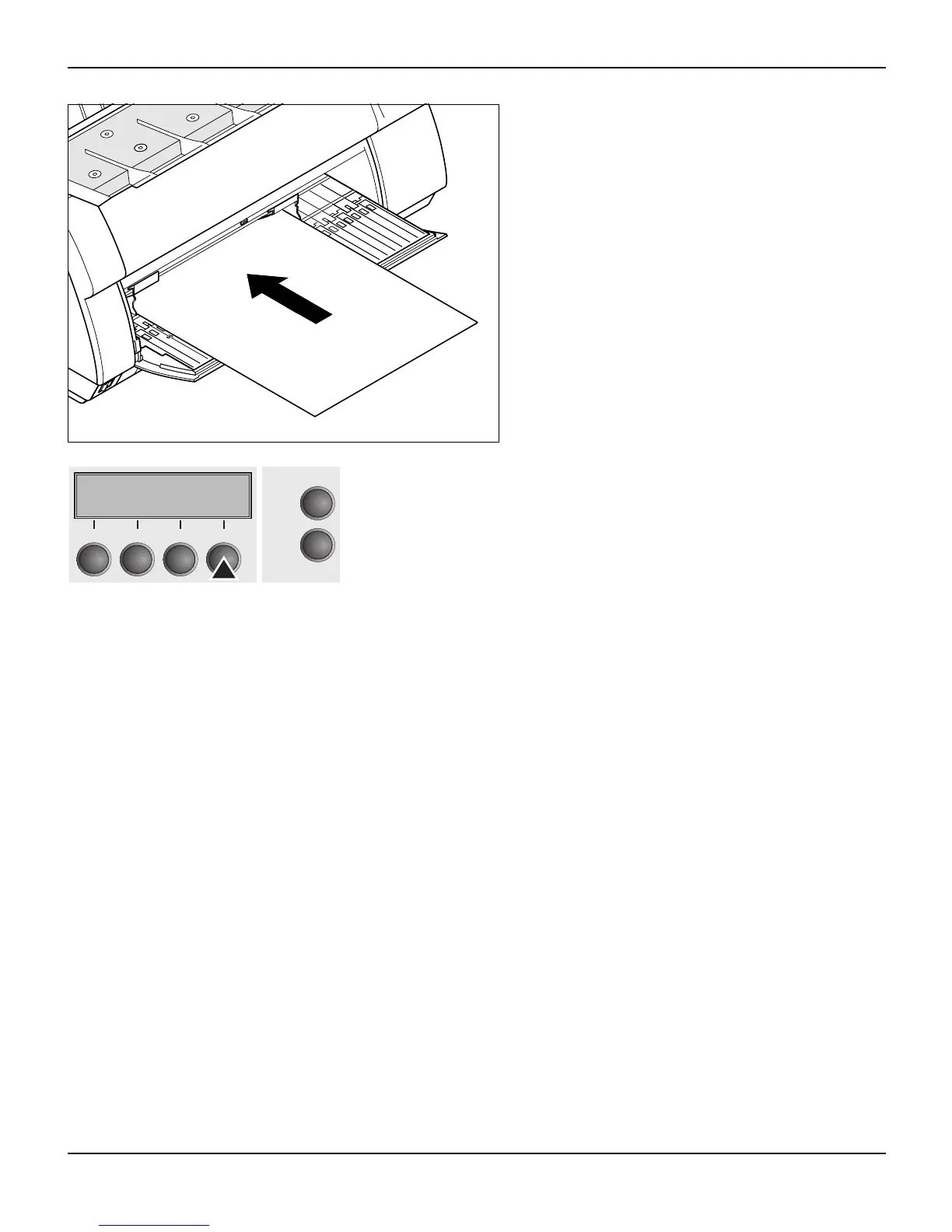
Insert the single sheet into the input tray as far
as possible.
Press the Online key to set the printer to ready
status. The sheet is automatically loaded when
the printer is in online mode and receives data
from the computer.
The printer reports a paper out condition by dis-
playing Load paper from single and beeping.
Press the Load (4) key only to load paper before starting the prin-
tout.
Online Single
Load
Online
Setup
21
3
4














 To Next Page