User guide 2T model
53
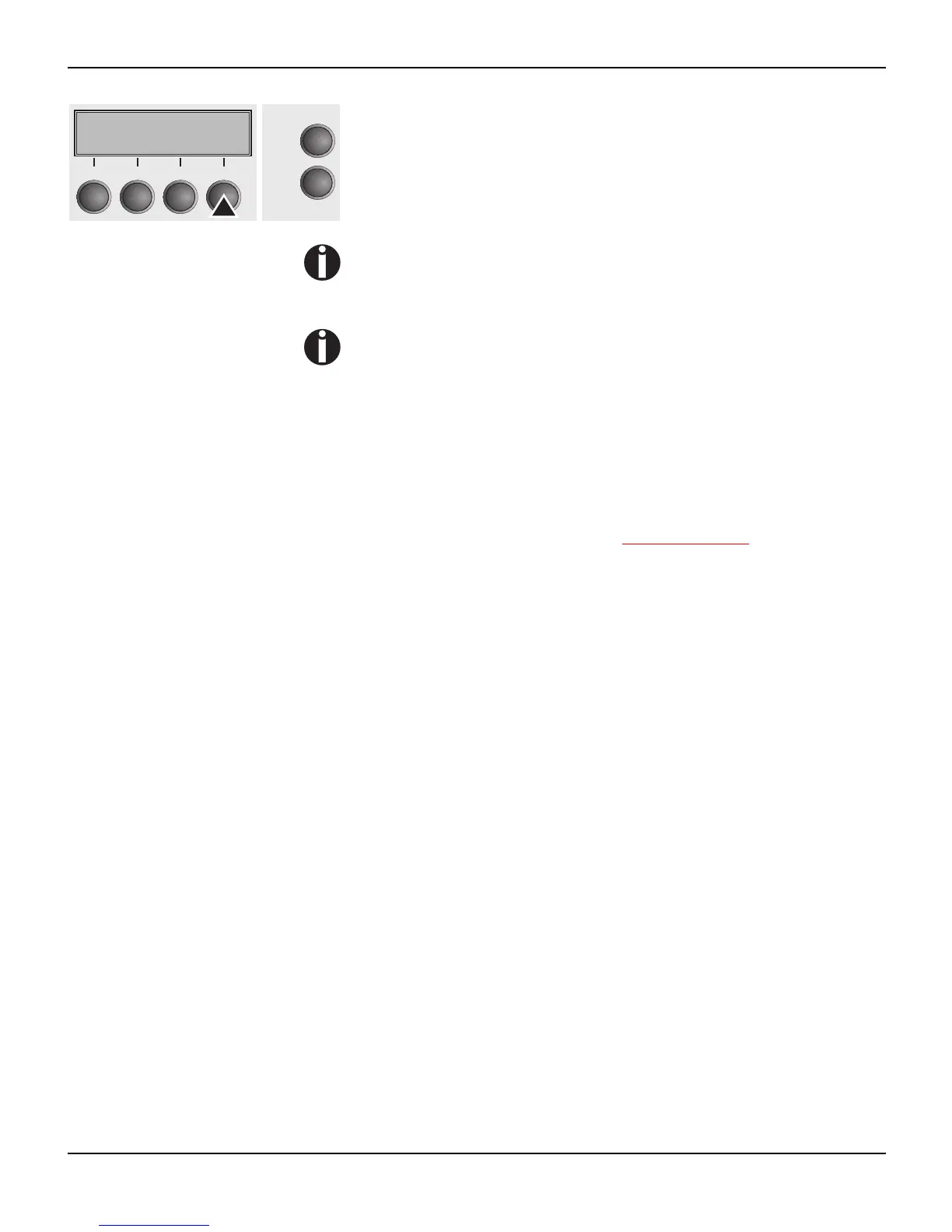
Press the Online key to select the printer. When the printer receives
data from the computer, the single sheet will be loaded automatical-
ly.
To load the single sheet before starting the printout, press the Load
key (4).
The fanfold paper can be kept in the inactive tractor when
changing the paper path. The printer will move it automatically
to the park position.
Note that the Trac to r paper path settings can be selected sepa-
rately for each tractor in the Paperway parameter group of the
setup menu.
Settings:
– Form length
– First printing line
– Print head gap setting (only for printers with the AGA
automatic gap adjustment deactivated).
If there is any problem with paper loading or paper transport, pro-
ceed as described in the chapter Troubleshooting
, page 109.
Online Trac3
Load
Online
Setup
21
3
4














 To Next Page