What’s in this guide? Getting started Making calls Using the phone book In-call features Video conferencing
10
D1403405 USER GUIDE VIDEO ENDPOINTS MXP ENGLISH—SEPTEMBER 2009
Getting started
Dual video stream
Your video system supports the use of
dual video streams in video meetings.
This means that you can transmit and
receive things like PC presentations and
DVD footage during the video meeting
(point-to–point as well as conferences),
in addition to the usual video signal you
receive and transmit. Dual video stream
is an optional feature.
The wonderful thing about this is that
it opens up for presentations of things
made with tools that require PC-
software only used by specialists.
One example could be the results of
geological surveys in the oil business.
A survey result presentation can be
important for crucial decision making,
but how do you show this to people
located thousands of miles apart?
The answer is simple; hook up your PC
to the video system, set it up for dual
video stream and give your presentation
as the second video stream!
Details about dual video stream usage
can be found in the article Utilizing
dual video stream.
The exact look of the screen during a
dual video stream session is determined
by the Setting the display layout.
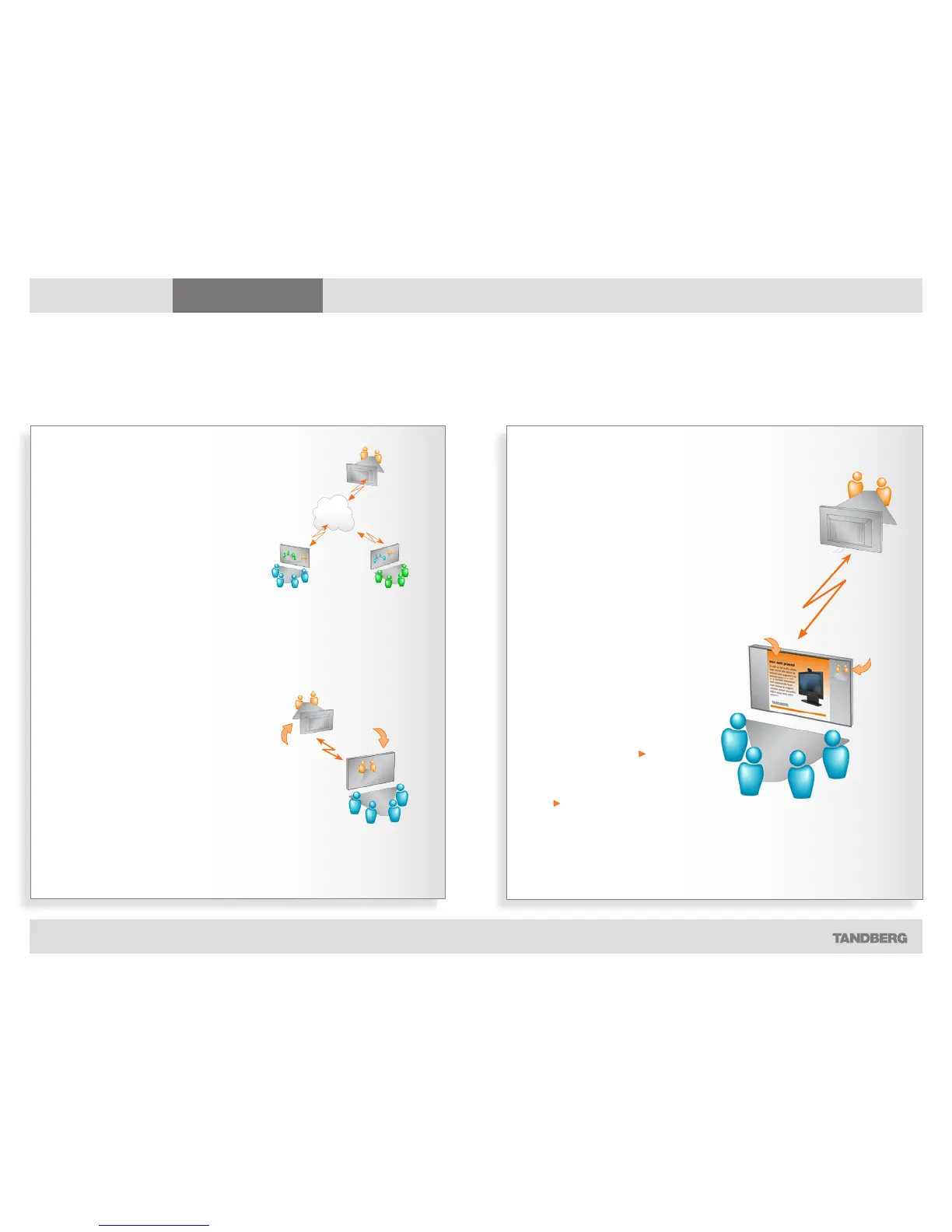
Point-to–point vs. MultiSite
The term point-to–point refers to a video
meeting with no more that two parties.
Conferences consisting of several
participants are either:
• MultiSite, which refers to a video confer-
ence using your video system’s built-in
conference capabilities, or
• MultiWay, which refers to video confer-
ences using external infrastructure.
MultiSite and Multiway calls
In MultiSite and Multiway calls (i.e.
video conferences with more than
two participants) the term Far End will
loose its meaning since it will not be
unambiguous whom we refer to.
This means that some features normally
available during point-to–point calls—
like far end camera control—won’t be
available during MultiSite calls.
About near end and far end
In a point-to–point video call, your side
is the near end and the other party
represents the far end.
If you are a
part of the
blue team,
this side of
the video call
will be the
near end...
...the
orange
team will
then be
the far end
for you.
Terminology used
Every environment has its terminology, so also for video conferencing



 To Next Page