What’s in this guide? Getting started Making calls Using the phone book In-call features Video conferencing
29
D1403405 USER GUIDE VIDEO ENDPOINTS MXP ENGLISH—SEPTEMBER 2009
Making calls
Conference calls …
V
ideo conferencing systems quipped
with the optional built-in MultiSite
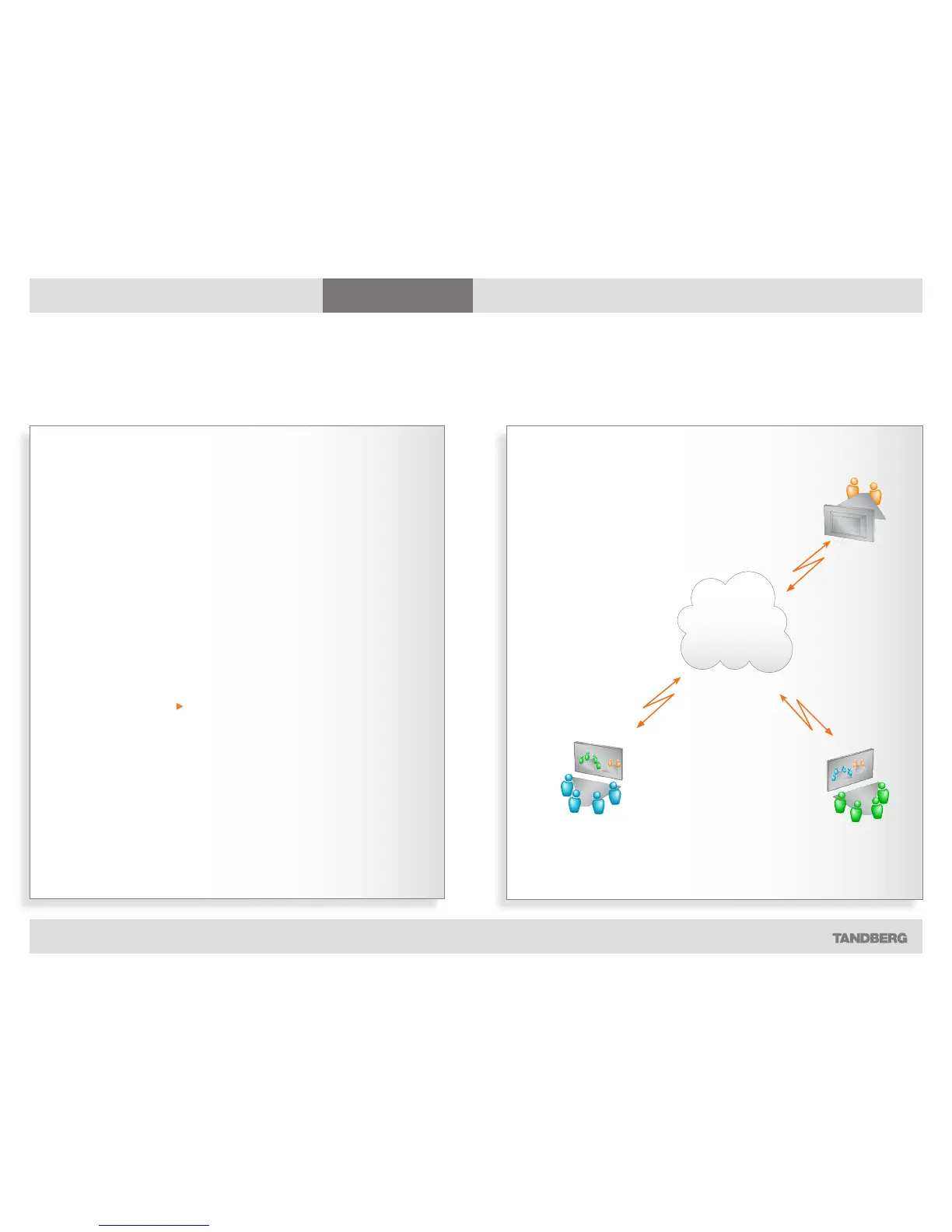
can handle several video calls and
telephone-only calls simultaneously.
How many depends on the type of
TANDBERG video system you are using.
You may set up a video meeting with
many participants in advance and/
or you may add participants during a
conference. This is called to add another
call.
Observe that the ability to add calls is
an optional feature, which your system
may, or may not, be equipped with.
Systems without this option will have no
Add Another Call icon in the menus.
Using phone book group entries
For your convenience, it is possible to
add group entries to the phone book.
More on this can be found in Phone
book usage.
IP and ISDN communication
Some TANDBERG systems use
IP (Internet Protocol) for video
communication, while others use ISDN
as well as IP.
Observe that in order to be able to
communicate with 3G mobile phones
and to enable communication between
ISDN- and IP-based systems, access to
additional functionality hardware may be
required.
Consult your system administrator or
your TANDBERG representative for
details.
How many participants?
This depends on the configuration of
your TANDBERG system. The larger
systems have an optional built-in MCU
(Multi Conference Unit) opening up
for 4–6 simultaneous participants plus
extras on voice-only (telephone), while
the smaller systems do not have this
feature at all.
All systems can, however, be connected
to a network containing external MCUs.
These MCUs are capable of running
several video conferences with many
participants each, simultaneously. read
more about this on the next page
To learn more about the actual
configuration available in your system,
contact your system administrator.
About video conferences
Part 1: The basics
If you are the one who initiated the video
conference, you are considered to be the
host by the system.
In MultiSite calls (i.e. video conferences with
more than two participants) the term Far End will
loose its meaning since it will not be unambiguous
whom we refer to.
This means that some features normally available
during point-to–point calls—like far end camera
control—won’t be available during MultiSite calls.



 To Next Page