What’s in this guide? Getting started Making calls Using the phone book In-call features Video conferencing
7
D1403405 USER GUIDE VIDEO ENDPOINTS MXP ENGLISH—SEPTEMBER 2009
Getting started
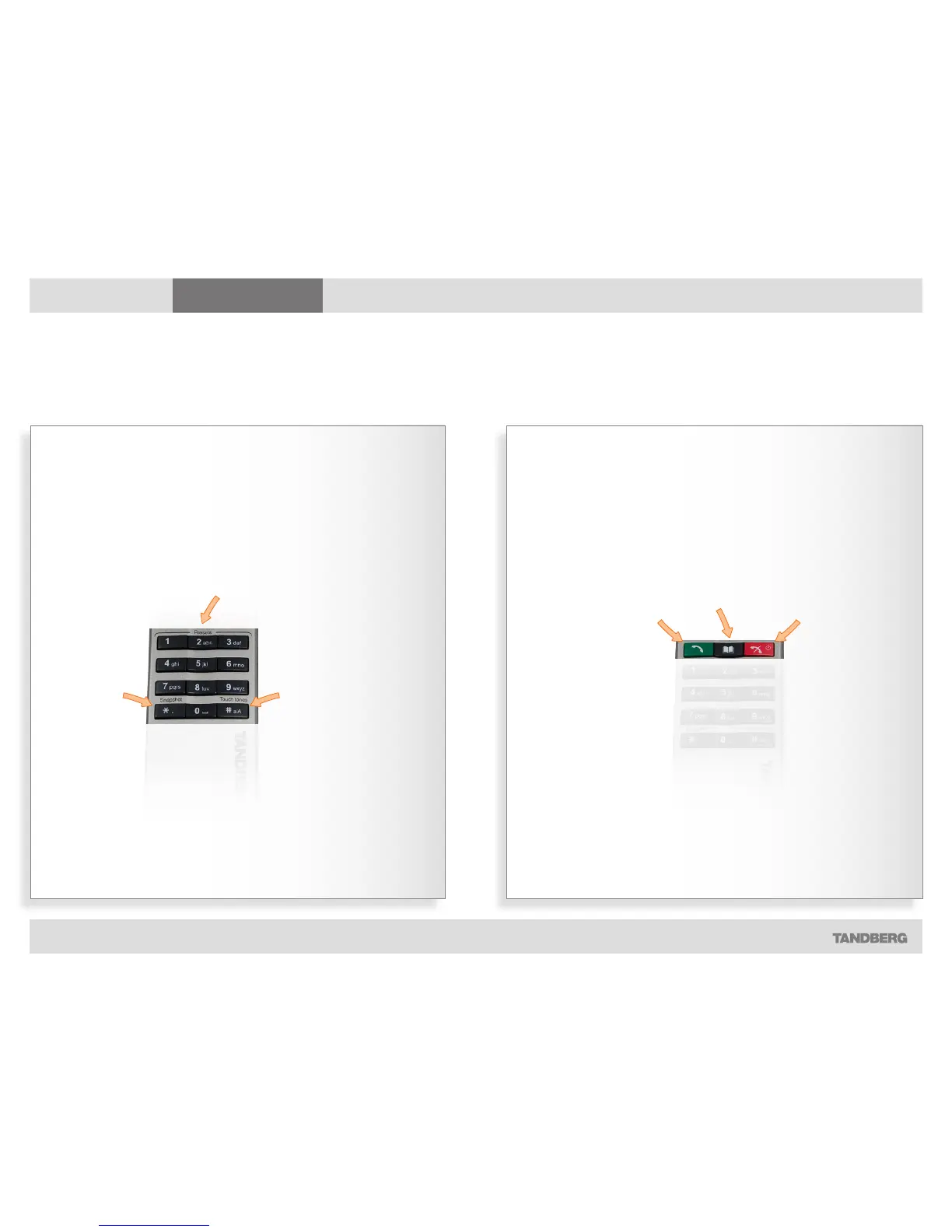
THE NUMERICAL KEYPAD THE CALL CONTROL KEYS
Press Touch
tones when
you are in a call
and need to
dial extension
numbers etc.
Press the OK
button to exit
Touch tones.
Take a
snapshot, but
only during a
call.
You may predefine camera positions
to be used during a call. Presets do not
apply to systems with fixed or manually
moved cameras.
Use the End
Call key to end
the current
call. Pressing
this key
when not in
a call will put
the system
in Standby
mode.
Press the Call
key to place
a call.
Use the Phone
Book to store and
recall video contacts
for easy placement
of calls.
The remote control (II)
Don’t let the number of keys on the remote control confuse you. The system is quite simple



 To Next Page