What’s in this guide? Getting started Making calls Using the phone book In-call features Video conferencing
51
D1403405 USER GUIDE VIDEO ENDPOINTS MXP ENGLISH—SEPTEMBER 2009
Video conferencing
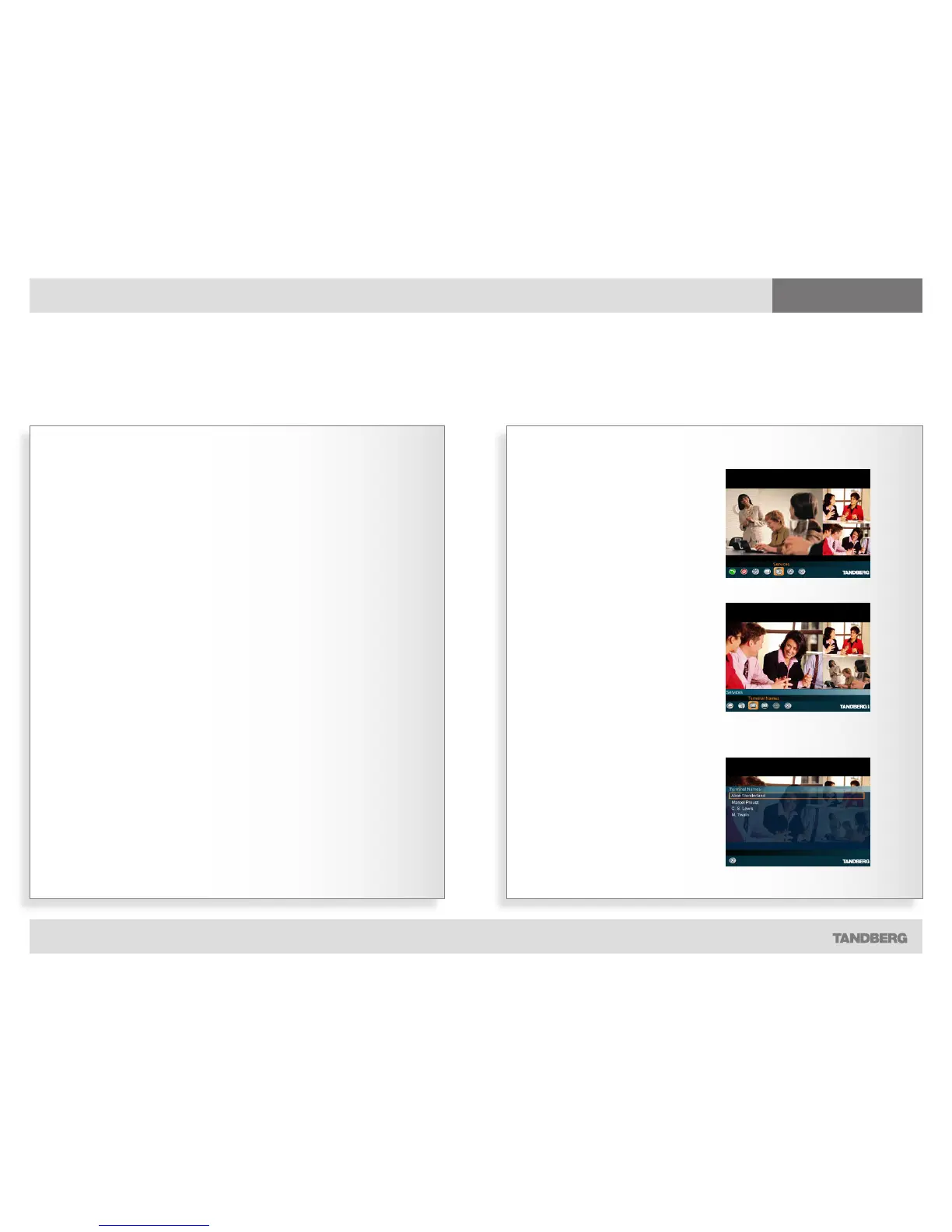
Displaying terminal names…
Y
ou may want to see a list of all the
participants in a video conference.
For this purpose there is a list of the
terminal names available.
Terminal names
See who participates in the meeting
1. In the main menu, select the Services
icon and press the OK key…
2. In the submenu, navigate to the
Terminal Names icon and press the
OK key…
3. The list of terminal names will now be
shown.



 To Next Page