What’s in this guide? Getting started Making calls Using the phone book In-call features Video conferencing
5
D1403405 USER GUIDE VIDEO ENDPOINTS MXP ENGLISH—SEPTEMBER 2009
Getting started
Pick up the remote control
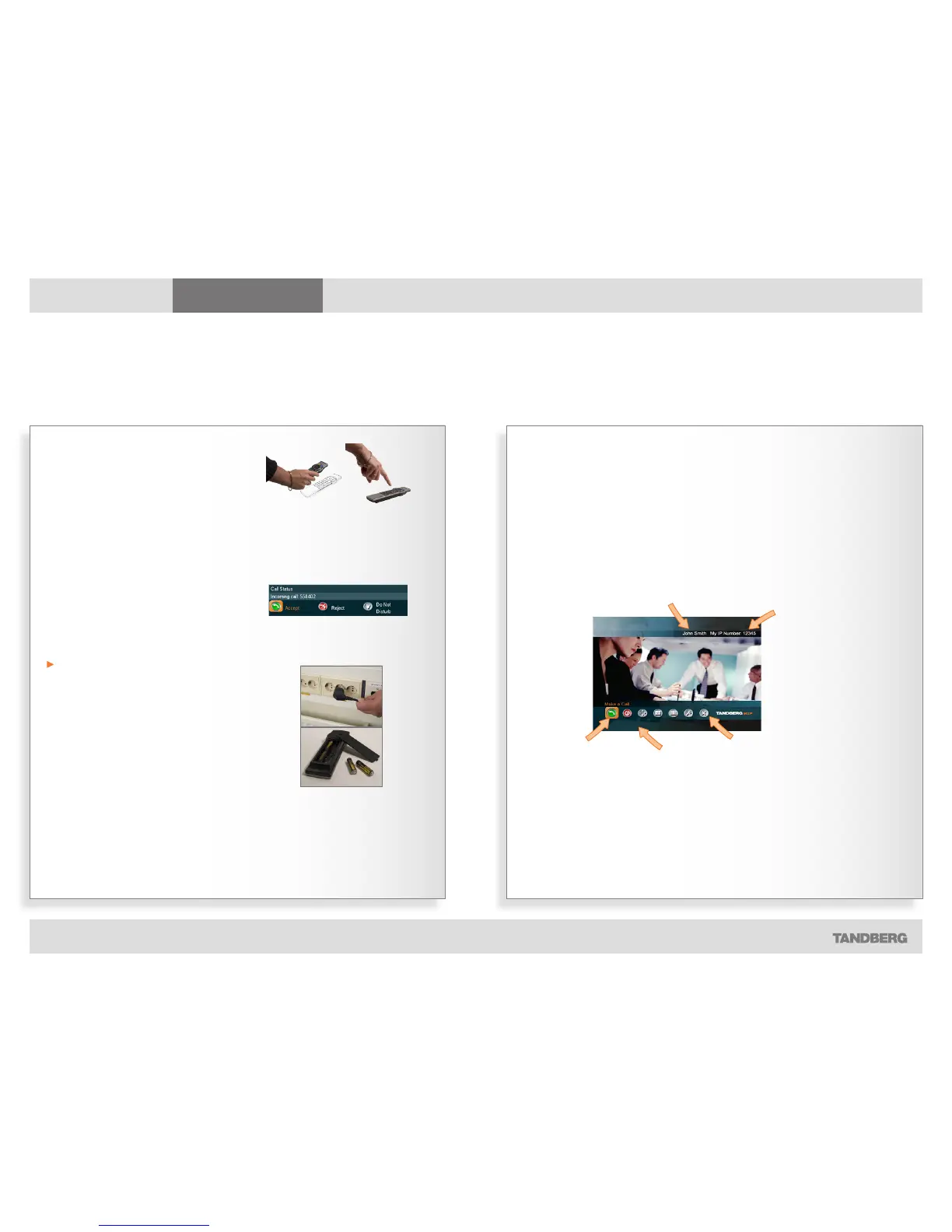
To wake up the system just pick up the
remote control or press any key. You
may have to point the remote control
towards the system to make it discover
you.
The system will now show the welcome
screen.
Even incoming calls wake up the
system!
The system is in standby mode
whenever it is not used. The screen is
then black. Any incoming call will wake
up the system from standby.
There are some restrictions to this if the
Using Do not disturb function has
been activated.
If the system fails to respond
Should the system fail to respond, make
sure that:
• The system is connected to line voltage
• The remote control has working batter-
ies.
The welcome screen
Waking up the system
To make a call you need to wake up the system from standby
The name that your
system has been given.
The IP number of
your system is the
dial-in number of your
system.
The main menu.
The orange frame
shows which icon is
currently selected.
Any calls missing or
other warnings will
appear here.



 To Next Page