What’s in this guide? Getting started Making calls Using the phone book In-call features Video conferencing
17
D1403405 USER GUIDE VIDEO ENDPOINTS MXP ENGLISH—SEPTEMBER 2009
Making calls
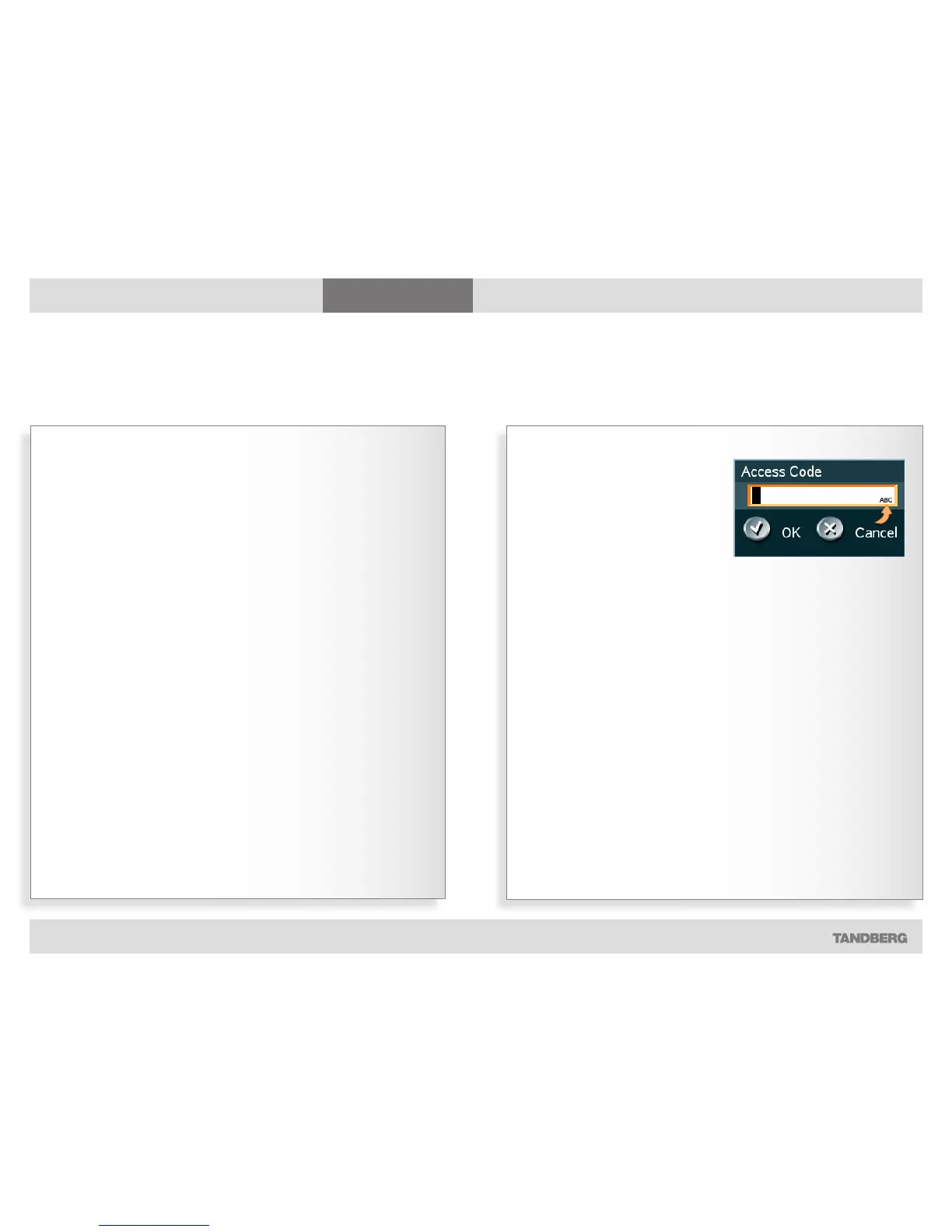
When the system asks for codes
When the system asks for access
codes, a dialog box will appear,
prompting you to enter a valid code.
Use the remote control to enter the
code. Note that the system expects text
entries, similar to when using a mobile
phone to send text messages (sms)—
see for details.
Y
our TANDBERG system may, or may
not, have been set up to require
access codes to be typed in before a call
can be made.
Access codes are used for two things:
• Call restrictions. These may be
applied by installing a file of valid
access codes that must be entered
to permit calls to be made. This
installation is typically made from
TMS (TANDBERG Management
Suite—available separately).
• Billing opportunities. Assume that
an access code is needed whenever
you make a call. Your company may
have different access codes for the
different clients of your company.
Then, the access code used may
be picked up by TMS to generate
statistics on who is calling whom,
when, and for how long time.
This information may later form
the basis for billing clients or
departments. Observe that in this
case there will be no strict need for
installing an access code file on your
system—TMS will still have access
to the codes you have assigned
to the calls. In this case any code
entered will be considered valid.
Of course, the two applications may be
combined to form a billing system with
call restrictions. This will then become a
system that acts as forced billing.
Access codes should be activated by
your system administrator.
How to do this is described in the
Administrator Guide which can be
downloaded from http://www.tandberg.
com.
Access codes
Text entries are expected.



 To Next Page