GTS Technical Manual
14. March 2014 Edition: V1.00/2014 5-3
Copyright © 2014, Diversey Care
05.10.26 handle - microswitch - 30_V1.00.fm
5.1 Handle
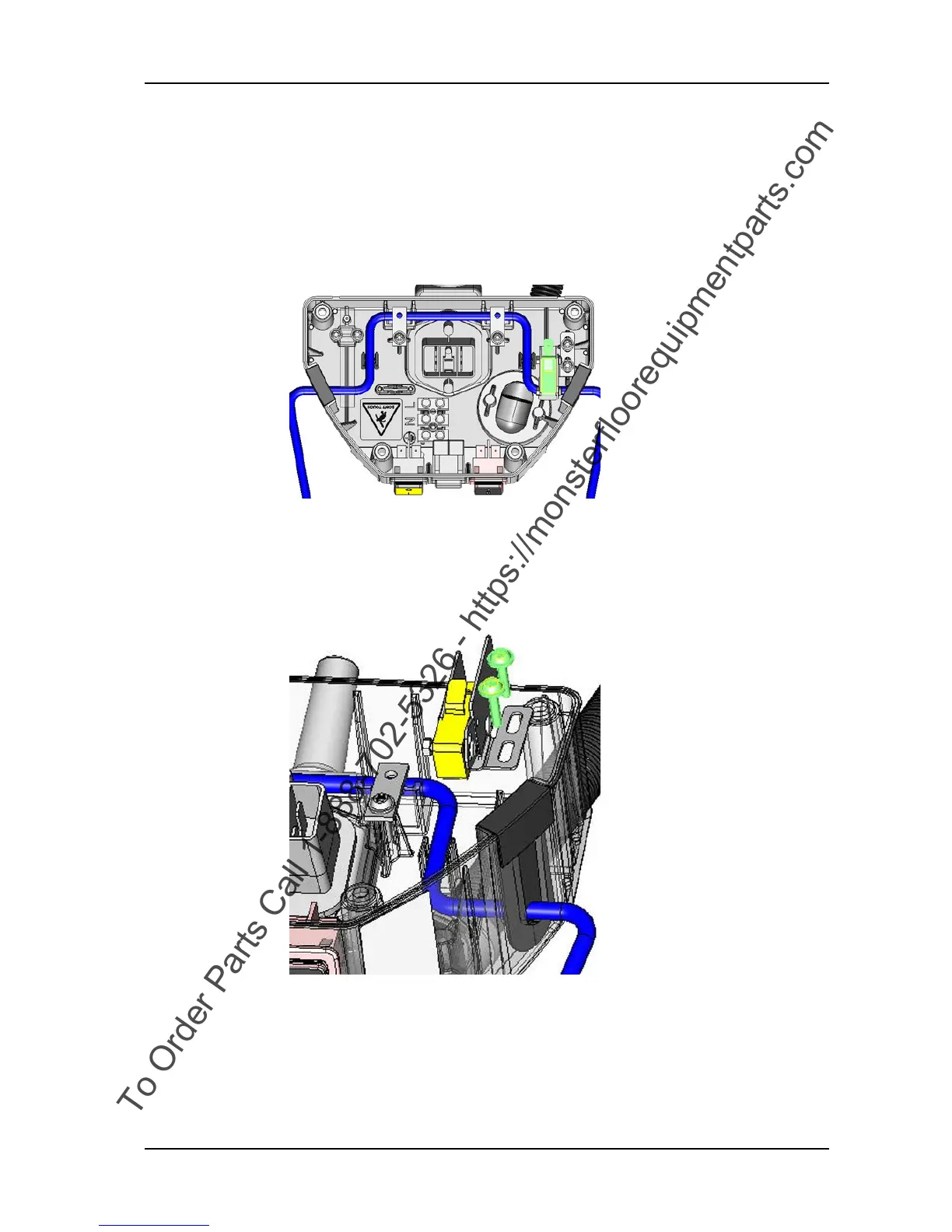
5.1.3 Removing of microswitch
Picture 5: Microswitch
• Remove housing according to chapter REMOVING OF HOUSING.
• Remove the two screws (01/111) from the angle bracket (01/
118).
• Remove the angle bracket from the housing (01/104).
• Disconnect the wires from the microswitch.
Picture 6: Remove microswitch











 To Next Page