78
4.1.2.2 03 READ HOLDING REGISTER
This function allows the user to read the values of all the Parameters, Connections, Internal Sizes
and some status variables. Writing the correct address you can access these data (see the table
under for the address) ; considering the internal representation you can rightly interpret the read data
: as usual it is necessary to see the related tables in the specific description of the core :
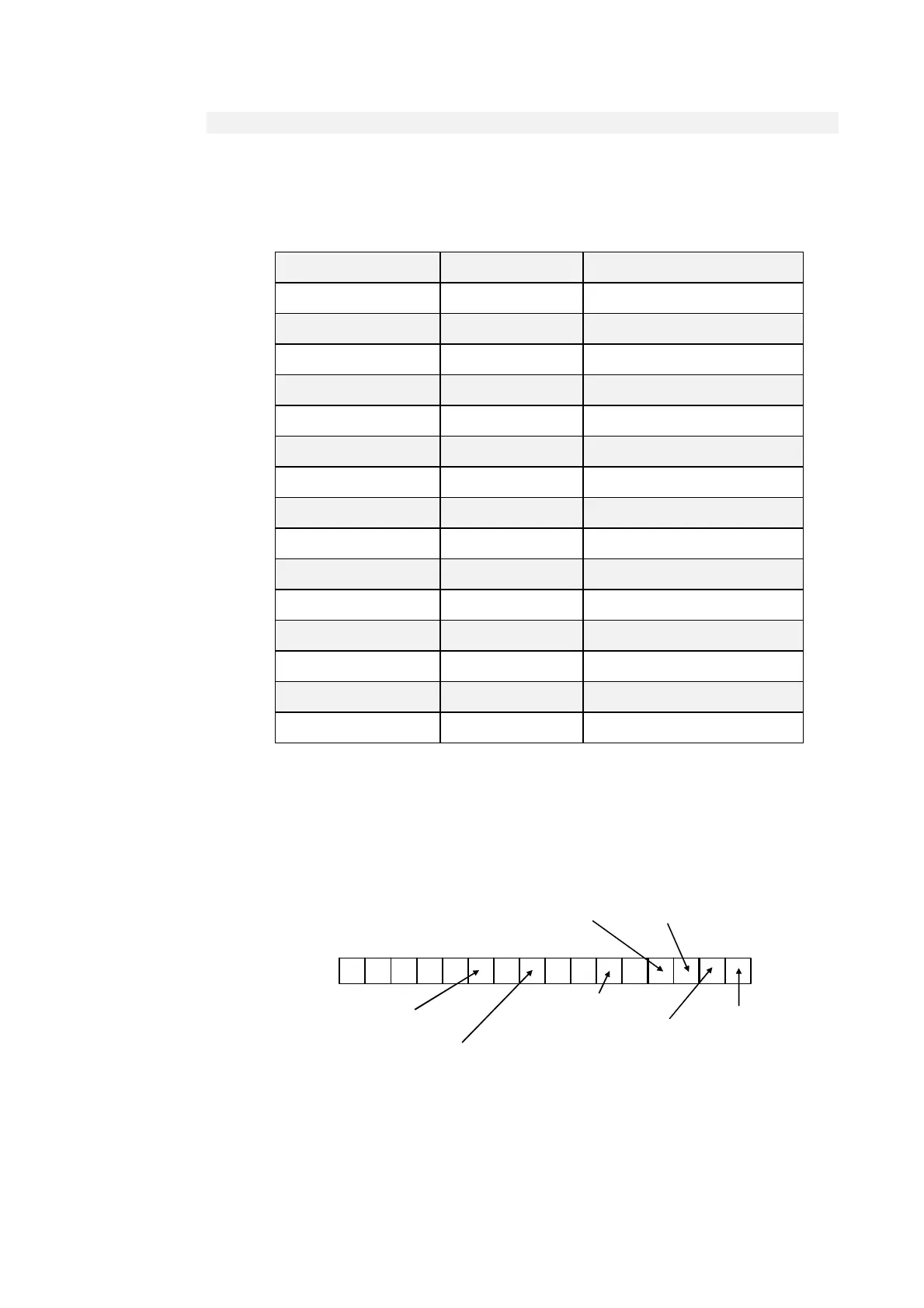
starting address (hex) Max number of data Description
0000 200 Parameters table
00C8 100 Connections table
012C 100 Application Data table
0380 64 Internal sizes
0200 1 Drive status
0202 1 Drive alarms
0203 1 Alarm enabling
0300 1 Digital input logical functions
0320 1 Standard digital outputs logical functions
0340 1 Applicative digital output logical functions
052C 800 Representation parameters table
084C 400 Representation connection table
0C00 128 Analog outputs and monitor values
0D00 500 Representation extra parameters table
09DC 64 Representation internal parameters table
It is not possible to read more than 127 registers at a time due to the memory limits of the buffer.
The order number of the parameters, of the connections and of the internal sizes is the one related to
the lists contained in the description of the control’s core.
See the specific documentation for data area application.
The status variable is the same for all the implementations; hereinafter you can find the meaning of
the most important bit :
Drive status
15
0
Drive state :
0 = Stop
1 = Run
1
Working state:
0 = generator
1 = motor
2
Brake :
0 = off ; 1 = on
5
1 = alarm actives
8 3
1 = Mains supply off
1 = Drive ready
10
1 = Power soft
start on
referring to alarms and their enabling, the order number for the bit of the word corresponds to the
number of the alarm itself. (e.g. A2= external enable corresponding to the bit 2 of drive alarms )



 To Next Page