83-517-000 Rev. A
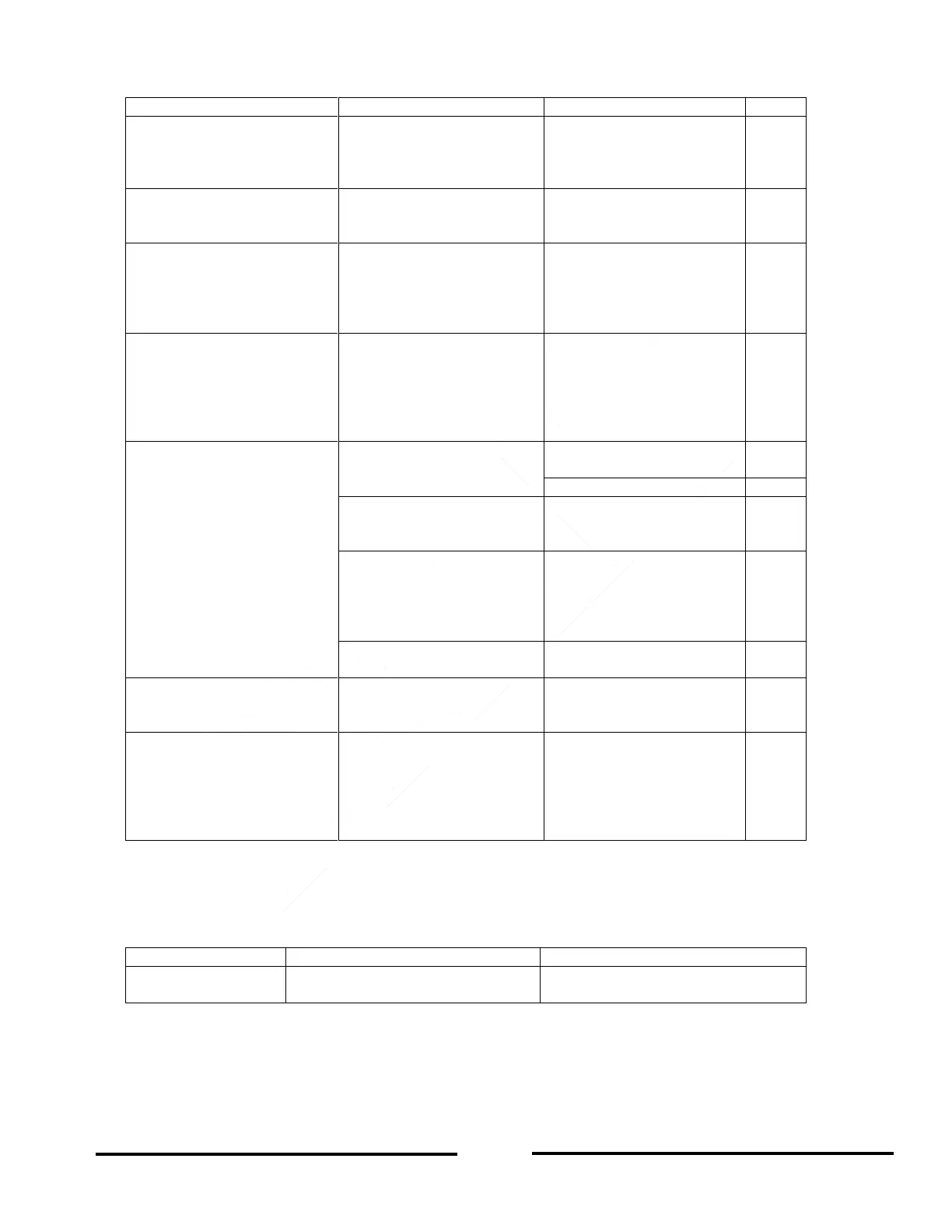
Table 9-1: Troubleshooting Guide (continued)
Output Voltage will not
adjust. Front panel CV LED
is illuminated.
Check if output voltage is
adjusted above OVP
setting or below UVL
setting.
Set OVP or UVL so their
settings will not limit the
Output voltage.
Output Current will not
adjust. Front panel CV LED
is illuminated.
Is the unit in Constant-
Voltage (CV) mode ?
Check Output current limit
and Output voltage setting
Large voltage ripple present
across Output.
Is the power supply in
remote sense ?
Is the voltage drop on the
load wire too high ?
Check load and sense
wires connection for noise
and impedance effects.
Minimize the voltage drop
on the load wires.
No output. Display indicates
“OUP”
Over-Voltage Protection
(OVP) circuit is tripped.
Turn OFF the AC Input
power switch. Check load
connections. If J1 Analog
Programming is used,
check if the OVP is set
lower than the output.
No output. Front panel
ALARM LED is blinking.
Check rear panel J1
ENABLE connection.
Check rear panel J1
Output Shut-Off (SO)
connection.
Check if air intake or
exhaust are blocked.
Check if the unit is
installed adjacent to heat
generating equipment.
Check Foldback setting
and load current.
Poor Load regulation.
Front panel CV LED is
illuminated.
Are sensing wires
connected properly ?
Connect the sense wires
according to User’s
Manual instructions.
The front panel controls are
non-functional.
Is the power supply in
Local-Lockout mode ?
Turn Off the AC Input
power and wait until the
display turns OFF. Turn
on the AC Input power
and press the front panel
REM/LOC button.
9.7 FUSE RATING
There are no user-replaceable fuses in the power supply. Internal fuses are sized for fault protection and if a
fuse opened, it would indicate that service is required. Fuse replacement should be made by qualified technical
personnel. Refer to Table 9-2 for a listing of the internal fuses.
F301, F302:
30A, 250VAC, Fast Acting
F321, F322, F323:
15A, 250VAC, Fast-Acting
Table 9-2 Internal Fuses













 To Next Page