75
Therefore, these fields are disabled (gray) on the web page. If the server cannot make the
assignment, the power supply reverts to the Auto IP method, described in section 4.7.4.4 on
page 63. In this mode, the user can change the hostname and description only.
NOTE
The Hostname must not exceed 15 characters.
•
Static IP: If this mode is selected, the IP address, subnet mask and default gateway must be
entered in the window fields. The settings must be compatible with the requirements of the
network server. These settings do not change if the power supply is transferred to a different
LAN connection.
DNS server field is disabled (gray).
NOTE
In this mode, there is no hostname connectivity.
•
Apply: Click this button to save the new settings. A pop-up dialog requests to close or refresh
the page. ‘admin’ log-in will be logged-out after refresh.
•
Close: Click this button to return to the LAN Configure Page shown in section A.
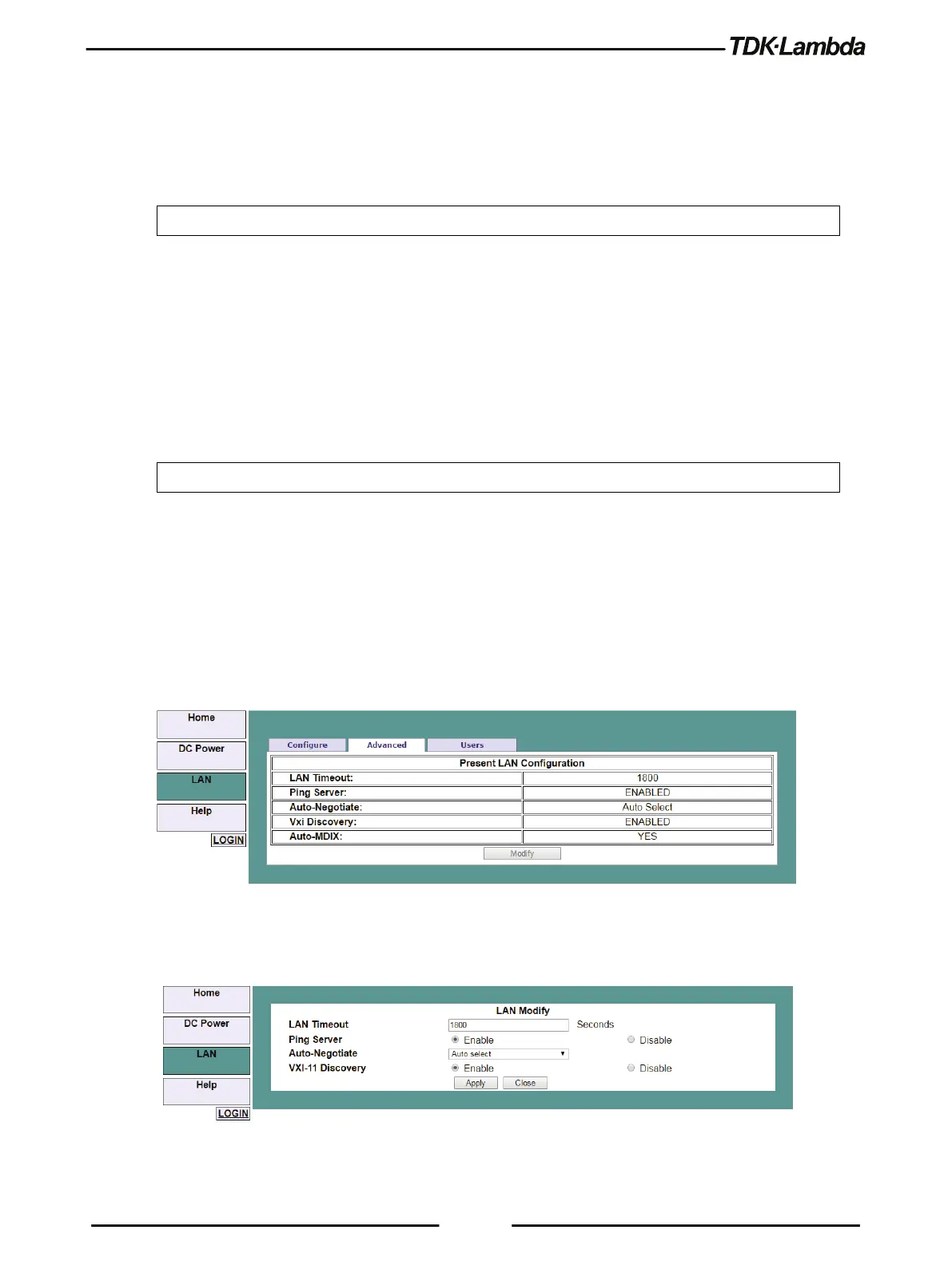
C. LAN ➔ Advanced & LAN ➔ Advanced ➔ Modify Page
Click the LAN ➔ Advanced button to view advanced LAN settings:
Figure 4–17: LAN – Advanced Tab
These settings can be changed only by logging-in as 'admin'.
Figure 4–18: LAN – Changing Settings













 To Next Page